Visual Loop Hook: What It Is and How to Make One
Also called: Seamless loop, Infinite loop, Perfect loop, Endless cycle hook
Picture a small candle brand filming one clip. A lit candle sits on a shelf. A hand snuffs it out, then strikes a match and lights it again, and the video ends on the same glowing wick it opened with. A viewer watches it twice before they realise it restarted. That moment is the visual loop.
This guide shows you how to plan, film and fix a loop. You get a copy-and-adapt template, examples across beauty, fashion, food, home and creator niches, and practical ideas for DTC brands. You don't need special kit. You need a steady camera and one action you can reset.
What is a visual loop hook?
A visual loop hook is a short video whose last frame matches its first frame. When it replays, there is no visible jump, so the clip seems to repeat on its own.
Think of the video as a circle, not a line. You plan the start and the end together, then fill the middle with one clear action. Say a full glass of juice is drunk, set down, and the video cuts back to the full glass. When the clip restarts, the viewer may not spot the join at first. That brief confusion is the hook, because they keep watching to find where it began. You don't need a spoken line or a plot twist. The edit itself holds attention.
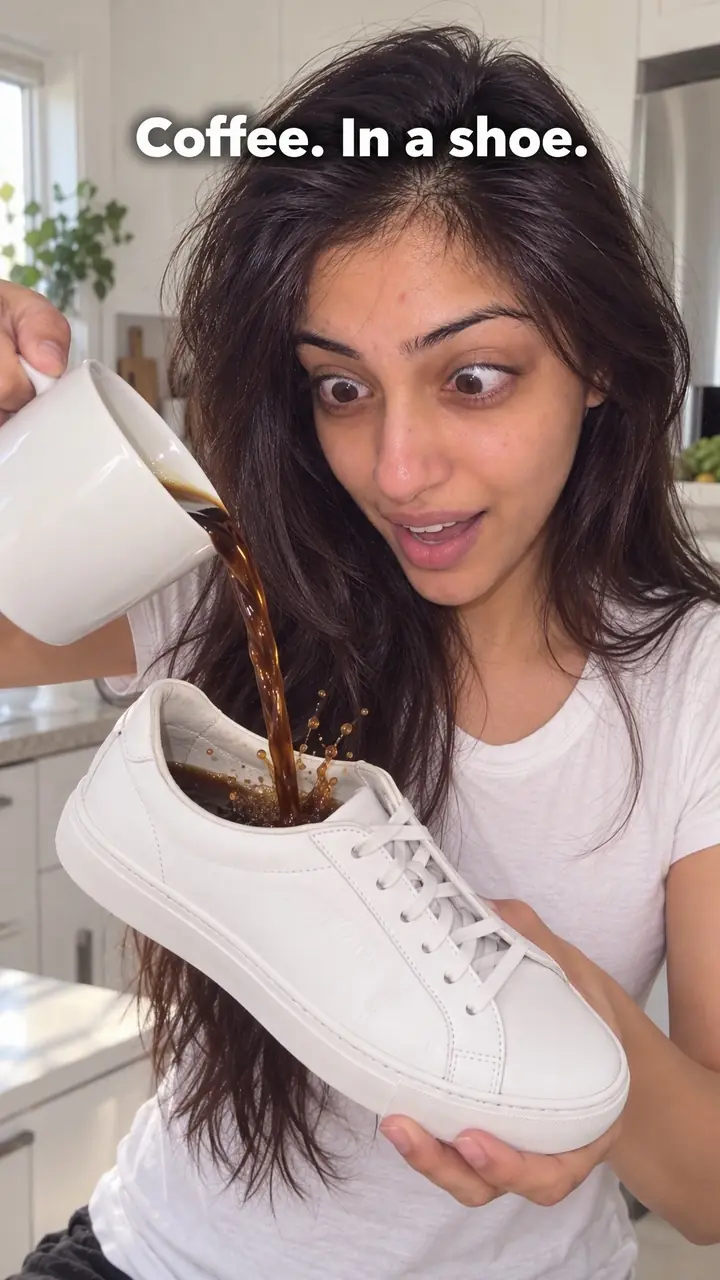
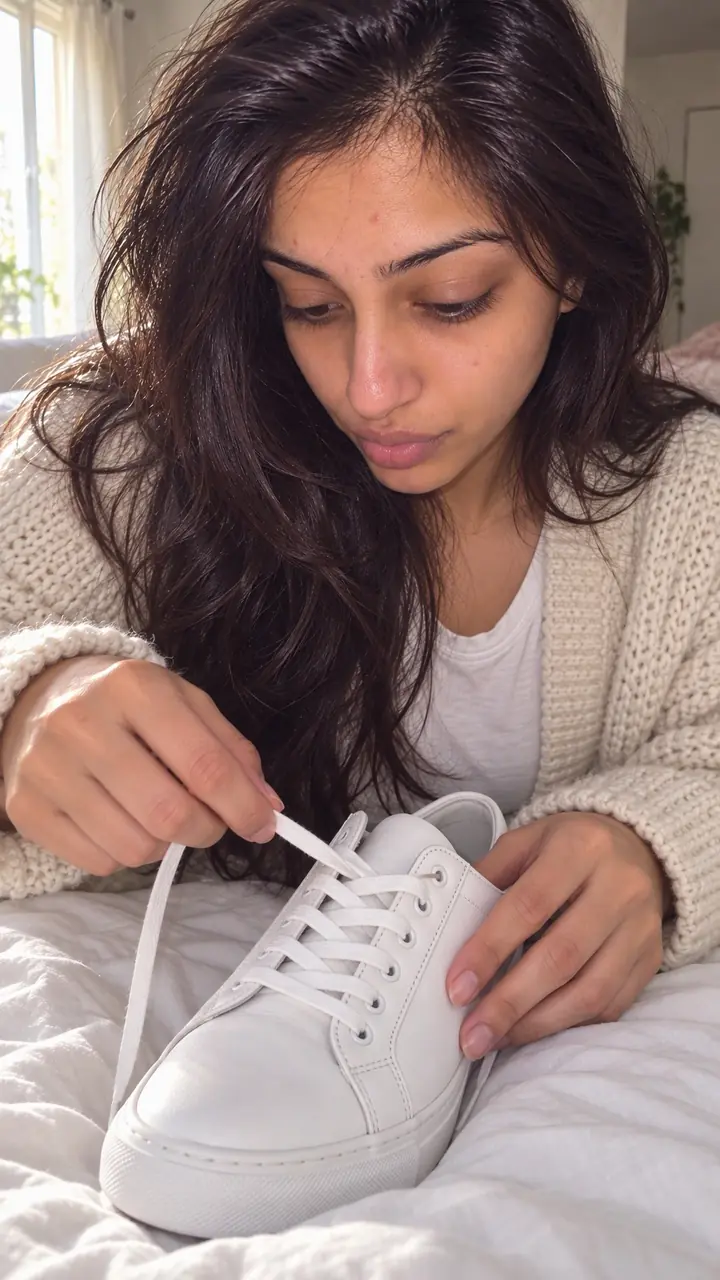
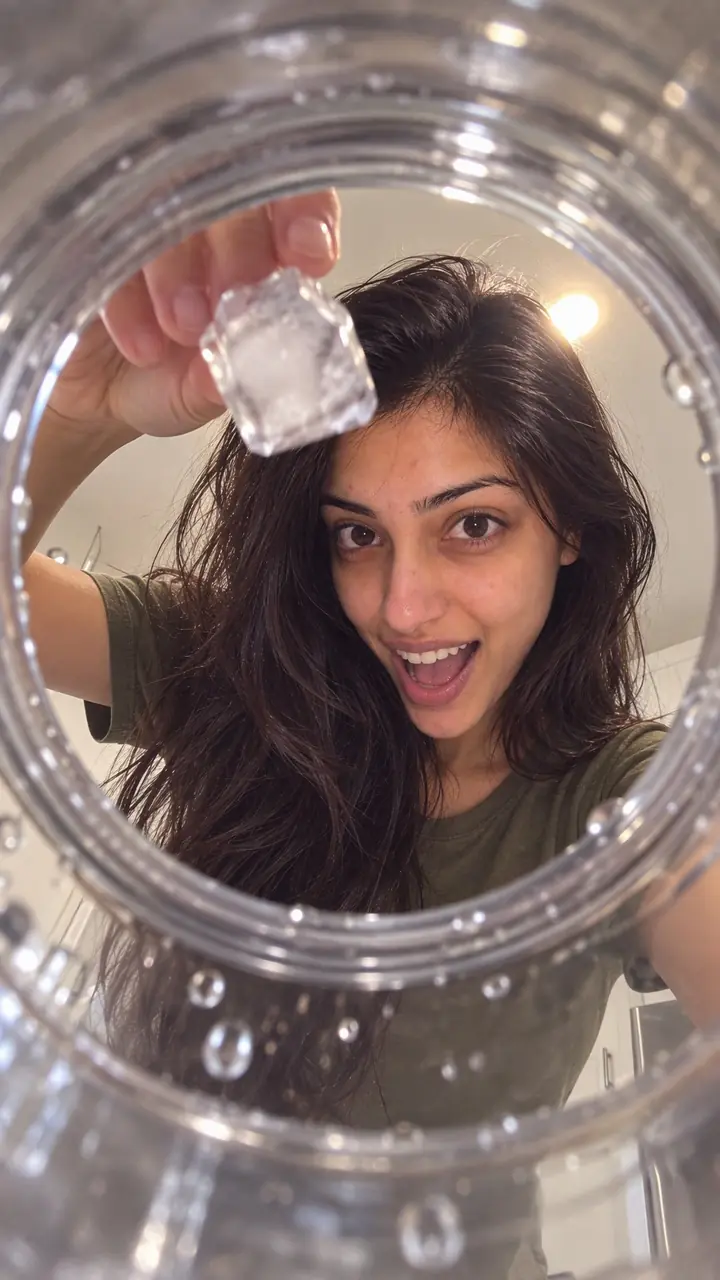
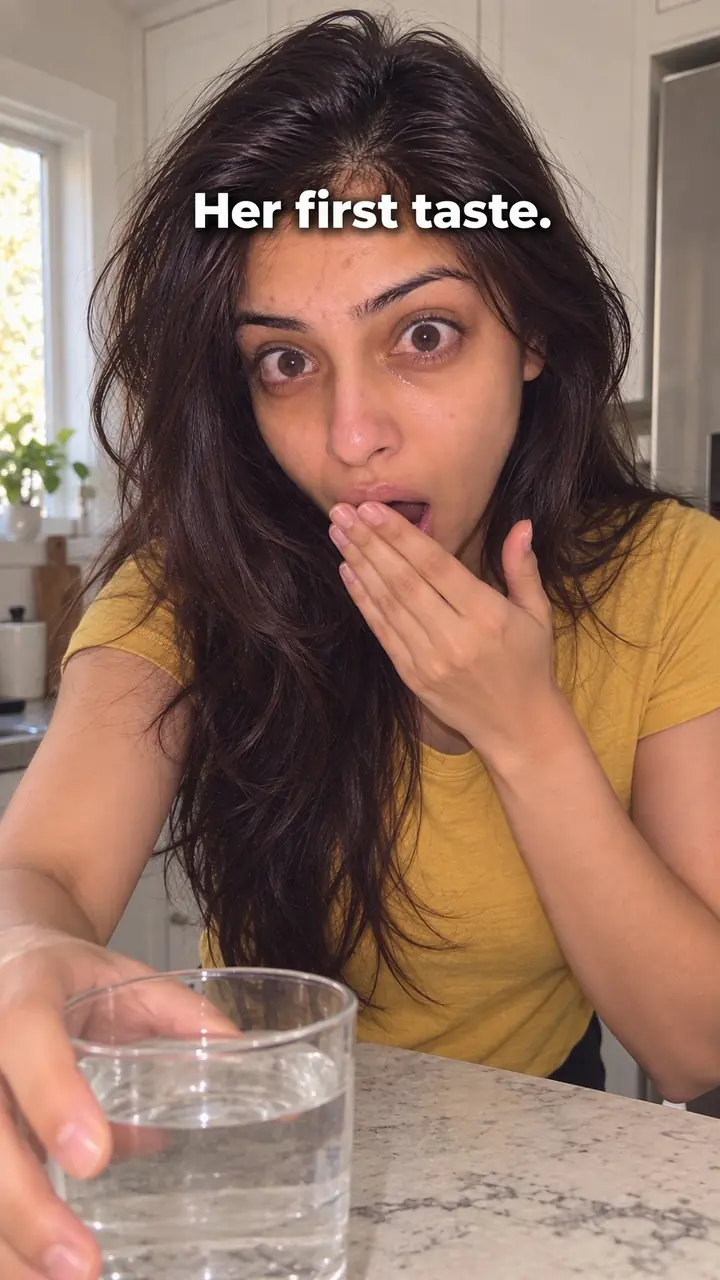
Visual loop hook, in pictures
Why it works
- Less obvious stopping point
- When the ending matches the opening, the restart can be less noticeable. Some viewers may continue into another viewing, but the join alone does not guarantee attention.
- A reason to look again
- A clear action with an interesting reset may invite viewers to watch again to see how it works. Others may move on after one viewing, so the product or message should make sense the first time.
- Easy-to-follow repetition
- One simple action can be easier to follow across repeated plays than a sequence with many steps. A loop may encourage rewatching, but greater reach or sales should not be assumed.
The formula
- Choose one action that you can undo or reset in a few seconds.
- Fix your anchor frame: the exact picture the video opens and closes on.
- Film from the anchor frame, through the action, and back to the anchor frame.
- Match camera, light, hands and object position at both ends.
- Trim to roughly under 15 seconds and test that the restart has no jump.
Anchor frame: [object] in [exact position], [hands in or out of shot]. Action: [one move, e.g. open, pour, fold]. Reset: [how the object returns to the anchor]. Length: [number] seconds. Sound: [one sound that can repeat without a hard cut]. On-screen text: none, or [3-5 words] shown only mid-clip. Caption: [one short line about the product or action, not the trick].How to use it
- Pick one action you can repeat
Choose an action with a clear start and finish. Pouring, folding, opening, closing, stacking or wiping all work. Avoid actions with many steps. If you have to explain it, pick a simpler one.
- Set your anchor frame
Decide the first frame before you film. Note where the object sits, where your hands are and what is in the background. Take a photo of that frame so you can match it at the end.
- Lock the camera
Use a tripod if you can. Keep the same distance and angle for the whole clip. Camera movement makes the join easy to see. If you must move, return to the exact start position.
- Film the action and the reset
Do the action once, slowly and cleanly. Then bring every item back to the start position, hands included. Check the light, because a small shadow shift can break the loop.
- Trim the join
Cut any pause at the start or end. Line up the last frame with the first. Play it three times in a row. If you see a jump, trim one frame at a time and test again.
- Add sound that loops cleanly
Pick a sound that can repeat without a hard cut. A soft click, pour or tap works if it matches the action. Avoid audio that builds to a peak at the end. Export and watch the restart on your phone before you post.
- Match the format
Reels, TikTok and Shorts replay clips on their own, so the loop does the work there. In ads, keep the loop as the opening seconds and add your message after the first cycle. On a carousel, make the last slide mirror the first so swiping feels circular.
Examples
| Niche | Line | Why it works |
|---|---|---|
| Beauty (DTC) | Template: Open on a closed [product] jar. Twist the lid off, scoop a little, swatch it on the back of a hand, then close the lid in the same spot. | The texture is the middle of the clip. The closed lid at both ends hides the join. |
| Fashion (DTC) | Template: Open on a folded [garment] on a table. Shake it out, hold it up to show the front, fold it back to the first fold. | Folds are easy to match on camera. The product stays in frame for the whole loop. |
| Food and drink (DTC) | Template: Open on a full glass of [drink]. Lift it, sip, set it down, cut to the full glass in the same spot. | A level change is easy to read. The jump back to full makes viewers rewatch to find the cut. |
| Home (DTC) | Template: Open on a neat [blanket or throw] over a sofa arm. Pull it off, wrap it round shoulders, drape it back exactly as before. | The action is familiar. Viewers check small details in the folds when it restarts. |
| Accessories (DTC) | Template: Open on a [bag] zipped shut. Unzip, pull out [item], tuck it back, zip it closed. | Zips and clasps give hard edges, so the anchor frame is easy to match. |
| Fitness (DTC) | Template: Open on a rolled [mat or band] on the floor. Unroll it, do [number] reps, roll it back to the same spot. | The roll gives a clear shape at both ends. The reps show the product in use. |
| Home cook creator | Template: Open on a ball of dough. Roll it flat, fold it, shape it back into the same ball. | The shape change holds attention. The return to the ball closes the circle. |
| Artist creator | Template: Open on a blank page. Draw one shape in [number] strokes, then cut back to the blank page. | The drawing gives a middle to follow. The blank page resets with no extra props. |
| Desk or study creator | Template: Open on a tidy desk. Mess it up, then put each item back in place, ending on the tidy desk. | Viewers enjoy spotting each item return. The calm end frame flows straight into the start. |
Variations
- Forward then backward
- Film the action once, then play it in reverse so the object travels back to the anchor frame. You only need one clean take. It suits pouring, stacking and opening.
- Moving detail loop
- Keep the whole frame still and loop one small detail, like steam rising, a drop falling or a light blinking. This works best for clips of a few seconds.
- Hand in, hand out
- An empty frame becomes the anchor. A hand enters, does the action and leaves the same way it came. Match the entry side and speed or the join will show.
- Match cut loop
- End on a shape or color that matches the opening, like a round lid cutting to a round plate. You can change scenes, but test the restart carefully.
Common mistakes
- You try to show too much in one loop.
- Fix → Pick one action. Remove every step that doesn't change what the viewer sees.
- The camera moves between the start and the end.
- Fix → Use a tripod. Mark the object position with tape just outside the frame. Match your photo of the first frame.
- There is a visible jump at the restart.
- Fix → Trim frame by frame. Remove pauses. Check that hands and shadows sit in the same place.
- Text pops in and out and breaks the join.
- Fix → Show text only in the middle and fade it before the end. Or move the words to the caption.
- The loop is clean but dull.
- Fix → Shorten the clip or add a clear change in the middle. The viewer needs a reason to stay for the restart.
- You hide the product to protect the trick.
- Fix → Show the product in the first frame. Make the action prove one point about it. Put price or offer details in the caption.
When not to use it
- Avoid forcing a detailed explanation into a short loop. If viewers need several steps or a spoken walkthrough, use How-to promise (how-to-promise-hook) to lead with the result and method.
- Avoid resetting the scene when the main point is a visible before-and-after result. Use Transformation (transformation-hook) so the change remains clear.
- Avoid a loop when the buyer's main need is an answer about fit, use, or a limitation. Use Objection handling (objection-handling-hook) to state the doubt and answer it directly.
- Avoid a seamless-loop setup when camera movement or an unrepeatable action makes matching the opening frame impractical. Use In medias res (in-medias-res-hook) to begin in the action without requiring a matched ending.
For brands
For DTC brands, a loop is a cheap way to show one product action again and again. Pick a move a buyer already understands, like open, pour, fold, apply or zip. Show the product in the anchor frame, not at the end. Let the loop earn the replay. Your caption, on-screen offer after the first cycle, and profile carry the next step.
- Unboxing loop: open on a sealed box, lift the product out, show one detail, place it back and close the lid in the same position.
- Refill loop: open on a full bottle or pouch of [product], pour one serving, then cut back to full. It shows portion size without a word.
- Shade or color loop: open on a closed case, swipe one shade, close it, then repeat with [number] shades in a row that ends on the first.
- Fit loop: open on an item on a hanger, put it on, take it off and hang it back. It shows how it moves on a body in seconds.
- Ad test: make two versions of one ad, one opening on the loop and one opening on a spoken line, and compare watch time with your own [results] before you scale.
Pairs well with
- Reverse motion
Playing the second half backwards is the easiest way to land exactly on your anchor frame from a single take.
- Satisfying action
A clean, precise pour, fold or close is pleasant to rewatch, so the loop gets its second play more easily.
- Sensory
A product sound like a click or pour can repeat cleanly and hide the join in the audio as well as the picture.
- Extreme close-up
Tight macro framing removes background clutter, so there is less to match at the restart.
FAQs
- What is a hook in a video?
- A hook is the first thing a viewer sees, hears or reads that gives them a reason to keep watching. It can be a line, a sound or an image. In a visual loop, the hook is the seamless join. It pays off when the video restarts and the viewer watches again to spot it.
- What is a catchy hook?
- A catchy hook is clear at a glance and easy to remember. It shows something specific, not general. For a loop, that means a simple action, a join that's hard to see, and a second play that still makes sense. If a viewer needs an explanation, the hook is too complex.
- What are the different types of hooks?
- Lists vary, so you'll see counts like 7 types or more. A useful split is visual, verbal, sound, text, story and social hooks. The visual loop sits in the visual group. It works through what the camera shows and how the edit is built, not through a claim or a question.
- What does a hook and loop look like?
- Hook and loop is a fastener made of two strips. One side has tiny hooks and the other has tiny loops, and they grip when pressed together. It's unrelated to this guide. A visual loop hook is a video technique where the end connects back to the start.
- How long should a visual loop be?
- Keep it short, roughly under 15 seconds, with one action. If viewers can't follow the action in one play, cut a step or shorten the clip. If the join is obvious, length isn't the main problem. Fix the match first.
- Can I add text or captions to a visual loop?
- You can, but keep it short or leave it out. Text that appears and disappears can break the join. If you need words, place them in the middle of the action and fade them before the final frame. The first and last frames should match in text, light and position.
Key takeaways
- Plan the first and last frame together, before you film.
- Use one simple action and keep the clip roughly under 15 seconds.
- Match camera, light, hands and object position at the join.
- Test the restart on your phone. If you see the jump, trim again.
- Let the loop earn the replay. Put your message in the action and caption.