Reverse Motion Hook: Definition, Examples and How to Film It
Also called: Rewind hook, Backwards video opener, Reverse playback, Time-reverse hook
You run a small juice brand. You are filming a pour, and someone knocks the glass over. Juice runs across the table. Instead of deleting the take, you reverse it. Now the juice gathers itself up and leaps back into the glass. That clip took no extra filming, and it is the strongest opening you have.
That is a reverse motion hook. The action runs backwards, so it looks wrong in a way the eye wants to solve, even on mute. This guide covers why it works, a template you can copy, how to film and edit it for Reels and TikTok, examples across niches, and what to show after the rewind so the trick leads somewhere.
What is a reverse motion hook?
A reverse motion hook is a video opening that plays an action backwards, so liquid returns to a bottle, crumbs rebuild a cookie, or packaging closes itself. The impossible movement stops viewers before any words explain it.
You film a normal action first. You pour, spill, drop, open, break or unpack something. Then you reverse the clip in your editor, so playback starts at the end state and moves back to the start. For example, you knock over a glass of juice, and in the reversed clip the juice jumps back in. A mess clears itself, a broken item becomes whole, a box packs itself. Keep the shot simple and close, with one action filling the frame, so the viewer reads it at once with sound off. The reversed clip is the opening, not the whole video. After it, show the product, the process or the result in normal motion.
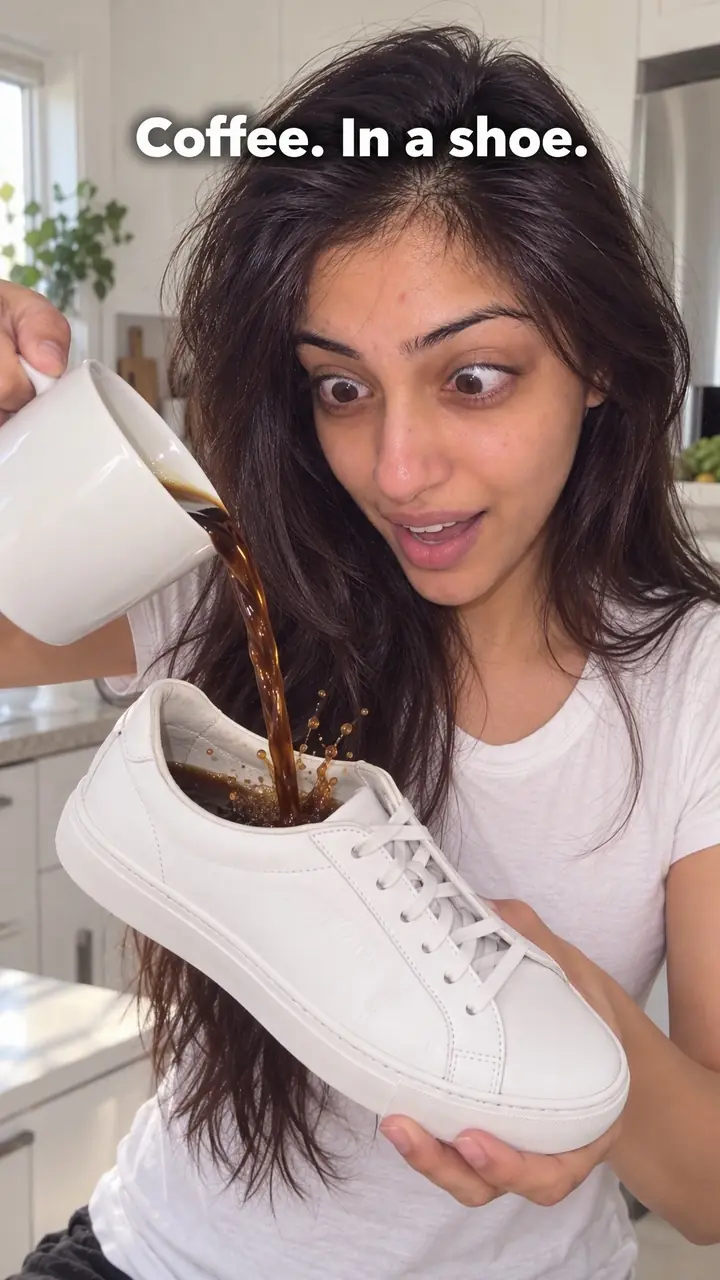
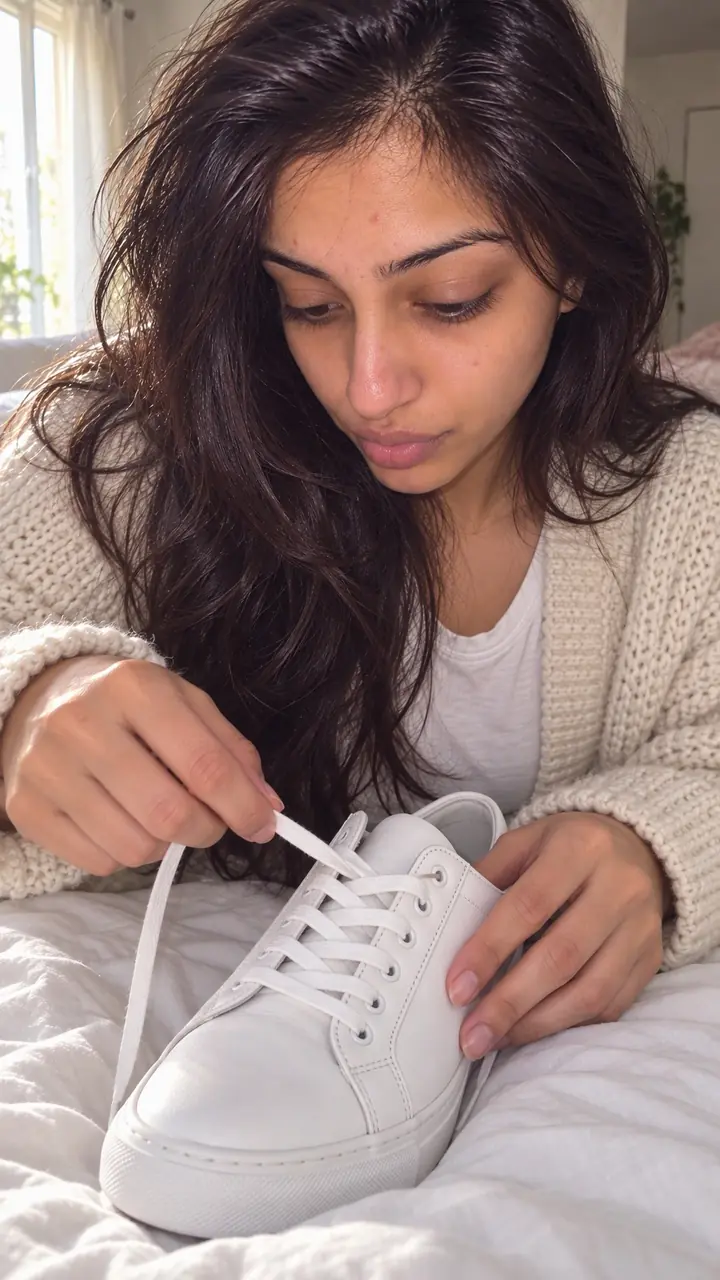
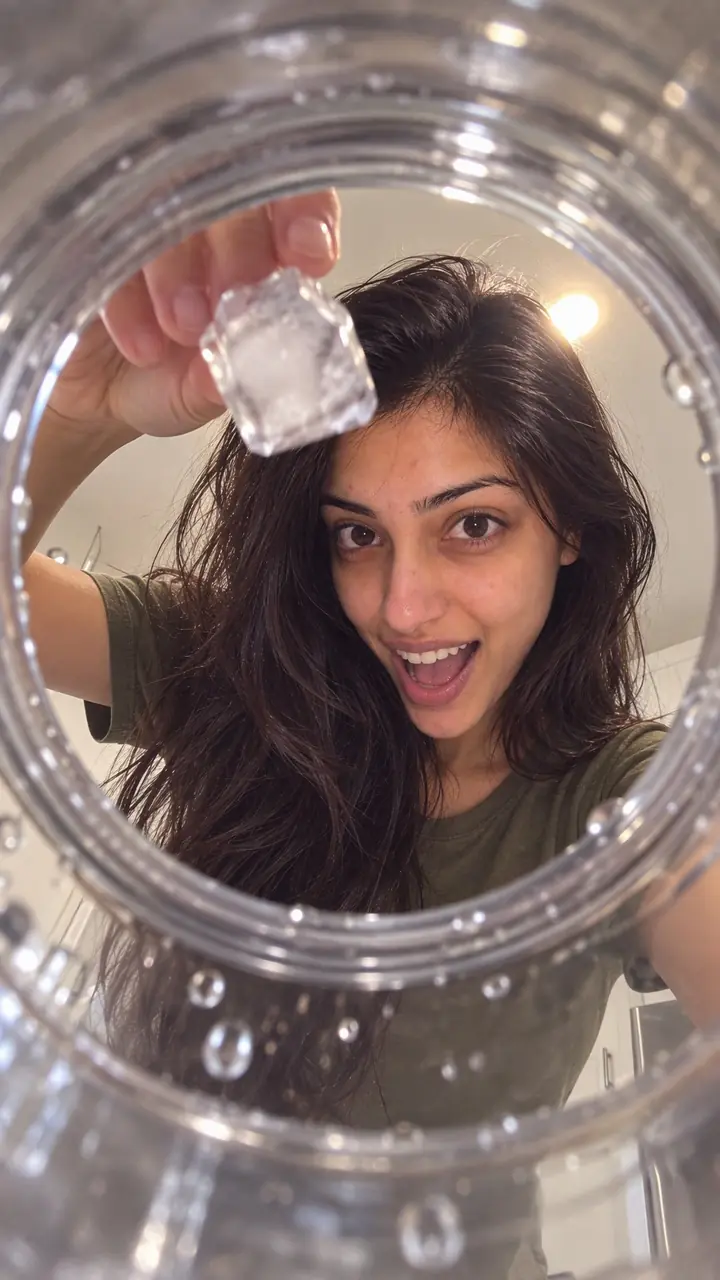
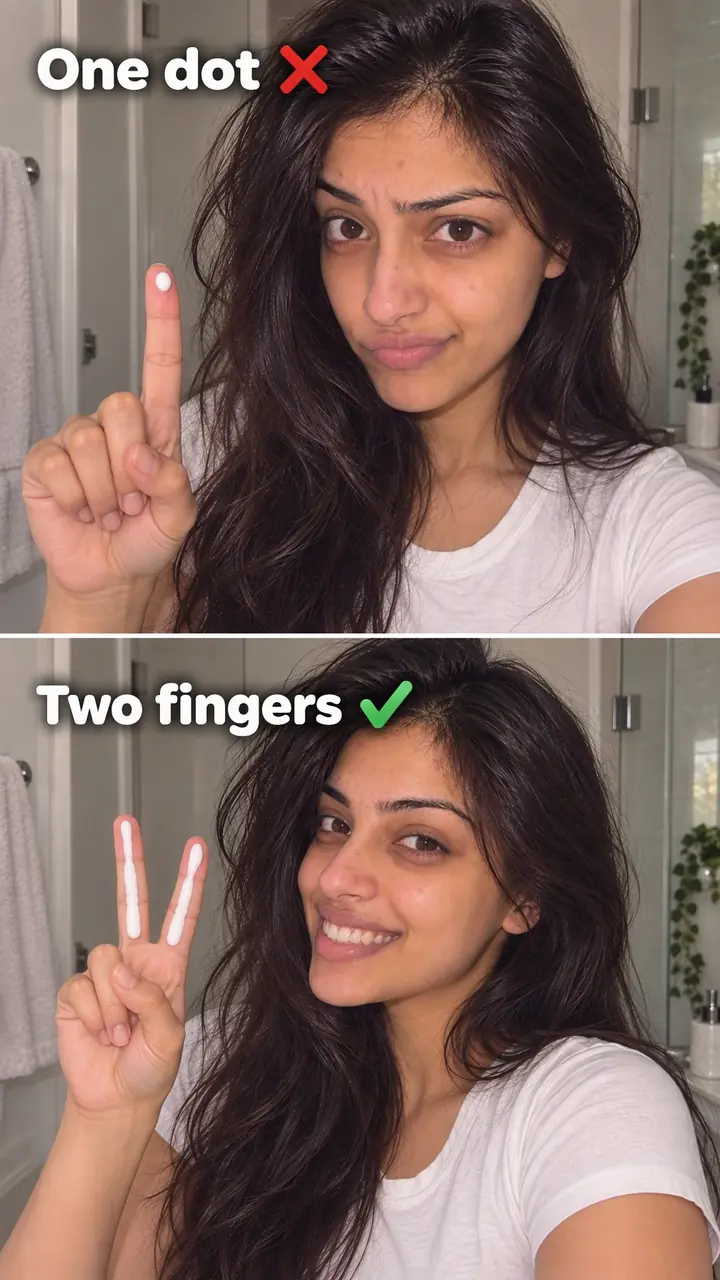
Reverse motion hook, in pictures
Why it works
- Unexpected motion
- An action playing backwards can stand out because it differs from familiar movement. The effect may be understandable without sound when the action is clearly framed.
- Curiosity about the action
- Viewers may watch to see how a spill returns to a glass or scattered objects come together. That curiosity is less likely to help if the action is confusing or unrelated to what follows.
- A clear visual resolution
- Some viewers may find a mess returning to an orderly state satisfying. This response varies, and it does not establish product quality or guarantee longer viewing.
The formula
- Choose one action that ends messier, emptier or more scattered than it started.
- Film it forwards in one locked, close shot.
- Reverse the clip and cut it so motion starts in the first frame.
- Optionally add 'Rewind' or one short line that points to what comes next.
- Cut to the same product in normal motion and deliver the proof, demo or result.
Reversed shot: [messy end state] returns to [clean start state]. On-screen text (optional): 'Rewind.' or '[short promise]'. Sound: [rewind sound, low]. Next shot: [product] in normal motion showing [the real benefit or result].How to use it
- Pick an action that reads backwards
Choose a pour, spill, drop, fold, break or unpack. The end state must look clearly different from the start state. If both look alike, pick another action.
- Plan a clean start and end
You need a clean start, one clear movement and a still end. Remove clutter. Keep hands, labels and extra props out unless they matter.
- Film it forwards
Lock your phone in place. Film at normal speed with the product centered. Repeat the take until the movement is clean.
- Reverse and trim the clip
Duplicate the clip, then reverse the copy. Trim the still frames at the start so movement begins at once. Keep only the part that looks impossible and clear.
- Add text or sound only if needed
Use one short line, such as 'Watch it rebuild' or '[Product] packs itself.' Add a rewind sound at low volume if the clip feels flat on mute.
- Follow with the real demo
Cut to the product in normal use. Show the pour, mix, fold or result with the key detail. End with a clear next step, such as the shade, size, use or link.
Examples
| Niche | Line | Why it works |
|---|---|---|
| Beauty (DTC) | Visual: A shattered pressed [blush] crumbles back into a perfect pan. Text: '[Shade name], back in one piece.' | The shattered powder shows color and texture, then you swatch it in normal motion. |
| Fashion (DTC) | Visual: A folded [shirt] unfolds itself and rises onto the hanger. Text: 'Rewind. Now the wrinkle check.' | The self-hanging shirt is easy to read and sets up a fabric close-up. |
| Food and drink (DTC) | Visual: Spilled [juice] flows back into the glass. Text: 'Rewind. Here's the real pour.' | A spill is instant to read on mute, and the text hands off to the actual serve. |
| Home (DTC) | Visual: Scattered [coffee beans] jump back into the [canister] and the lid seals. Text: 'Here's why the lid matters.' | The lid closing on its own points straight at the feature you explain next. |
| Accessories (DTC) | Visual: Everything dumped on the bed flies back into one [tote]. Text: 'All of this fits.' | The reverse proves capacity before you list the items one by one. |
| Fitness nutrition (DTC) | Visual: Loose [protein powder] lifts off the counter back into the scoop. Text: 'One scoop, [X] grams. Mix next.' | Powder moves clearly in reverse and leads into a normal-speed mix. |
| Cooking creator | Visual: A cracked egg pulls itself back into a whole shell. Text: 'Rewind. You're cracking it wrong.' | The reassembled egg stops the scroll, then the tip pays it off. |
| Travel creator | Visual: A pile of clothes folds and flies back into one carry-on. Text: '[X] days, one bag.' | Packing in reverse makes a slow task look instant before the real method. |
| Artist or painter | Visual: A paint splatter shrinks back onto the brush. Text: 'Where this piece started.' | The rewind teases the process video that follows in normal motion. |
| Fitness creator | Visual: A jump down from a box plays backwards, so you float up onto it. Text: 'The easy way. (Not really.)' | The playful fake sets up the honest form breakdown. |
Variations
- Rewind, then real
- Play the reversed clip, then show the same action forwards from a closer angle. The trick earns the stop. The forward shot earns trust.
- Last-second rewind
- Play the action forwards, then reverse only the final second, like a spill pulling back just before it lands. It works when the forward action is part of the story.
- Self-tidying product
- Keep hands out of frame and reverse only the product's movement. The item seems to pack, fold or pour by itself. This suits packing, storage and unboxing.
- Loop-back rewind
- End the video on the frame where the reversed opening begins, so the replay feels seamless on Reels or TikTok.
Common mistakes
- You let the reversed clip run too long.
- Fix → End the rewind as soon as the action lands. Cut to normal motion, a close detail or the result.
- The action is hard to read.
- Fix → Use one action per opening. Move closer. Remove props that do not change state.
- The camera moves during the take.
- Fix → Lock the camera down and keep the product centered. Reset and reshoot if the frame shifts.
- Reverse makes the product look messy or unsafe.
- Fix → Film clean hands, clean surfaces and a tidy end state. Reverse a controlled spill, not a dirty mess.
- The trick is the whole video.
- Fix → Add a short promise in text or speech. Then show the demo, proof or result that answers it.
- Text and labels look wrong.
- Fix → Keep logos and key text out of the reversed shot, or add a clear normal-motion shot right after it.
When not to use it
- Skip it when the reversed action makes the product look dirty, damaged or unappealing. Use Satisfying action (satisfying-action-hook) to show a clean, precise action in normal motion instead.
- Skip it when the state change is too subtle to recognize backwards. If the useful detail is the product's surface or construction, use Extreme close-up (extreme-close-up-hook).
- Skip it when reversal could be mistaken for evidence of repair, cleaning, health effects or physical performance. Use Real-world test (real-world-test-hook) to show actual use over time and report what happened.
- Skip it when the rewind is unrelated to the message and there is no useful follow-up. Use Text-first frame (text-first-frame-hook) to state the actual point at the opening, then support it.
For brands
For DTC brands, reverse motion turns ordinary product footage into a scroll stop. It suits products with a liquid, powder, cream, crumb or packable format. Use the rewind to grab attention, then prove the claim in normal motion.
- Drinks and supplements: spill or pour the product, reverse it so it returns to the glass or scoop, then show the real mix and texture.
- Beauty: drop or swipe a powder, balm or cream, reverse it back into the pan or jar, then swatch it on skin at normal speed.
- Fashion and accessories: reverse a garment unfolding onto a hanger or items flying back into a bag, then show fit, fabric or capacity.
- Packaging: dump the box contents on a table, reverse so the box packs itself, then run a normal unboxing in order.
- Paid ads: film one forward action and test the reversed version as the opening against a straight demo on the same offer and audience.
Pairs well with
- Satisfying action
After the rewind, cut to a clean, precise action in normal motion, like a perfect pour. Viewers who stopped for the trick stay for the satisfaction.
- Visual loop
Match your final frame to the start of the reversed clip. The video replays cleanly and the rewind gets a second watch.
- Sound cue
A short rewind sound tells sound-on viewers what they are seeing and makes the backwards motion feel intentional.
- Transformation
Use the rewind to undo the mess, then show the forward before-and-after as the proof.
FAQs
- Can I reverse a video clip on my iPhone?
- Yes, with a video editing app. Import the clip, find the reverse tool, apply it and export. Trim the reversed clip so the action starts at once. Check faces, text and logos after you flip it.
- Can CapCut do reverse video?
- Yes. Select the clip on the timeline, open the edit options and tap Reverse. Let it process, then play it back. Trim still frames at the start or end, and export a short test to check speed and quality.
- How can I reverse a video for free?
- Use a free editing app on your phone. Import one short clip, apply reverse, trim it and export. Avoid sites that ask you to upload private product footage, and keep your original file unchanged.
- Which app is best for reverse video?
- No single app is best for everyone. Use the editor you already know if it has a reverse tool, clear export settings and no watermark you can't accept. Test one clip and check that motion stays smooth.
- How do you create a hook in a video?
- Start with your clearest visual moment, not an introduction. Show the action, product or problem in the first frame. Add one short line of text or speech that says what comes next, then pay it off.
- Is a reverse motion hook the same as a reverse hook in writing?
- No. In writing, that phrase can mean a sentence technique. Here, reverse motion means reversed video playback: you film an action forwards, then play it backwards as the opening of a Reel or TikTok.
Key takeaways
- Film one clear action forwards, then reverse a copy of the clip.
- Start mid-movement and trim any still frames.
- Keep the shot close, steady and easy to read on mute.
- Follow the rewind with a real demo or result in normal motion.
- Skip it if reversing makes the product look worse.