Corrective Hook: Wrong vs Right Examples and How to Use It
Also called: Do this not that, Don't vs Do, Right vs wrong opener, Mistake correction hook
Picture a small skincare brand reading its inbox. The same two messages keep arriving: 'The bottle runs out too fast' and 'It doesn't seem to work.' The product is fine. People are applying it wrong. So the brand films one short clip. On the left, a tiny dot of serum gets a red cross. On the right, the directed amount gets a green tick. Viewers pause, look at their own habit, and stay for the fix.
That is the corrective hook. This guide gives you a formula you can copy, filming steps for Reels, TikTok, carousels and ads, examples across niches, and the mistakes that make viewers feel tricked or mocked.
What is a corrective (wrong vs right) hook?
A corrective hook is a visual opening that places a common wrong method beside a better one, often with a red cross and a green tick, so you quickly check which one you do.
You open with two versions of the same action. On one side, someone does it the way many people do. On the other side, you show the better method. A cross, a tick, colour or a short sound cue makes the contrast clear without a long explanation. Think of two people loading a dishwasher: one crams plates face to face, the other spaces them out. You know which one you are before anyone speaks. You then spend the rest of the video showing why the second version works, how to do it, and what changes when you switch.
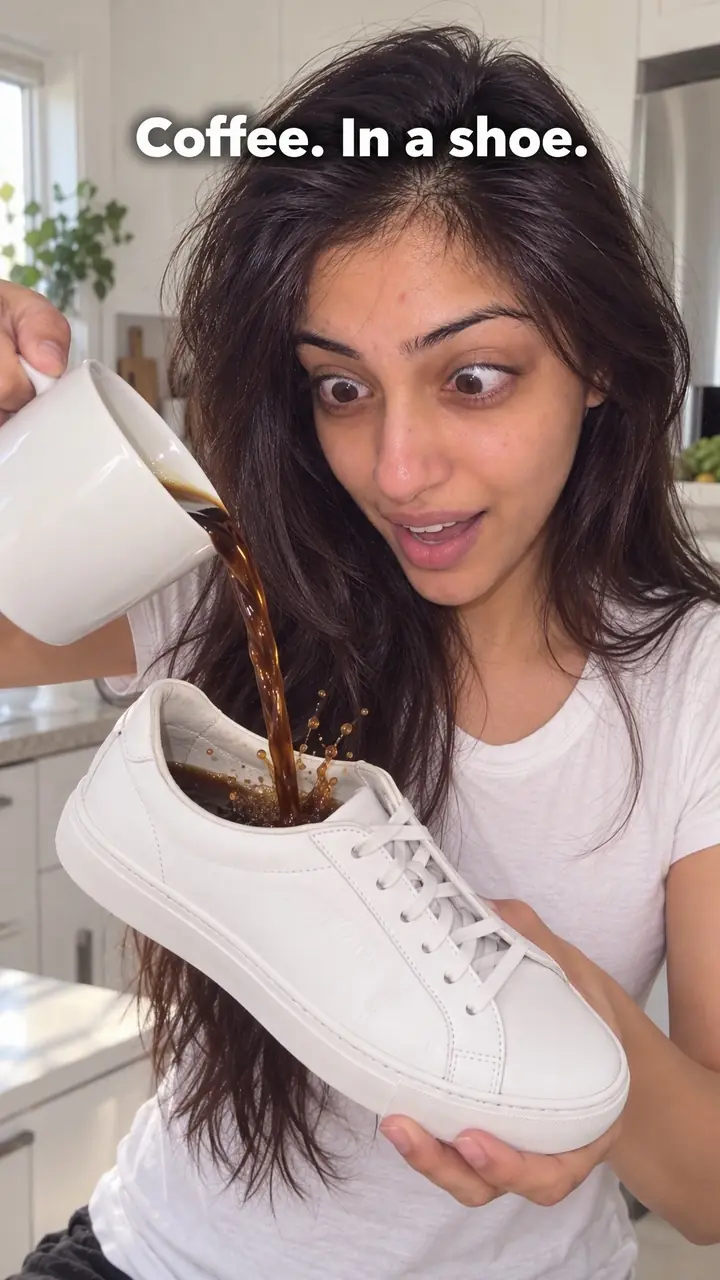
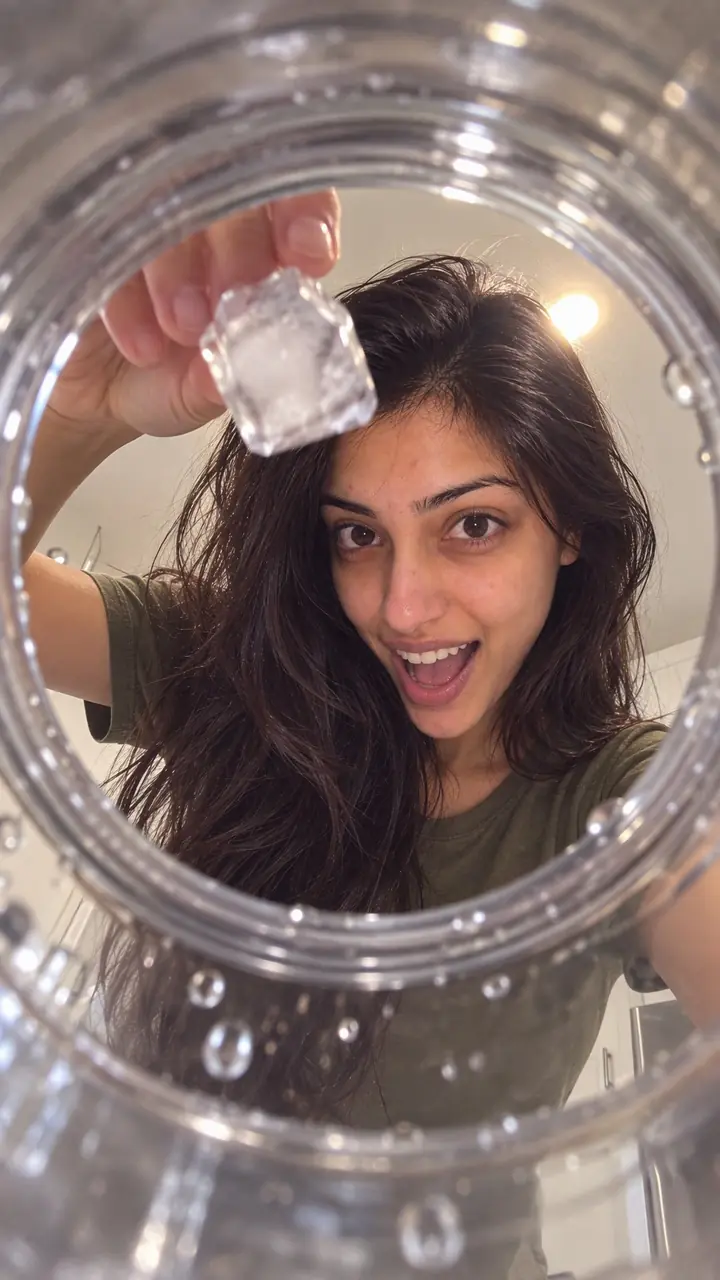
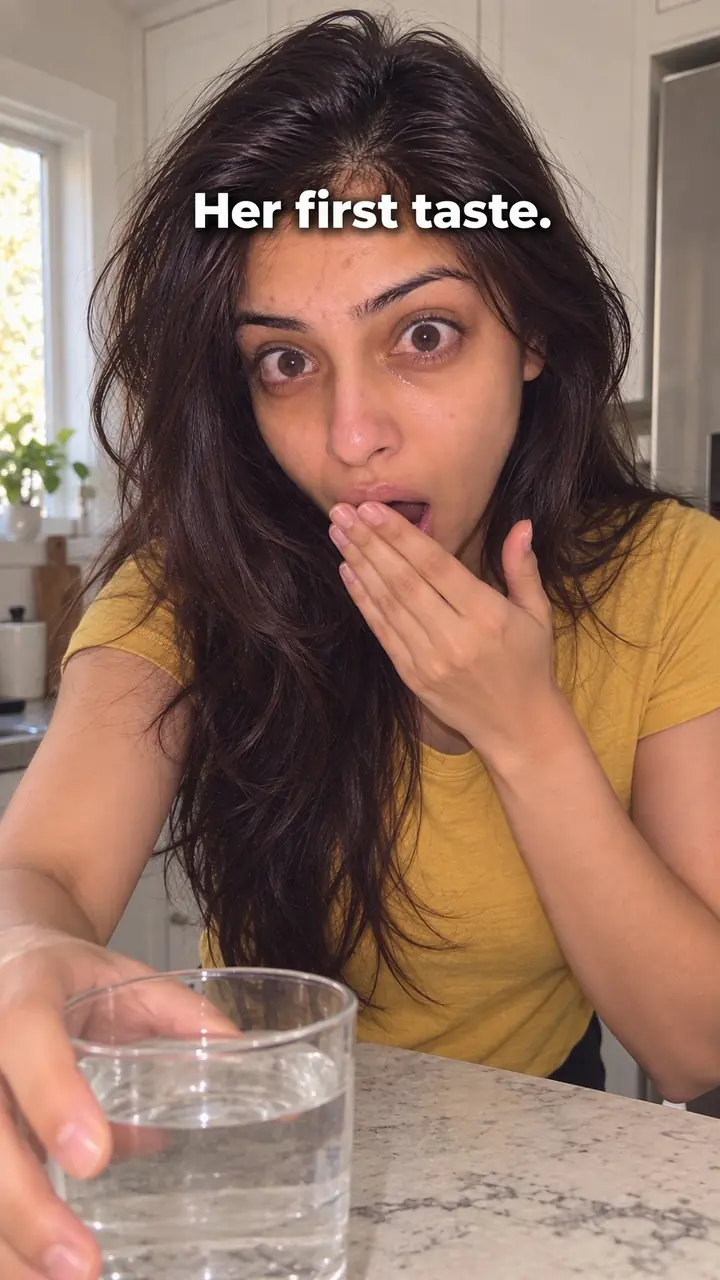
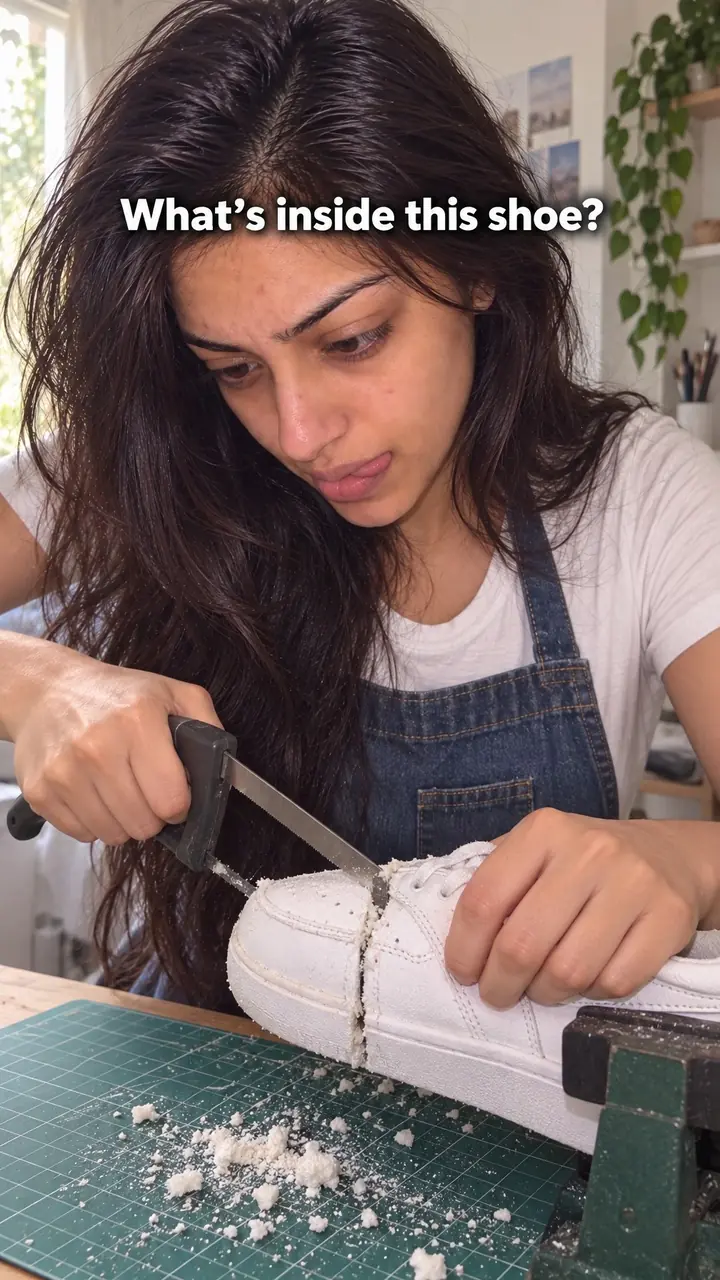
Corrective (wrong vs right) hook, in pictures
Why it works
- Self-check
- Seeing a familiar mistake beside a supported correction can prompt viewers to compare it with their own technique. This may give them a reason to watch the explanation, especially when the task is relevant to them.
- Clear visual contrast
- Matched views and short labels can make the difference between methods easier to notice. Crosses and ticks may help communicate the intended contrast, but they do not prove that a method is wrong; the correction still needs a sound basis.
- A useful correction
- Viewers may be interested in avoiding wasted effort or product when the consequence is real and supported. A neutral explanation can make the advice easier to consider without blaming the viewer or exaggerating the stakes.
The formula
- Choose one everyday task with a visible technique and one mistake you have actually seen people make.
- Film the wrong way and the right way in the same spot, light and framing.
- Open on both together: red cross on the wrong side, green tick on the right side, the task named in big text.
- Give one reason the right way works and one step to copy, within the next few seconds.
- Close on the result and a prompt that asks the viewer which side they do.
On-screen text: 'Wrong vs right way to [task]'. Left: [common mistake] ✗. Right: [better method] ✓. Voice or caption: 'If you do the left one, [what goes wrong]. Do this instead: [one clear step].' End: 'Which side are you?'How to use it
- Pick a real, common mistake
Choose a task with a visible technique, such as applying, pouring, washing or holding. The mistake must be one people truly make. If you have to invent it, pick another task.
- Write the fix in plain words
Write the wrong action and the right action in one short line each. If you cannot state the fix simply, the video will feel muddy. Check product directions before you film.
- Film both sides the same way
Use the same hands, tools, light and background for both sides. Keep the camera still. Fair framing makes the contrast believable and easy to copy.
- Put the contrast in frame one
Open on the split frame or cut fast from wrong to right. Add a red cross, a green tick and short text on the first frame. Skip greetings and logos. For ads, keep the same opening and let the product appear on the right side.
- Teach the reason, briefly
Say or show why the right method works. Give one reason, then one step. The viewer came for a clear fix, not a full course.
- Show the payoff and ask for a reply
Show the finish, the product saved or the easier result where you can. End with a prompt such as 'Check your next try' or 'Tell me which side you do.'
Examples
| Niche | Line | Why it works |
|---|---|---|
| Skincare (DTC beauty) | Wrong vs right way to apply sunscreen: one dot ✗ vs two finger-lengths ✓ | The amount is visible at once, so viewers judge their own habit with no setup. |
| Haircare (DTC beauty) | Wrong vs right way to use leave-in: piled on the roots ✗ vs worked through [section of hair] ✓ | Placement is easy to film side by side, and the result shows in the finish. |
| Knitwear (DTC fashion) | Wrong vs right way to wash a merino sweater: hot soak ✗ vs cool, gentle wash ✓ | It speaks to the fear of ruining a garment and offers a safer routine. |
| Coffee (DTC food) | Wrong vs right grind for pour-over: [too fine] ✗ vs [target texture] ✓ | Two small piles turn an abstract setting into something you can see and match. |
| Home cleaning (DTC home) | Wrong vs right way to clean a glass table: spray on the glass ✗ vs spray on the cloth ✓ | Streaks show clearly on camera, so the fix feels proven, not just stated. |
| Leather goods (DTC accessories) | Wrong vs right way to store a leather bag: flat and crushed ✗ vs stuffed and upright ✓ | It protects something people paid for, which makes the self-check matter. |
| Fitness gear (DTC fitness) | Wrong vs right way to anchor a resistance band: loose at the door edge ✗ vs locked at the hinge side ✓ | Safety raises the stakes, and the setup is simple to copy before the next workout. |
| Content creation (creator) | Wrong vs right way to film yourself on a phone: lens below your chin ✗ vs lens at eye level ✓ | Creators can test it instantly, and the difference in angle is obvious. |
| Home cooking (creator) | Wrong vs right way to hold herbs while chopping: fingertips out ✗ vs fingertips tucked ✓ | The hand position is clear in one frame and easy to copy tonight. |
| Houseplants (creator) | Wrong vs right way to water a houseplant: a splash every day ✗ vs soak, drain, then check the soil ✓ | It turns a vague routine into clear steps with a visible end point. |
Variations
- Three wrongs, one right
- Run three quick errors, each stamped with a cross, then one clean attempt with a tick. Keep each error to a second or two. Good for tasks with small linked steps, like a skincare routine or a lift.
- Freeze-frame correction
- Play the wrong method, freeze on the moment it goes wrong, stamp the cross, then replay the task the right way. Use it when the action is too fast to read in a split view.
- Swipe carousel
- Slide one shows the wrong way with a cross. Slide two names the reason. Slide three shows the right way with a tick. The last slide is a short checklist people can save.
- Sound-led version
- Pair each side with a buzzer and a ding so the verdict lands even if the viewer glances away. Keep the sounds short and quieter than your voice.
Common mistakes
- Inventing a mistake nobody makes
- Fix → Pick a habit you hear in comments, reviews or support questions. If you cannot name where you saw it, choose a different task.
- Mocking the viewer
- Fix → Correct the action only. Use neutral text such as 'Try this instead.' Show your own hands doing both sides.
- Making the wrong side look worse on purpose
- Fix → Match light, angle, time and tools. Change only the technique you are teaching. Say on screen if any other factor differs.
- Explaining too much after the hook
- Fix → Use one clear reason and one next step. Save extra detail for a follow-up video or the caption.
- Hiding the right way for too long
- Fix → Start with the split view. Add the cross, tick and task at once so muted viewers get it without sound.
When not to use it
- Skip it when you cannot establish that the mistake is common, or when the audience is mainly learning the task for the first time. Use How-to promise (how-to-promise-hook) to teach the method without inventing a bad habit.
- Skip it when both methods are valid preferences or depend on different conditions. Use Comparison (comparison-hook) to show the trade-offs without falsely marking one option wrong.
- Skip it when the central issue is a belief rather than a visible technique. Use Myth busting (myth-busting-hook), and support both the description of the belief and the correction.
- Skip it when the demonstration would be unsafe, unfair or likely to shame viewers, or when the correction exceeds the guidance you can support. Use How-to promise (how-to-promise-hook) for a neutral demonstration of a verified method; if that method cannot be established safely, do not publish the advice.
For brands
For DTC brands, this hook teaches correct use. Correct use means fewer confused customers, less wasted product and fewer 'it didn't work' reviews. Put your product on the right side, keep the wrong side generic, and never fake a rival product or stage a flaw your product cannot fix.
- Turn support tickets into scripts: list the top [number] questions about how to use your product, and film one wrong vs right clip for each.
- Onboarding: send new buyers a corrective clip by email or post it as a pinned video, so they get the method right on first use.
- Ads: test the same body with different corrective openings, one per common mistake, and keep the one that holds viewers longest in your own data.
- Product pages: add the wrong vs right clip under the directions, with the directed amount or step written on screen. Do not invent a dose or claim.
- Bundles and refills: show using too much beside the directed amount, then show how long [size] lasts at the right amount, using your own measured figure.
Pairs well with
- Split screen
Split screen is the layout this hook lives in. Both methods play at the same time, so viewers can compare timing and result side by side.
- Stop doing this
Say 'stop doing this' over the wrong side to add a firm verbal warning to the visual contrast. Best when the habit wastes product, time or money.
- Myth busting
When a mistake comes from a popular belief, name the belief first, then use the wrong vs right shot as your proof.
- Sound cue
A buzzer on the wrong side and a ding on the right side give the verdict a sound, which helps viewers who are half watching.
FAQs
- What is a hook in video making?
- A hook is the opening moment that gives you a reason to keep watching. It can use words, sound, text or an image. In a corrective hook, the image does most of the work. You see two methods at once and want to know which one is right.
- What is a catchy hook?
- A catchy hook is clear at a glance and feels personal. It names or shows a habit you recognise and leaves one question open. Here that question is simple: are you doing this the wrong way, and what should you change?
- What is a good hook example?
- On the left, squeeze a tiny dot of sunscreen onto one cheek and add a red cross. On the right, use two finger-lengths and add a green tick. Add the text 'Which one do you do?' Then explain the amount in plain terms.
- How to do a hook on TikTok?
- Start on frame one with the split view. Put short text over it, such as 'Wrong vs right: [task].' Add a brief buzzer for the wrong side and a ding for the right side if sound fits. Then move straight into the fix. No logo or greeting first.
- How to write a TikTok hook?
- Write the task first, then the mistake, then the fix. Keep the line short enough to read while muted. Use this shape: 'Wrong vs right way to [task].' Show both actions as the words appear. Cut any detail that does not help the contrast.
- What are some catchy hooks for Reels?
- The corrective hook works well on Reels because people save fixes. Use large text for sound-off viewing, keep both sides in the same light and distance, and end with one step the viewer can try now. Repeat that step in your caption.
Key takeaways
- Show the wrong way and the right way at once, in fair, matching frames.
- Use a mistake people truly make and a fix you can prove on camera.
- Put the cross, the tick and the task in the first frame.
- Correct the action, never the person.
- If the 'wrong' side is only a preference, use a comparison or debate hook instead.