Extreme Close-Up Hook: Macro Detail That Stops the Scroll
Also called: Macro hook, Micro-detail shot, Zoomed-in mystery, Super close-up
Picture a small skincare brand with a new serum. Their first ad shows the bottle on a marble counter, and people scroll past it. They reshoot with the phone almost touching the skin. A single drop spreads, and the shine and texture fill the whole screen. For one second nobody can tell what it is. They look closer, and they keep watching.
That is the extreme close-up hook. You don't need a studio or a special lens. You need one detail worth showing, steady focus and a clear reveal. This guide shows you how to film it, gives you templates for TikTok, Reels and ads, and explains when to choose a different hook.
What is an extreme close-up hook?
An extreme close-up hook opens your video with macro detail filling the whole frame. Viewers see texture or finish they would miss at normal distance, and they pause to work out what they are looking at.
In film and photography, an extreme close-up crops in on one small part of a subject, like an eye, a lip or a patch of fabric. In short-form video, you use that crop as your opening. You start too close for instant recognition, then hold, move slightly or pull back. Picture the weave of a linen shirt filling your screen before you see the shirt. The reveal gives context and turns a plain product shot into proof. You can show grain, stitching, foam, shine or a clean snap before you say a word.
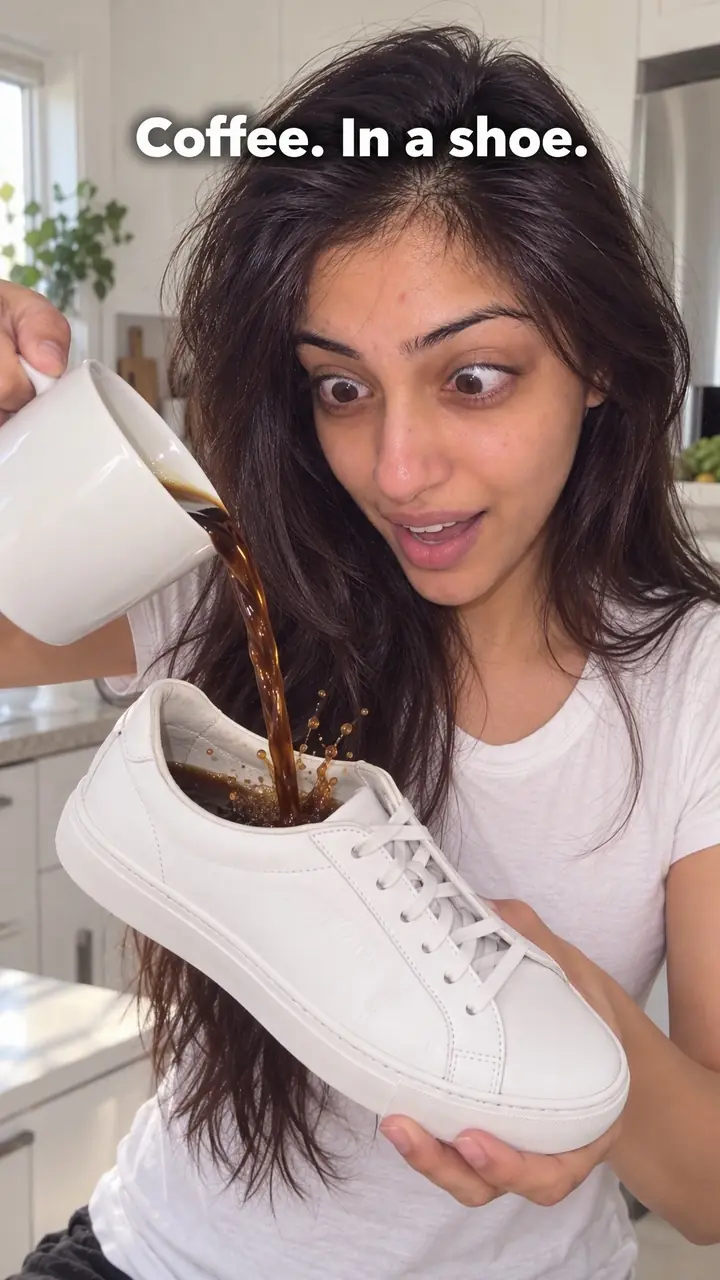
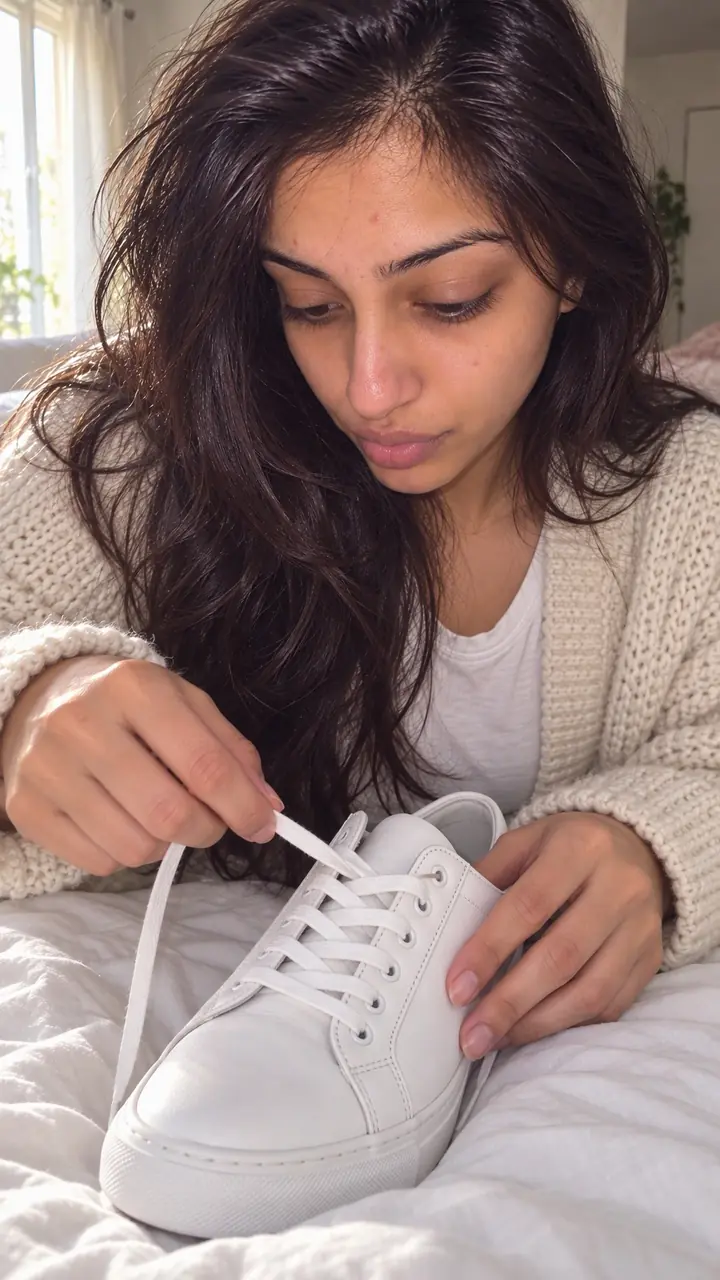
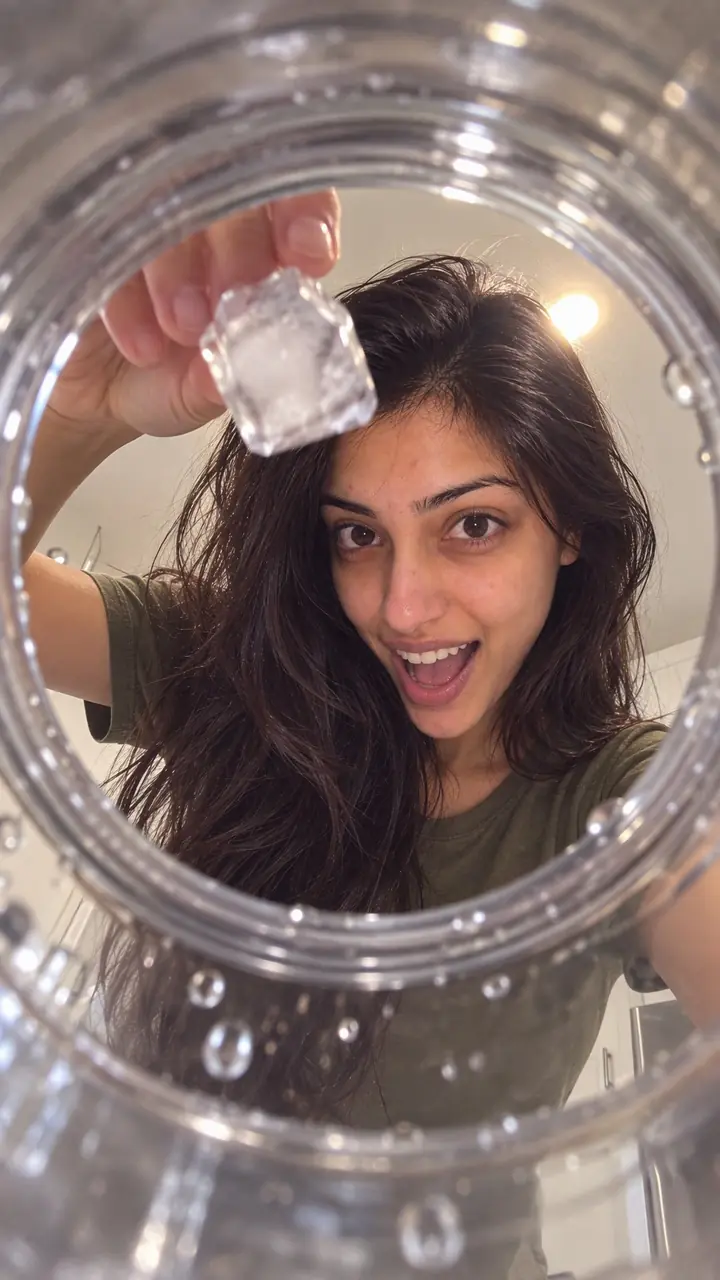
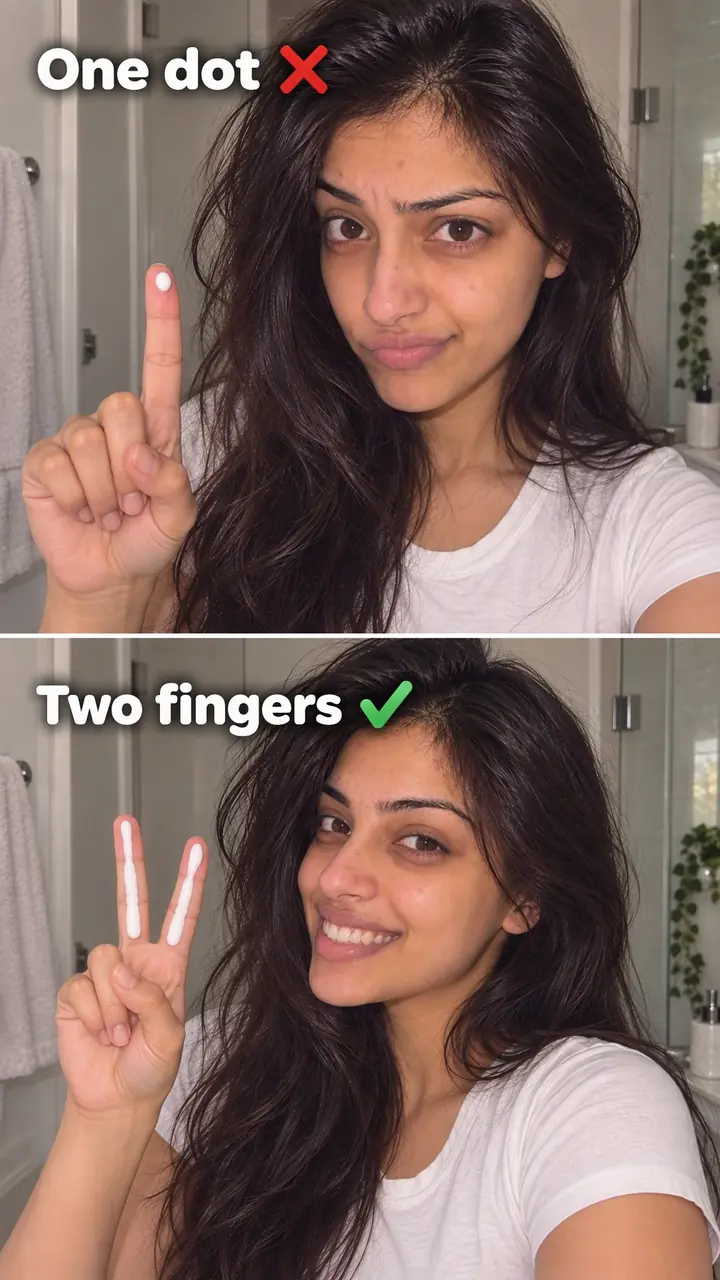
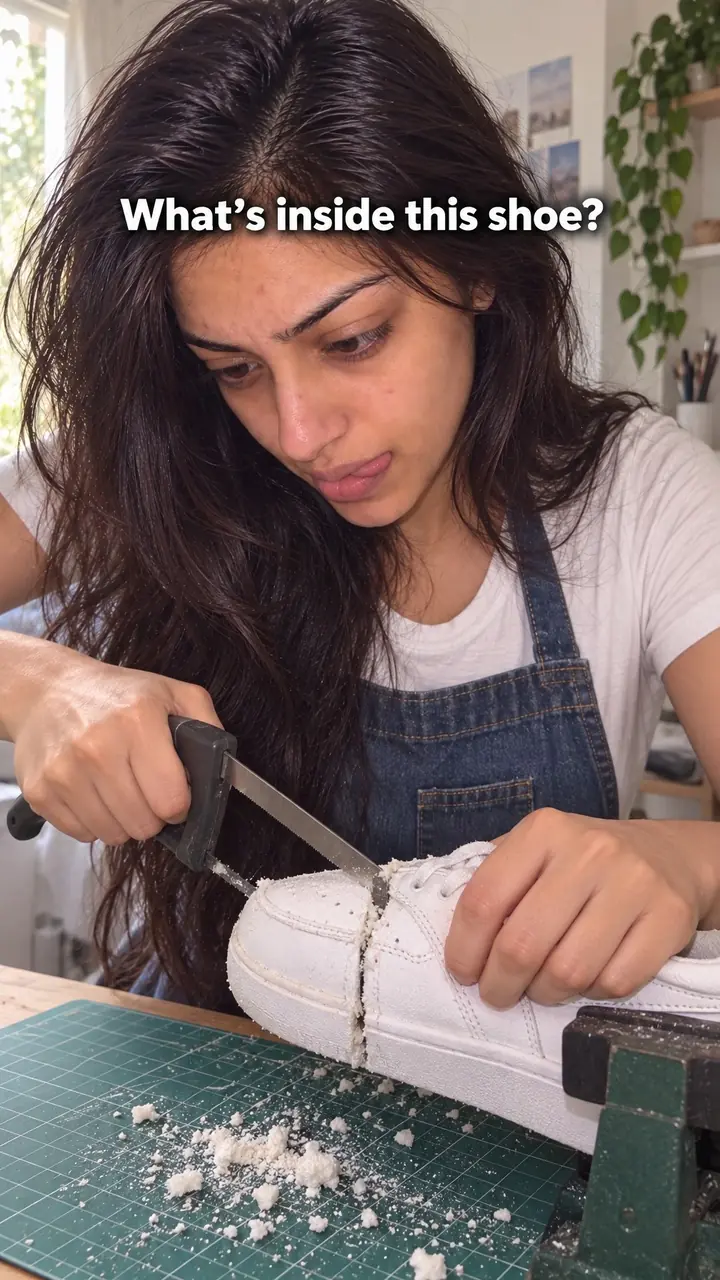
Extreme close-up hook, in pictures
Why it works
- Unfamiliar scale
- A frame-filling detail can look different from an ordinary product shot and may prompt viewers to identify it. The detail still needs to be visually clear; an unclear crop can lead people to move on.
- Curiosity through missing context
- Showing a detail before the whole product can create a small question about what is being shown. A wider shot or short label can resolve that question when context is useful, but a reveal is not required for every version.
- Visible construction and finish
- Close detail can help viewers inspect features such as weave, stitching or surface finish. It may support an impression of care or quality, but appearance alone does not establish softness, durability, effectiveness or other performance claims.
The formula
- Choose the one detail that proves why someone buys, such as the weave, foam, grain, shine or edge.
- Open with that detail filling the entire frame. Use no text for the first second.
- Add one slow, small action: a press, spread, pour, stretch or snap.
- Let a soft, close sound carry the moment, either natural or matched to the action.
- After [1-2] seconds, pull back or cut wide to the full product, then state the benefit the detail proved.
Second 0-[1]: [detail] fills the frame while [slow action] happens, with [close sound]. No text. Second [1-2]: pull back to [full product] in [real setting]. Text or voice: '[Benefit], up close.' Then continue into [demo, routine or offer].How to use it
- Pick one detail worth magnifying
Choose a surface that looks good large and check it under bright light. Wipe away dust, lint and stray marks. If the detail looks rough in a still frame, try another angle or another feature.
- Set up the shot
Use macro mode if your phone has it. If not, move in slowly until focus holds. Tap to focus on the texture and lock focus if your app allows it. Keep the detail sharp and the edges clean.
- Start at the closest point
Start recording already at the closest point. Don't begin wide and zoom in. The first frame should feel unfamiliar, so the viewer asks what they are seeing.
- Add one slow movement
Press, spread, pour, rub, bend or break the product. Keep the motion slow and small, because fast movement turns to blur at this distance. One clear action is enough.
- Keep the sound close
Record near the action to capture the snap, scrape, fizz or brush of fabric. Keep background noise low. If the real sound is weak, add a matched sound later at low volume.
- Reveal, then explain
Pull back or cut to the full product after [1-2] seconds. Add your line only now. Name the benefit the detail proves, such as softness, grip, richness or a clean finish. For a carousel, use the macro frame as slide one and the full product as slide two.
Examples
| Niche | Line | Why it works |
|---|---|---|
| Skincare (DTC) | Open on a drop of [serum] spreading across skin, the shine filling the frame. Pull back to the dropper. Text: 'This is [product name], up close.' | The texture hints at how it feels before you make a claim. The reveal names what they just watched. |
| Fashion (DTC) | Open on the weave of a [linen shirt] shifting under a fingertip. Cut to the full shirt on a hanger. Voice: 'This is why it breathes.' | The weave makes fabric quality visible, and the fingertip adds scale and touch. |
| Food (DTC) | Open on a square of [chocolate] snapping, crumbs sharp in focus, with the crack loud and close. Pull back to the bar and wrapper. | The snap gives sound and motion at once. Viewers taste the texture before they see the pack. |
| Home (DTC) | Open on the loops of a [cotton towel] springing back after a press. Pull back to the folded stack. Text: '[number] grams of cotton per square metre, and you can see it.' | Pile density is hard to explain and easy to show. The press proves softness in one second. |
| Accessories (DTC) | Open on the stitching of a [leather strap] tightening as it takes weight. Cut to the packed bag being lifted onto a shoulder. | Close stitching reads as strength, and the lift backs it up in the next shot. |
| Fitness (DTC) | Open on the grip texture of a [yoga mat] as a damp palm presses down and doesn't slide. Pull back to a full pose on the mat. | The texture links straight to the buying reason, which is grip, and the action shows it working. |
| Home cook creator | Open on butter foaming at the edge of a [pan], bubbles filling the frame with a soft sizzle. Pull back. Voice: 'This is when you add the [ingredient].' | The macro shot teaches the exact cue to watch for, so the close-up is the lesson itself. |
| Artist creator | Open on wet [watercolour] bleeding into paper fibres. Pull back slowly to the finished painting. Text: 'Step [number] of [number].' | The bleed is beautiful and unfamiliar up close. The wide shot pays it off with the full piece. |
| Woodworking hobbyist | Open on a fine curl of wood lifting off a [hand plane] blade, grain sharp. Cut to the smooth board. | Followers see craft at a level they never notice in person, and the result gives context. |
Variations
- Macro hold, then pull back
- Hold the macro frame still for one beat, then pull back in one smooth move to the whole product. Use this when the reveal is the payoff.
- Guess what this is
- Hold the macro frame a little longer and let viewers guess in the comments, then reveal in the second half. This works for creators, but keep the hold under [3] seconds.
- Macro sequence
- Cut between [3] different macro details of one product, such as the zip, the lining and the seam, before the wide shot. Use this when quality shows up in several places.
- Static macro frame
- Use your best macro still as a static ad or carousel cover. Add one short benefit line and the product name, and keep text off the most detailed area so the texture stays clear.
Common mistakes
- You magnify flaws you didn't notice at normal distance.
- Fix → Review the shot at full size on your phone. Clean the surface, change the light and reshoot until the detail looks good large.
- You stay close too long and never reveal the product.
- Fix → Hold for a beat, then pull back or cut wide. Name the product and the benefit in the next shot.
- The shot shakes or drifts out of focus.
- Fix → Move the product, not the camera, where you can. Slow down the press or spread. Rest your elbows on a table to keep the frame steady.
- You cover the texture with large text in the first second.
- Fix → Let the texture do the first job. Add one short benefit line after the reveal.
- You pick a pretty detail that proves nothing.
- Fix → Choose the detail tied to why people buy, such as grip for a mat, weave for a shirt or foam for a cleanser. Then link it to the line that follows.
When not to use it
- If a representative product detail looks unattractive up close, test another truthful feature rather than hiding defects. Use Manufacturing process when the real value is better shown through how the product is made.
- If buyers mainly need to understand dimensions, use Size demonstration to show the product beside familiar objects instead of removing scale through a macro crop.
- If viewers need immediate instructions or safety context, use Text-first frame to put essential information in the opening rather than making them identify an unexplained detail.
- If available equipment or light cannot capture a clear, representative macro image, use How-to promise to introduce a useful demonstration filmed at a workable distance.
For brands
For DTC brands, this hook earns its place when texture, finish or craft is part of why people buy. It stops the scroll and shows quality before you state it. Always test the close shot first. If it looks dull or messy at full screen, build the ad on a different hook.
- Make a hero texture opening for each core product, such as the cream folding, the sauce pouring or the knit stretching. Reuse it as the first [1-2] seconds across several ads with different middles.
- Turn product page claims into shots. If the page says 'soft', show the fibres moving. If it says 'sharp', show the edge slicing. Let the macro frame carry the proof, then state the claim once.
- Shoot each shade, scent or flavour at the same closeness. You get a set of matching openings for variant ads and carousel slides without writing a new script.
- Run a static macro version against your usual pack shot. Keep the copy and offer the same so the image is the only change, then compare [click-through rate] after [number] days.
- Brief UGC creators to film one macro clip of the product in their own home light. It looks more real than studio footage and gives you extra openings to test.
Pairs well with
- Texture
The close-up shows how the surface looks. The texture hook adds touch, like pressing or stretching, so viewers also sense how it feels.
- Punch-in zoom
Use a fast punch-in when you need a wide shot first for context, then land on the same macro detail with more pace.
- Sensory
Pair the macro image with a close snap, crunch or pour sound. Viewers get a visual cue and a sound cue in the same second.
- Hidden reveal
The macro crop already hides the full product. Build that into a deliberate reveal when the product's look is the payoff.
FAQs
- What is an extreme close-up?
- It is a shot cropped so tightly that one small detail fills the frame. You don't see the whole person, object or scene, only one part of it, shown larger than you would see it in person.
- What is extreme close-up in photography?
- In photography, it isolates a tiny area to stress detail, texture or emotion. A portrait might show only the eyes, and a product photo might show only the stitching. The crop removes context on purpose.
- What is an extreme close-up called?
- People also call it a macro shot when it is filmed with a macro lens or macro mode, and a detail shot in product work. Film crews often shorten it to ECU.
- Can you give me an example of an extreme close-up shot?
- Open on chocolate filling the screen. Press it until it snaps, with the crumbs and broken edge in focus. Then pull back to the bar. The first second gives texture, and the next shot gives context.
- What's the 3 second rule on TikTok?
- It is a rule of thumb, not an official platform rule. The idea is that your opening seconds decide whether people stay. With this hook, put the detail in frame one, add movement or sound right away and reveal quickly.
- What are some good hook ideas for Reels?
- Start with a strong visual, sound or line. Options include an extreme close-up, a before-and-after, a common mistake next to the fix, or a product test. Match the opening to the payoff, so if you promise detail, show the result next.
Key takeaways
- Open with texture filling the frame and no text, then reveal the full product within [1-2] seconds.
- Pick a detail that proves a buying reason. Pretty texture alone is not enough.
- Keep movement slow, focus sharp and sound close to the action.
- Test the shot at full screen first. If it looks bad up close, use a different hook.