Texture Hook: Show How It Feels, First
Also called: Swatch shot, Tactile visual, Squish/smear shot, Cosmetic texture porn
Picture a small skincare shop launching a new gel moisturiser. The photos look fine, but the comments keep asking the same thing: is it sticky, is it heavy, does it sink in? So the founder films one shot. A slow squeeze onto clear glass, one finger spreading it thin, the soft sound of the gel moving. No talking. The question gets answered before anyone reads a caption.
That is the Texture hook. You can't hand your product to someone through a phone, so you show the squeeze, spread, stretch or press instead. This guide shows you how to film that first shot well, when to use it, and when another opening will serve you better. Every example is a template. Swap in your own product and keep the result honest.
What is a texture hook?
A Texture hook is a video opening that shows a product's consistency up close, in motion, so viewers can judge how it feels before you explain or sell it.
You open in the middle of the action. No logo. No pack shot on a white background. The product is already moving, spreading, stretching or being pressed, and the camera is close enough for the viewer to judge thickness, softness, weight or finish without touching it. Think of a hand stretching pizza dough until light shows through. You know how that dough feels before anyone says a word. Then you add context: the product name, the use or the result. The texture comes first because it answers the buyer's main doubt. The rest of the video proves that first impression was honest.
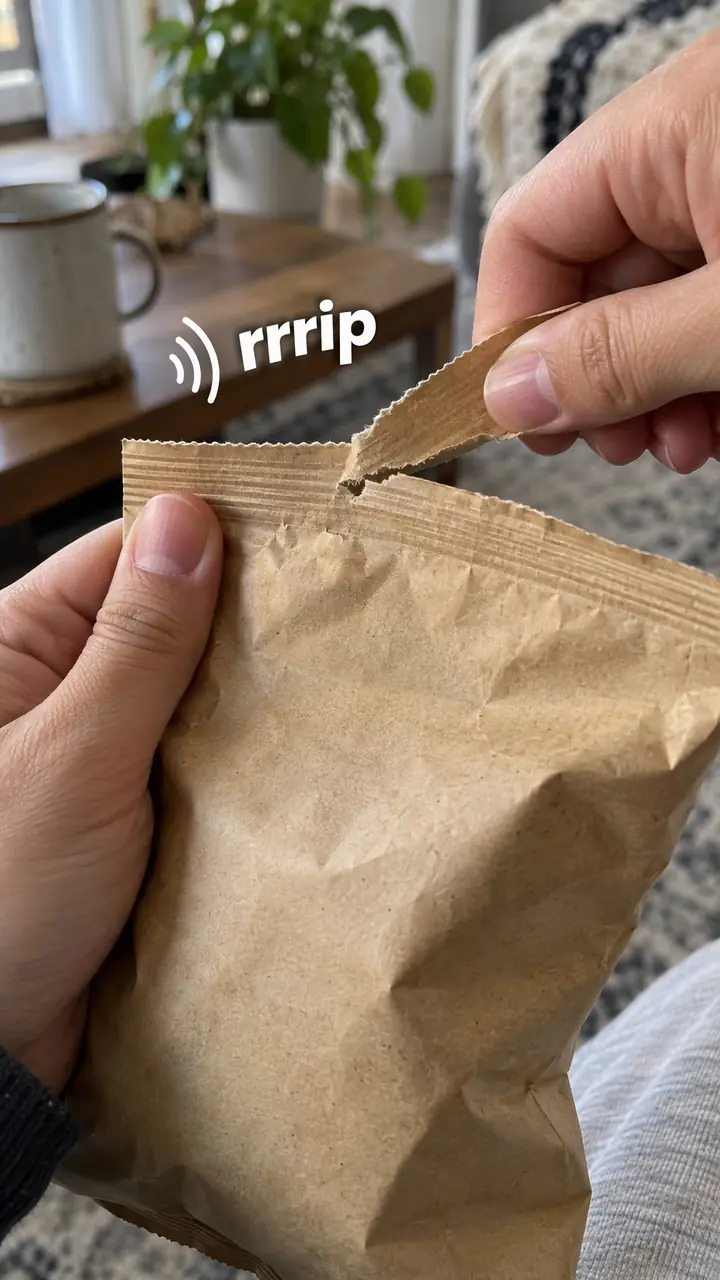
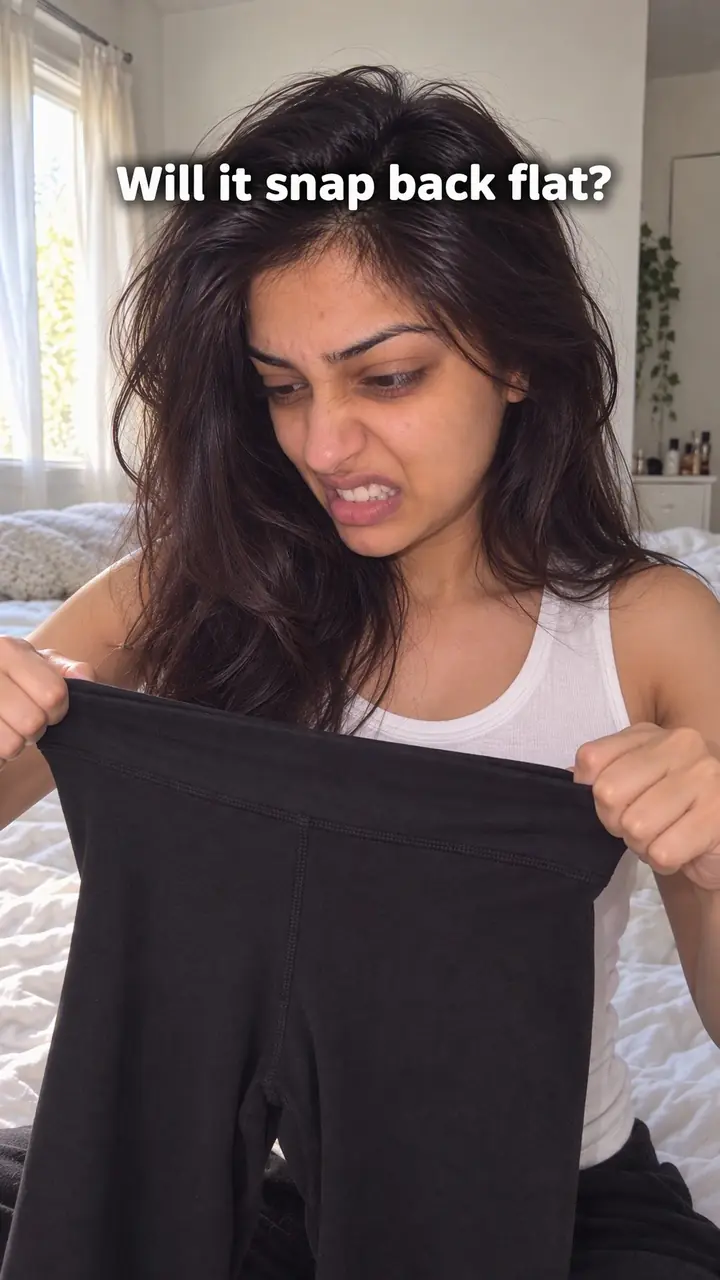
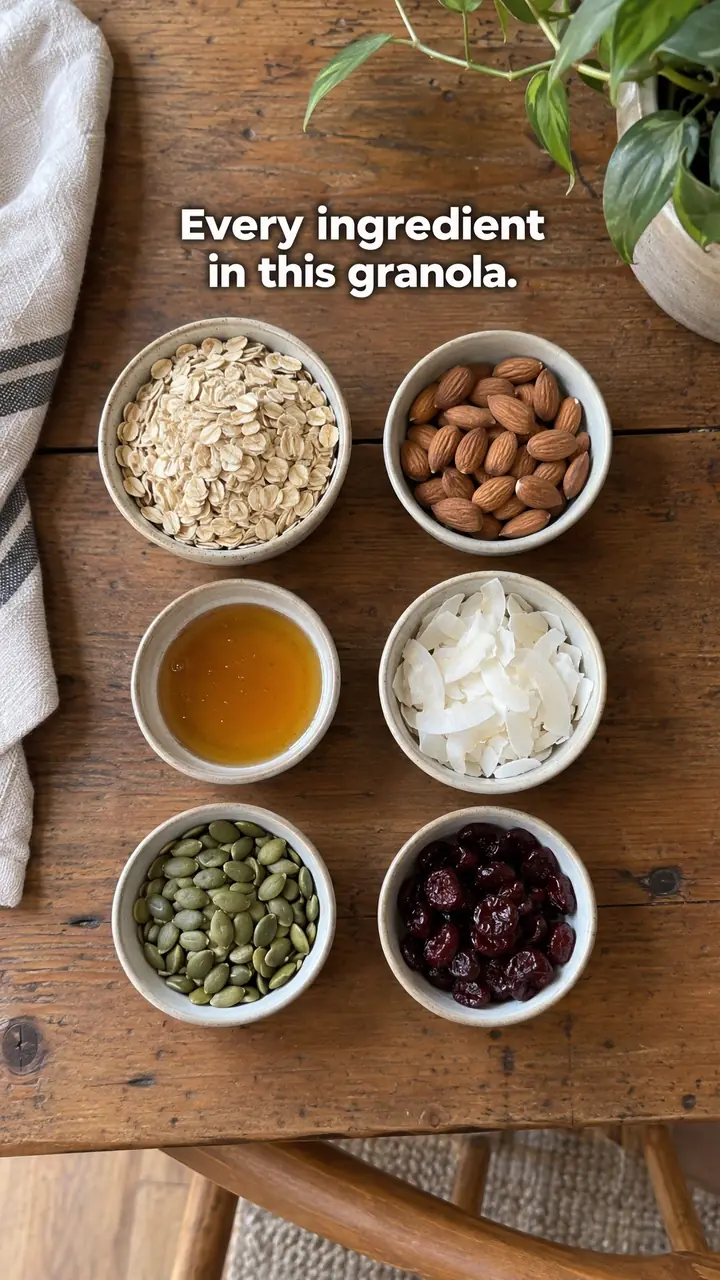
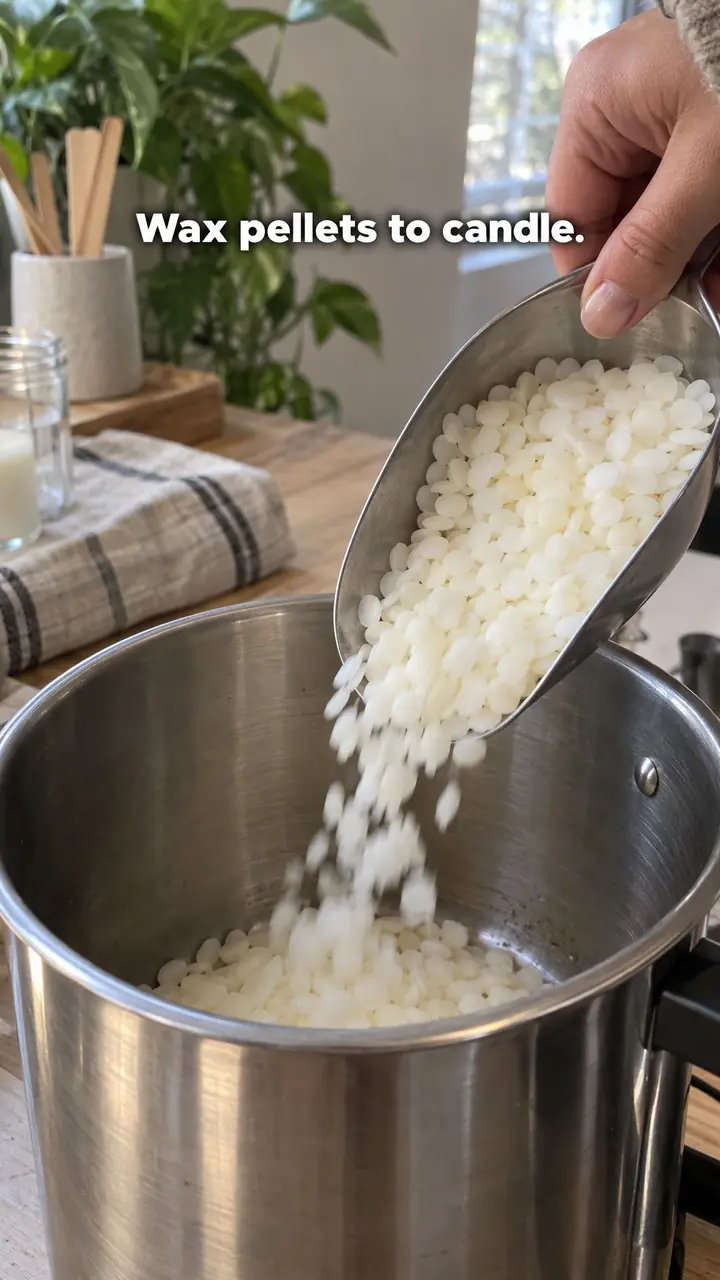
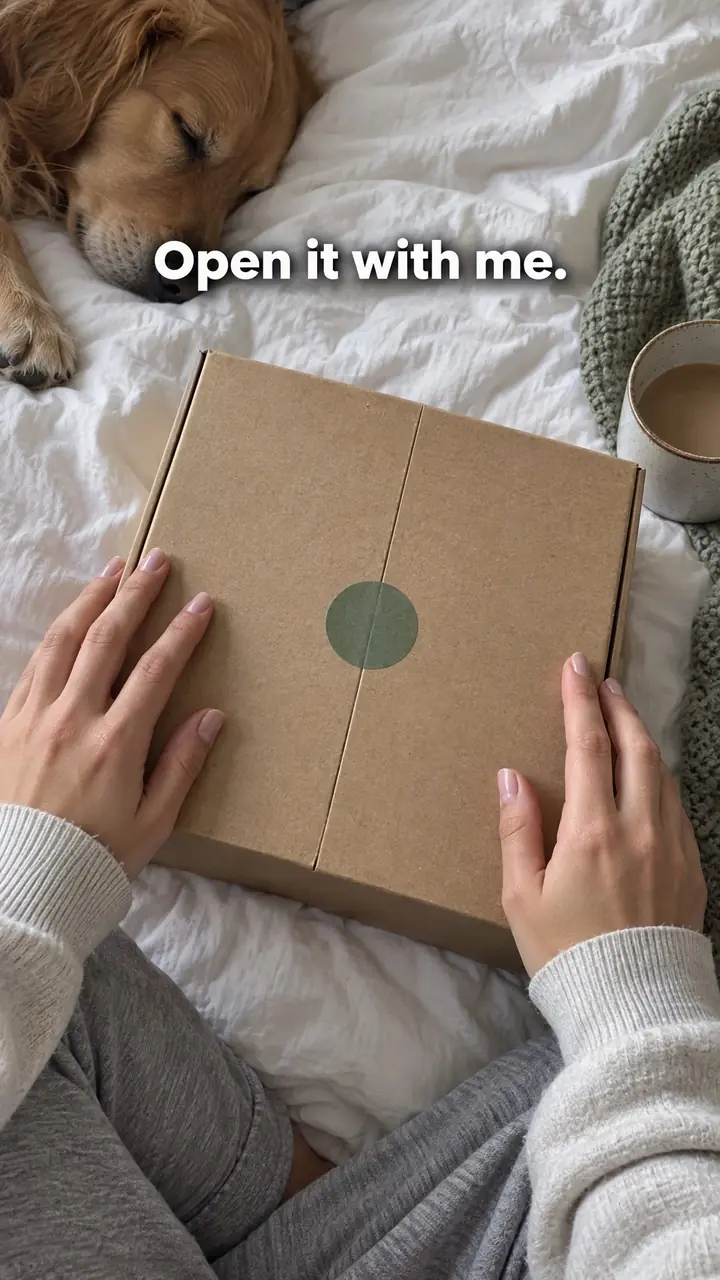
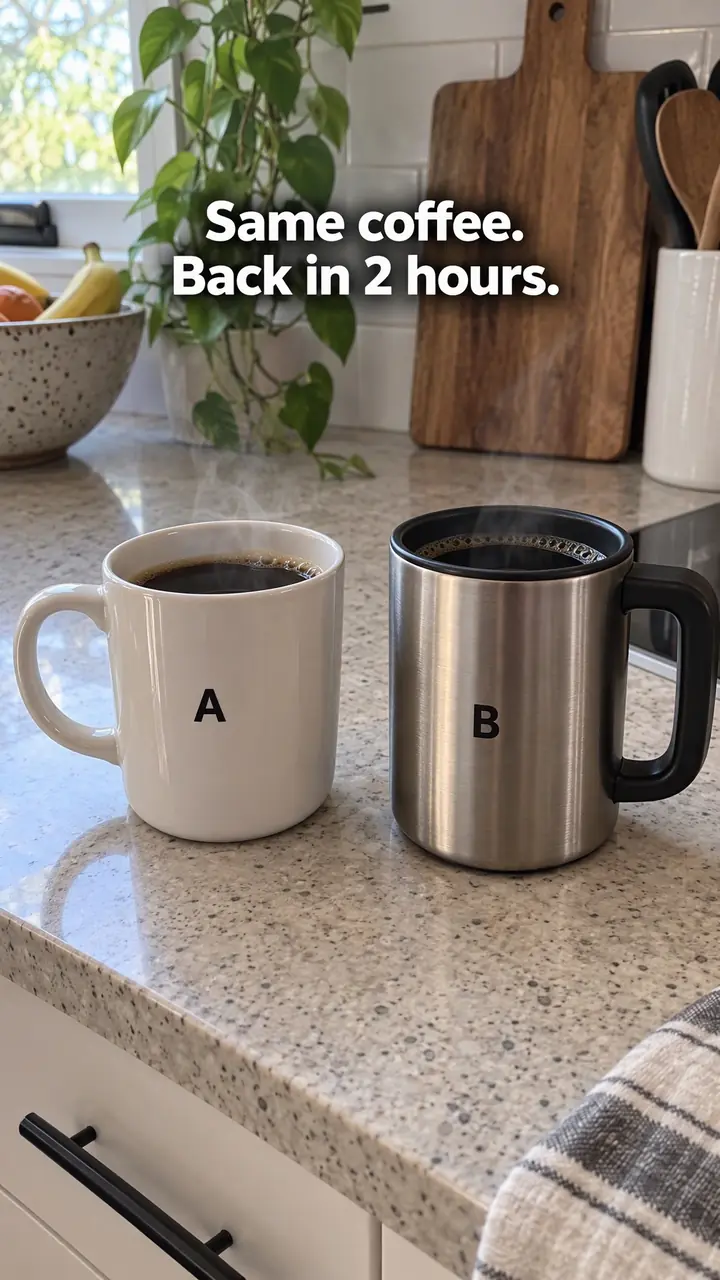
Texture hook, in pictures
Why it works
- Visible cues can help viewers imagine touch
- A close view of spreading, stretching or compression can help viewers estimate consistency or flexibility. It cannot reproduce touch or establish properties such as comfort, absorption or actual weight on its own.
- Relevant detail can reduce some uncertainty
- When texture matters to a purchase, showing it clearly may help answer a specific question about how a product moves or holds its shape. That visible detail is not proof of overall quality or performance.
- Clear movement may invite attention
- A readable pour, spread or stretch can give viewers a reason to watch the action unfold. Its effect depends on the product, audience and execution; movement alone does not guarantee that people will keep watching.
The formula
- Name the one feel your buyer wonders about: thick or thin, soft or stiff, heavy or light.
- Pick the single action that answers it: squeeze, spread, pour, stretch, press or stroke.
- Film it close, in soft light, on a plain surface, starting mid-action.
- Keep the natural sound and add one word on screen, or none.
- Cut to the product in real use within the first few seconds.
[One texture action, filmed close and already moving] + [natural sound] + [one word on screen, or nothing] + [cut to real use or result]How to use it
- Start with the doubt, not the product
Ask what the buyer can't check online. Is the cream greasy or light? Is the fabric stiff or soft? Is the sauce thick or watery? Pick one question. Your opening shot answers that question and nothing else.
- Choose one clear action
Use the verb that matches the doubt. Squeeze and spread for creams. Stretch for dough, cheese or elastic fabric. Pour for liquids. Press for foam, cushions or baked goods. Run a hand slowly over woven or brushed surfaces.
- Set up light that tells the truth
Place the product near a window or a soft light. Avoid harsh overhead light and heavy filters. Check the shot on your phone at small size. If the texture looks dull, grey or dirty, move the light before you change anything else.
- Get close and keep the frame clean
Fill most of the frame with the product and the hand or tool touching it. Keep packaging, props and text out of the first frame unless the viewer wouldn't know what they're seeing. Start recording before the action, then trim the dead time.
- Slow the action down
Move slower than feels natural. Fast hands blur detail. Keep the soft natural sound, such as a squeeze, a pour or fabric moving. If the sound is harsh, record somewhere quieter or mute it.
- Follow with normal use
After the close-up, show scale and use: on skin, on a plate, on a body. Show the pack or name once, briefly. On Reels and TikTok, keep the whole hook under a few seconds. For ads and product pages, the same clip can loop as the first thing a shopper sees.
Examples
| Niche | Line | Why it works |
|---|---|---|
| Skincare (DTC) | [Squeeze gel moisturiser onto clear glass, spread it thin with one finger] On-screen text: 'Gel.' | It answers 'is it heavy?' in one motion, before any talk of ingredients. |
| Makeup (DTC) | [Swipe cream blush across the back of a hand, then blend it out with a fingertip] No text. | Viewers watch the colour soften and spread, which tells them how easy it is to blend. |
| Fashion (DTC) | [Gently pull a knit sleeve, then let it settle back] On-screen text: 'Soft stretch.' | Give and recovery in one shot helps a buyer guess fit and comfort. |
| Home textiles (DTC) | [Run a hand slowly over a folded throw, then scrunch and release it] No text, natural fabric sound. | The scrunch shows softness and weight. The release shows how the fabric recovers. |
| Sauces (DTC) | [Pour sauce in a slow ribbon over a plain dish] On-screen text: 'Thick, not watery.' | Thickness is hard to prove in a photo. A slow pour shows it without extra words. |
| Fitness gear (DTC) | [Press a thumb into a yoga mat, then drag a palm across it] On-screen text: 'Grip.' | The press shows cushion and the drag shows grip, the two things buyers ask about. |
| Accessories (DTC) | [Run a thumb along the edge of a leather strap, then bend it slowly] No text. | The bend and the edge finish let the viewer judge thickness and quality up close. |
| Home cooking creator | [Stretch pizza dough between both hands until light shows through] No text. | Anyone who cooks reads the stretch at a glance. It makes them stay for the method. |
| Ceramics creator | [Wet clay squeezing between fingers on a spinning wheel] No text, natural sound. | The slick, shifting clay holds the eye and sets up the making process that follows. |
| Home baking creator | [Tear a warm loaf in half and lift one side toward camera] On-screen text: 'Day [number].' | The crumb shows the result of the bake, so viewers stay to see how it was made. |
Variations
- Glass swatch
- Squeeze or spread the product on clear glass. The plain surface keeps every eye on thickness and finish. Best for creams, gels, masks and spreads.
- On the hand
- Use fingers or a palm as the surface. Skin shows scale, warmth and melt. Good for skincare, makeup, fabrics and anything held or worn. Keep the background simple.
- Stretch and settle
- Pull, fold or pour until the product changes shape, then let it rest. The change shows elasticity, weight or body. Suits dough, knits, foam and liquids.
- Break it open
- Tear, cut or slice to show the texture inside: crumb, layers, filling or padding. Use it when the inside matters more than the surface.
Common mistakes
- Bad lighting makes the texture look worse than it is
- Fix → Move near a window or soft light. Film a short test, check it on your phone, and reshoot if the colour or shine looks off.
- You open on the pack, logo or a wide shot
- Fix → Start mid-action. Trim any hand reaching in, cap opening or product placement from the start.
- You show three textures at once
- Fix → Keep one action per opening. Show a second texture only after the first is clear.
- Your hand moves too fast
- Fix → Slow down by half. Rest the phone on something steady. Let the viewer see the surface change.
- The close-up never connects to real use
- Fix → Cut to use, scale or a result within a few seconds. The close-up earns attention. The next shot earns trust.
- Filters change the colour or shine
- Fix → Drop filters for the opening shot. If the texture doesn't read, change the light or surface, not the colour.
When not to use it
- When the main buying question is not about feel, choose a hook that addresses it directly. Use Size demonstration for dimensions, or Objection handling to name and answer a specific concern about a digital service.
- When your current setup cannot show texture accurately, fix the lighting and focus before using that footage. If you have a relevant, genuine customer message, Customer story can provide an alternative opening without relying on an unclear close-up.
- When the texture is hard to identify without context, use First-person POV to establish normal use before moving closer. Keep the later texture shot representative of the product.
- When buyers mainly need evidence of toughness or long-term performance, use Durability test for a relevant stress test or Real-world test for use over time. Texture footage alone does not establish either.
For brands
If you sell DTC products people buy partly on feel, this hook does product page work inside the feed. It answers the touch question before price, shipping or reviews come into the decision.
- Build a texture library in one session. For each product, film the squeeze, spread, stretch, pour and press under the same light and surface. Reuse the clips across ads, product pages and organic posts.
- Mine your reviews and DMs for feel questions such as 'is it sticky?' or 'is it see-through?'. Turn each one into a single shot that answers it, with the question as the caption.
- Put a looping texture clip near the top of each product page, next to the main photos, so shoppers see the feel before they scroll to the description.
- Match every texture word in your copy to a shot. If the page says 'lightweight' or 'soft', the first frame of the ad should show exactly that.
- Give creators a short brief: one close texture shot in natural light, no filter, natural sound, then the product in use. Let them pick their own words.
Pairs well with
- Extreme close-up
Macro framing shows grain, crumb or weave the eye usually misses. Use it when your texture lives in fine detail.
- Sensory
Texture shows the feel. Sensory adds the sound of the squeeze, pour or press. Together they come closest to touch.
- Satisfying action
A clean, precise spread or pour is pleasant to watch on its own. Combine them when the action looks good as well as informative.
- Side-by-side test
Put your texture next to another product in the same test, so viewers judge thickness or softness for themselves.
FAQs
- Can you give me an example of a video hook?
- Yes. Open on a hand squeezing moisturiser onto clear glass. Spread it slowly with one finger. Add no text, or one word such as 'gel'. Then show it on skin. The first shot stops the scroll. The second gives it context.
- What is video texture?
- Video texture is how a surface or substance looks and moves on camera. You see it in thickness, shine, grain, stretch, drip and how it holds or loses its shape. Light, distance and speed all change how clearly it reads.
- What is a hook in a video?
- A hook is the opening moment that gives a viewer a reason to stay. It can be visual, spoken, written or a sound. For a Texture hook, the reason is simple: you show how the product feels before anything else.
- How to create a hook in a video?
- Start with the clearest texture moment you have. Film it close and in good light. Keep the first frame clean. Add one short line only if viewers can't tell what they're seeing. Then move straight into use or result. Don't save your best shot for later.
- What does a hook look like?
- For this hook, it looks like the product already moving at the start: cream spreading, dough stretching, sauce pouring or a hand pressing into fabric. The frame is tight, the background quiet, and you understand the feel in the first second, even with sound off.
- How do I test a Texture hook on TikTok or Reels?
- Film the same action three ways: a tighter crop, a slower hand and a different surface such as glass, skin or a plate. Keep the rest of the video the same. Compare watch time and saves, not views alone, and keep the version viewers read fastest.
Key takeaways
- Open on the texture in motion, not on packaging or a logo.
- Pick one buying doubt and answer it with one clear action.
- Soft light and a slow hand matter more than a better camera.
- Follow the close-up with real use so the shot feels honest.
- Use this hook when feel drives the purchase. Choose another when it doesn't.