Impossible Shot Hook: What It Is and How to Film It
Also called: Mind-bending shot, Camera trick opener, Seamless transition hook, Visual illusion hook
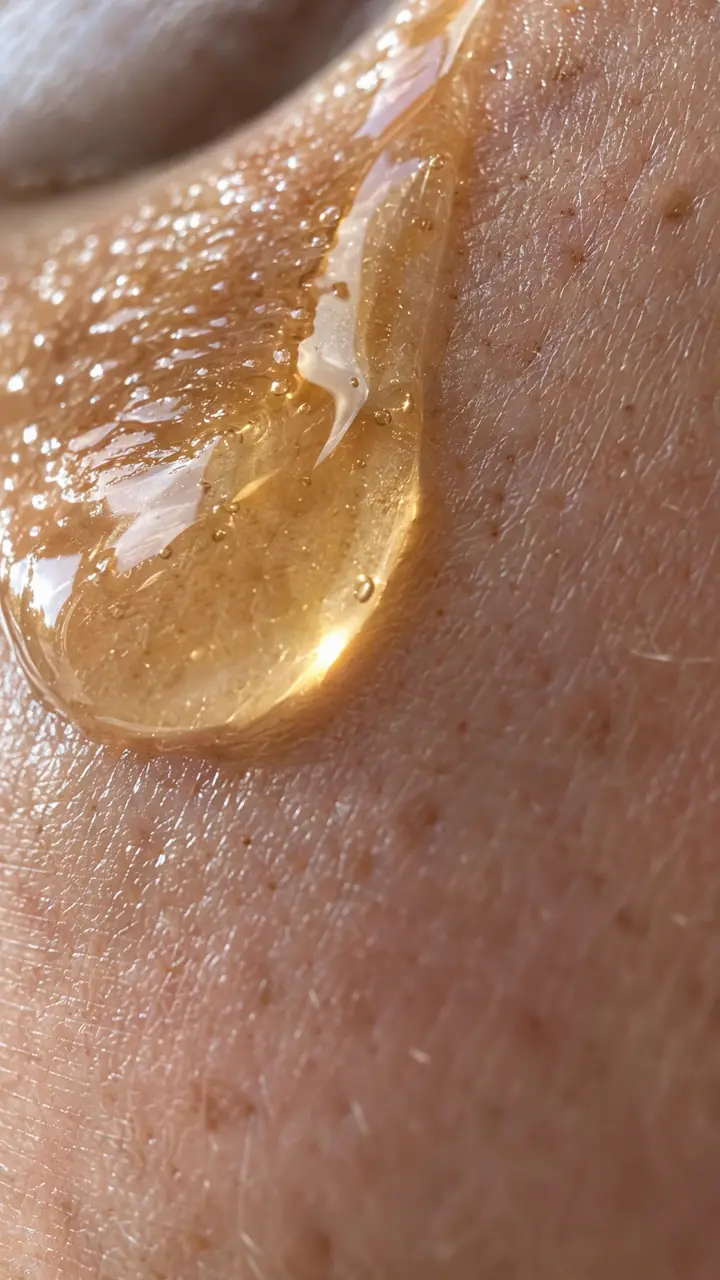
Picture a small skincare brand launching a new serum. Their first video is a clean bottle on a marble counter, and nobody stops. For the second video, the camera glides toward the bottle, passes straight through the glass, and comes out onto a single drop on skin. Same product, same budget. This time people stop and wonder how it was filmed.
That is the impossible shot hook. This guide shows you how to plan the move, film it with pro lenses or a simple phone edit, and land on a product point people remember. You get a template, examples across brand and creator niches, variations, and the mistakes that make the shot fall flat.
What is an impossible shot hook?
An impossible shot hook is a visual hook where the camera moves somewhere it should not fit, such as through a bottle or inside a bag, to stop the scroll and make you watch.
A normal shot stays outside the object. This shot travels through a narrow gap, under a closed lid, or out from inside a container. For example, the camera starts inside a sneaker and pulls back as a foot slides in. You can make the move with a macro lens, a probe lens or a simple editing trick. The viewer sees a route that looks blocked, watches the camera pass it anyway, and then lands on a useful detail. That landing gives the trick a point.
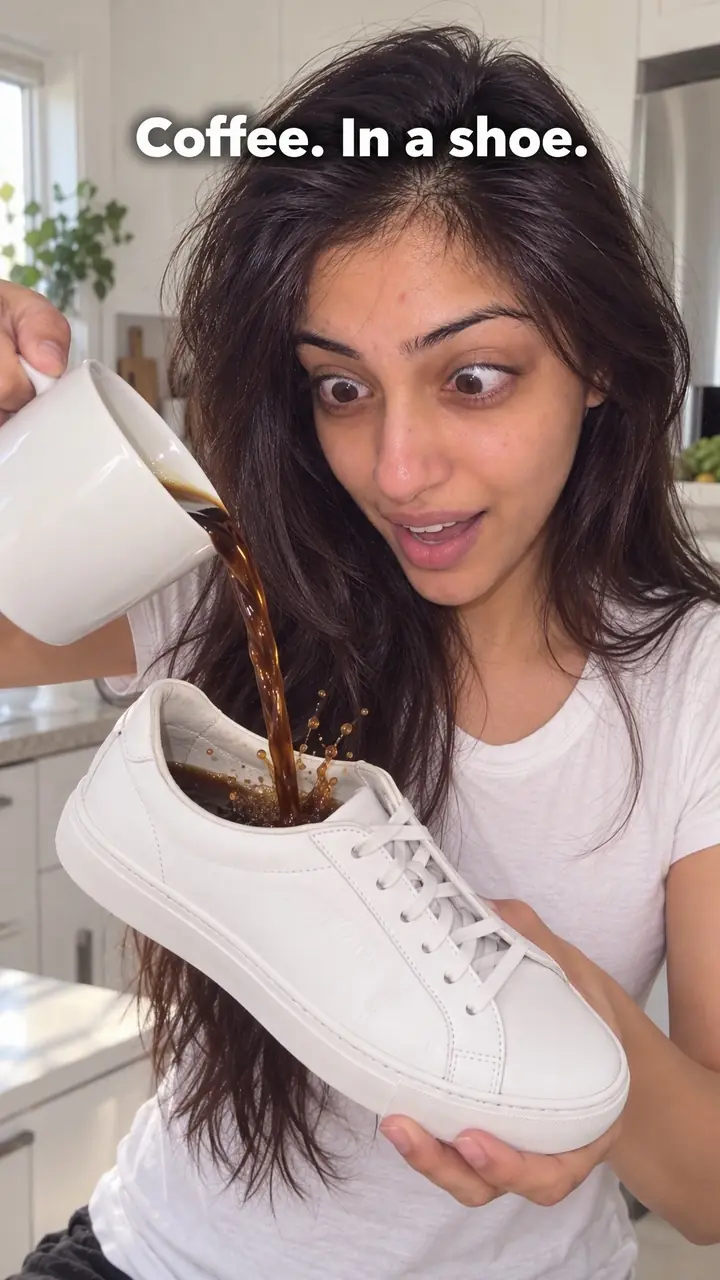
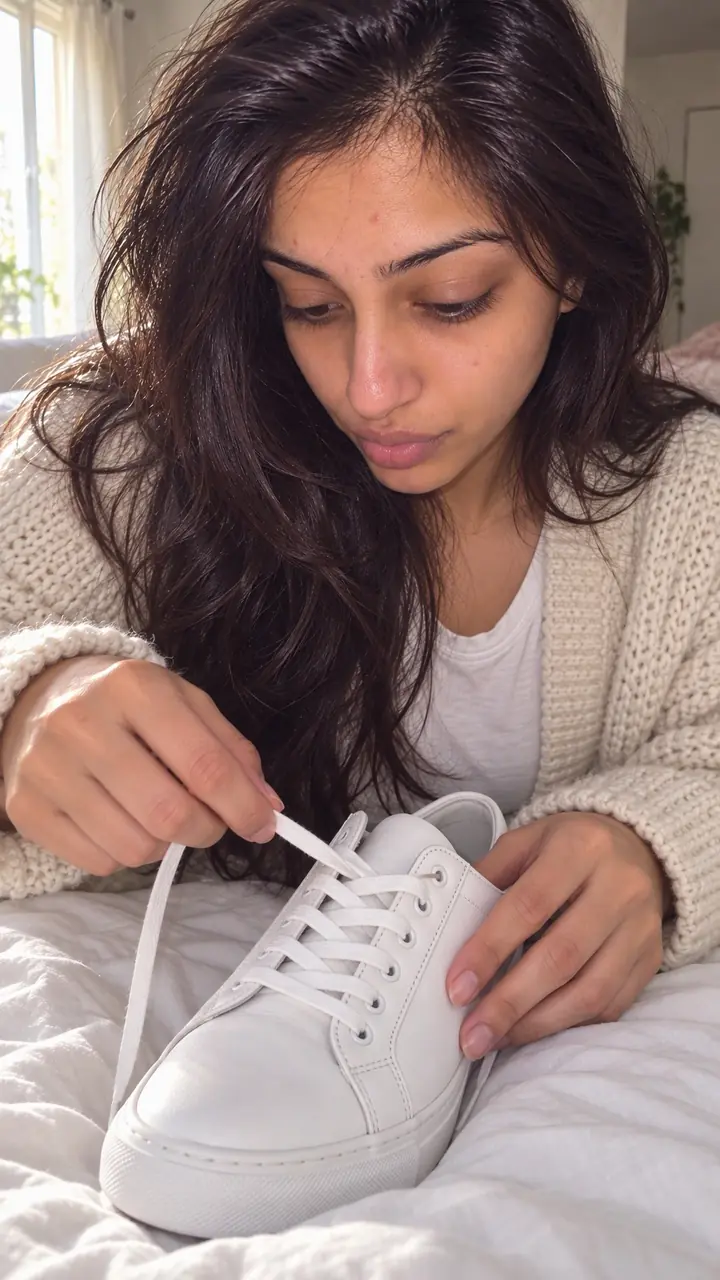
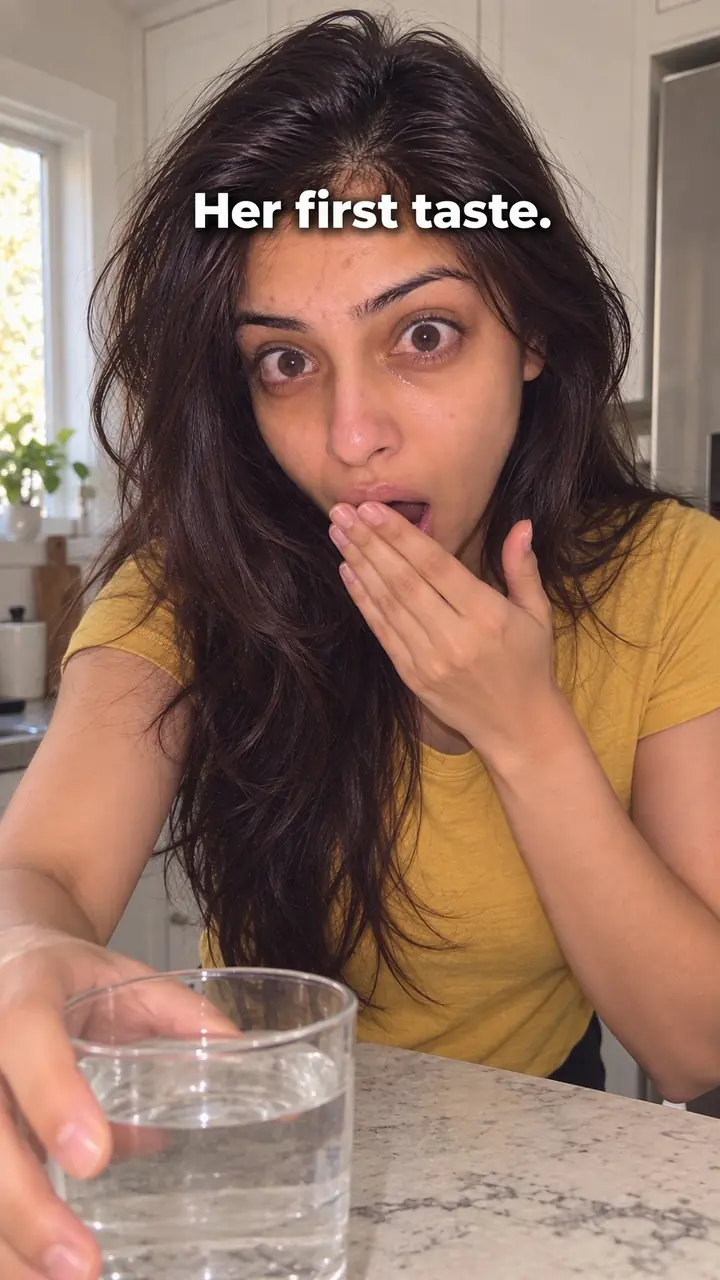
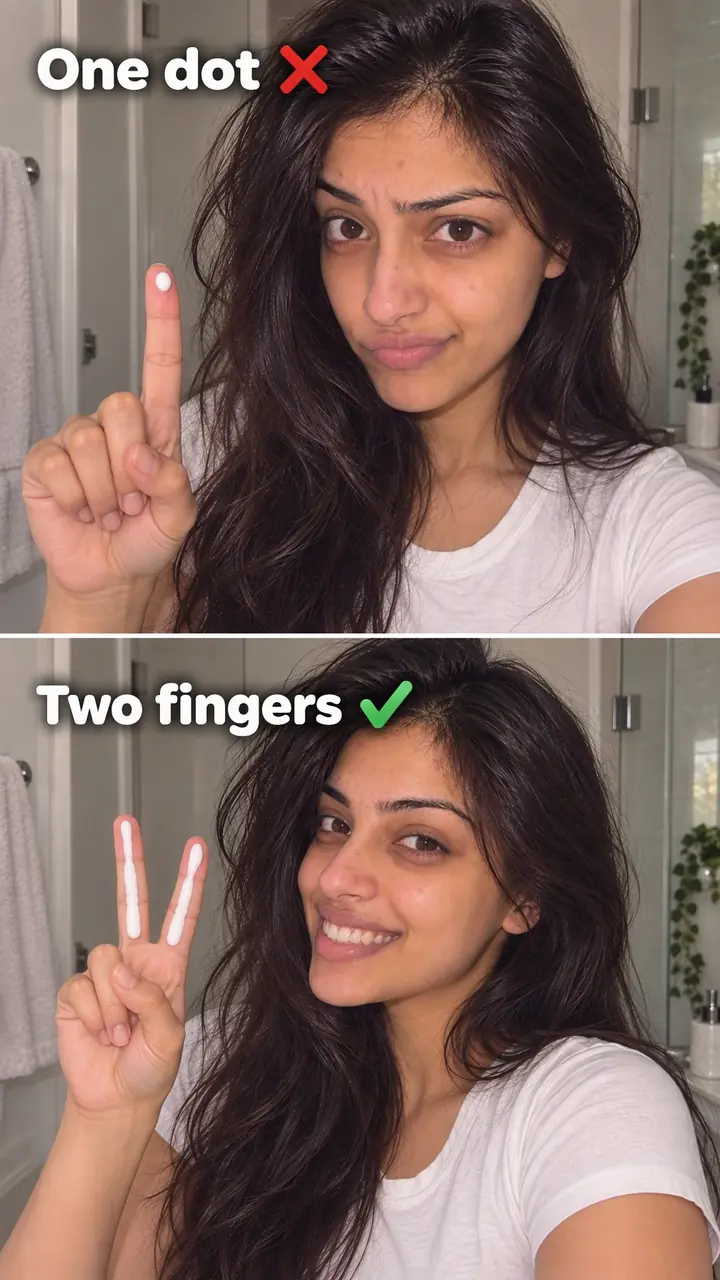
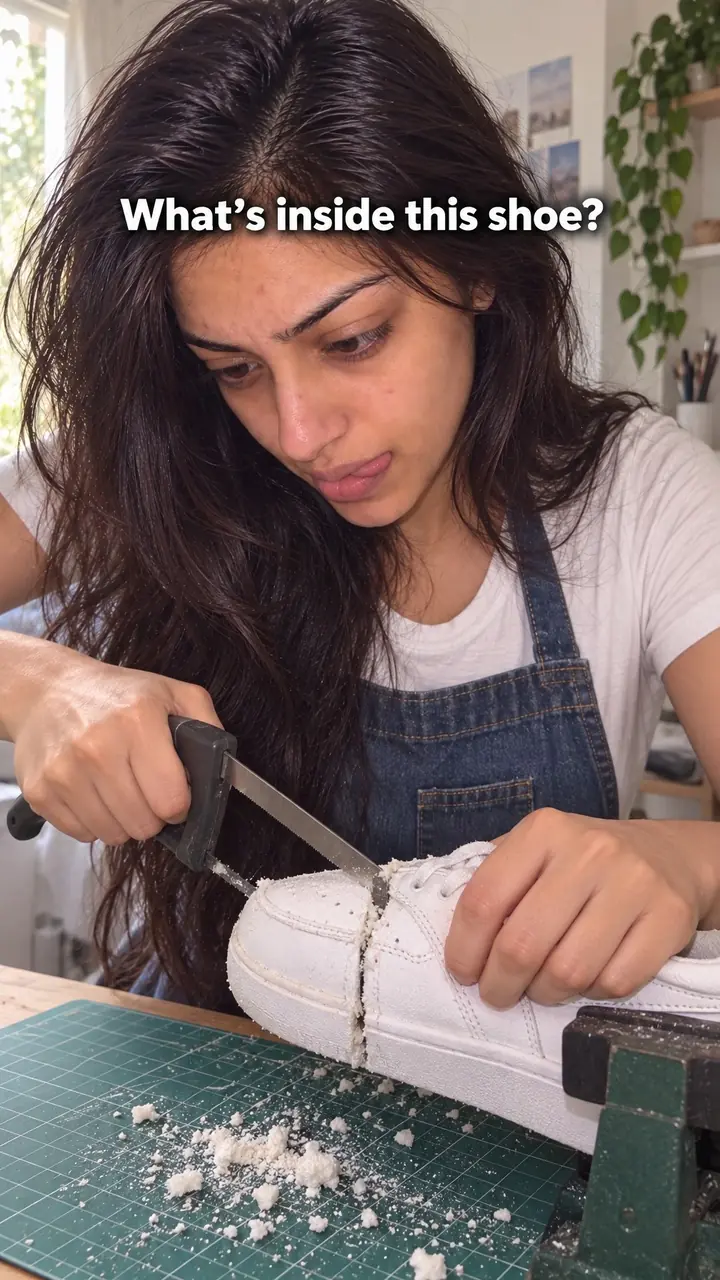
Impossible shot hook, in pictures
Why it works
- An unexpected camera route can attract attention
- A move that appears to pass through a barrier or emerge from a confined space can interrupt familiar viewing patterns. Whether viewers pause depends on how clearly the move reads and how relevant the product is to them.
- An apparent physical puzzle may create curiosity
- Some viewers may watch to understand where the camera is going or how the shot was made. Start with enough visual context to make the unusual route understandable rather than merely confusing.
- A relevant landing can connect the effect to the product
- Ending on a visible detail can help viewers connect the camera move with the product. It does not guarantee recall, and the detail alone may not substantiate claims about feel, fit, durability or performance.
The formula
- Write the one product point the shot must prove.
- Pick one blocked path: through, inside, under or between.
- Open with the camera already moving toward that barrier.
- Pass the tight point with a real lens move or a hidden cut, under a soft whoosh.
- Land and hold on the detail that proves your point, with one short line of text.
Camera is already moving [through / inside / under / between] [object], passes the tight point on a [lens move / hidden cut] with a soft whoosh, and lands on [specific detail]. On-screen text: '[Detail] is why [product] [benefit].'How to use it
- Choose the product point first
Write the sentence the shot must prove. For example: the cream is thick, the bag holds a lot, or the sole grips. If you cannot write that sentence, choose a simpler hook.
- Map one impossible path
Pick a route a normal camera could not take: through a clear container, out of a pocket, or under a lid. Keep it straight. Turns are hard to follow on a phone screen.
- Start already moving
Open mid-move, never on a still pack shot. The first frame should already push toward the barrier so viewers ask where the camera can go.
- Film the pass in one or two clips
Use a probe or macro lens for a real pass if you have one. If not, film two clips: push into a dark, tight frame, then pull back from the landing detail. Match direction, speed and light.
- Hide the join and add sound
Cut at the darkest or most blurred frame. Put a soft whoosh on that point and keep music low under the move. Sound should support the pass, not cover a rough join.
- Land, hold and explain
End on texture, fit, filling or another proof point. Hold it long enough to read, add one short line, then cut to normal use. This works for Reels, TikTok and the first seconds of video ads.
- Test it small and silent
Watch with sound off at small size. Can you follow the path? Can you name the landing detail? If not, shorten the move and add light to the end point.
Examples
| Niche | Line | Why it works |
|---|---|---|
| Skincare (DTC) | Camera pushes through a clear serum bottle and comes out onto one drop spreading on skin. Text: 'One drop. No greasy finish.' | The glass looks like a wall. The drop turns the trick into a claim about feel. |
| Footwear (DTC) | Camera sits inside a shoe and pulls back as a foot slides in. Text: 'Room where your toes need it.' | Nobody sees fit from inside the shoe. The landing shows space, not just style. |
| Bakery and food (DTC) | Camera passes through a fresh slice of bread and lands on the open crumb. Text: 'Baked [number] hours ago.' | The slice is the barrier. The crumb shows texture in one frame. |
| Bags (DTC) | Camera starts inside a gym bag, pulls out as hands pack it, and lands on the zip closing. Text: 'Fits [number] items. Still closes.' | The inside view shows capacity from the bag's own space. The closed zip is the proof. |
| Drinkware (DTC) | Camera glides through the wall of a clear bottle and settles on ice still solid inside. Text: 'Still cold after [number] hours.' | Simple to read, but only use a claim you can prove. |
| Home cleaning (DTC) | Camera slides under a sofa with the cleaning head and lands on the dust it lifted. Text: 'The spot you never reach.' | The low gap looks out of reach. The end frame shows the tool's result. |
| Musician (creator) | Camera drifts into the sound hole of an acoustic guitar as the first chord rings out, then exits over the strings. Text: 'Recorded in [room or city].' | The inside of an instrument is a place few people have seen. It fits a song teaser. |
| Home cook (creator) | Camera drops through a pot lid into the simmering sauce, then rises to the finished plate. Text: 'Recipe in [number] steps.' | The closed lid hides the cooking. Passing it promises the inside story of the dish. |
| Travel vlogger (creator) | Camera pushes into a packed backpack pocket and comes out on the first view of the trip. Text: 'Everything I packed for [number] days.' | The bag-to-view jump links the kit to the place in one move. |
| Book creator (creator) | Camera passes through the pages of a closed book and lands on the one line you underlined. Text: 'The page that changed my mind.' | The closed book is a blocked path. The line gives the viewer a reason to stay. |
Variations
- Real lens pass
- Film through a clear or narrow space with a probe or macro lens. Best when the inside detail is the proof and you can light it.
- Hidden-cut pass
- Two phone clips, a push-in and a pull-back, joined on a dark or blurred frame. Low cost, and you can reshoot the landing without redoing the entry.
- Inside-out reveal
- Start inside the product and pull out into real use. Suits bags, shoes, boxes and jars. The full product appearing is the payoff.
- Through-the-layer pass
- Move through bread, fabric, foam or pages and land on the inner structure. Use a clean edge so the path reads fast.
Common mistakes
- The trick is the only idea
- Fix → Write the product point before you film. Land on the detail that proves it, then state the point in one short line.
- You open on a still product shot
- Fix → Cut the lead-in. Open on the push toward the barrier so viewers sense the blocked path in the first frame.
- The path is too complex to follow
- Fix → Use one straight route. Remove turns and extra objects. If you cannot follow it at small size, simplify it.
- The edit join is easy to see
- Fix → Cut on a dark or blurred frame. Match speed, direction and light across both clips. Put the whoosh on the join.
- The landing detail is dark or dirty
- Fix → Light the end point. Clean glass and lenses. Hold the final detail long enough to name it.
- Text covers the move
- Fix → Keep text to one short line away from the moving edge. Let the move do the work in the opening seconds.
When not to use it
- When the camera move has no clear connection to a useful product detail, choose the Extreme close-up hook to focus attention on something shoppers can inspect.
- When the main message requires evidence of performance, choose the Real-world test hook and show a genuine test under stated conditions. An edited camera move should not stand in for that evidence.
- When you cannot make the route and landing clear with your available lighting, equipment or editing skills, choose the Texture hook if you can show the surface clearly in a simpler shot.
- When the main task is answering a buyer's specific concern rather than attracting attention through novelty, choose the Objection handling hook and answer that concern directly with appropriate support.
For brands
For DTC brands, this hook fits products with a place shoppers never see: inside, under, between or through. You do not need a big set, just one clean path, good light and a landing tied to a buying reason. Shoot a polished version for paid ads and a phone version for organic posts. Compare watch time and comments before you invest in more.
- Beauty: pass through the jar or dropper and land on the product on skin. One line names the finish or feel.
- Fashion: pull out from between folded layers or from inside a jacket and land on the stitching, lining or label.
- Food and drink: pass a cut surface or clear wall and land on crumb, filling, bubbles or ice you can show for real.
- Accessories and bags: start inside and pull out as a hand packs [number] items, ending on the closed bag.
- Home: move through the gap the product cleans, fills or covers, then hold on the finished surface.
Pairs well with
- Extreme close-up
Open with the impossible pass, then cut to macro detail. The pass earns the stop. The close-up gives viewers something to inspect.
- Texture
End the move on feel. Cream, fabric or crumb up close turns the trick into proof.
- Sound cue
A matched sound at the moment of the pass, like a whoosh or a pour, makes the hidden cut feel real.
- In medias res
Both start mid-action. Use it to plan a first frame that is already moving.
FAQs
- What is an impossible shot?
- It is a camera move that looks physically blocked. The camera passes through glass, into a tight space or out from inside an object. You can film it with a probe lens, a macro lens or an edit. The effect opens the video, and the product point follows at once.
- How do you make an impossible shot?
- Pick one blocked path and one detail to land on. Start the move from the first frame. Film the entry and the landing as clean clips, match speed and direction, and join them at the tightest point. Add a soft whoosh and test the cut on your phone.
- Can you give me an example of a video hook?
- Try this template. The camera slides toward a closed jar, passes the lid and lands on the texture inside. Text: 'This is what [benefit] looks like up close.' The move earns attention. The landing explains why the product matters.
- Do you need a probe lens to film an impossible shot?
- No. A probe lens helps for real travel through tight spaces, but you can fake the path. Push toward a surface, cut on a dark or blurred frame, then start the next clip pulling away from the landing detail. Match light and speed so it reads as one move.
- How long should the impossible shot last?
- Keep it short. Start moving and reach the landing detail within the first [number] seconds. If viewers cannot tell where the camera is going, shorten the path. If they can name the detail at the end, the length works.
- Should the camera pass through more than one object?
- No. Keep one clear path through or into one object. Several passes and turns are hard to read on a small screen. One simple route lets viewers enjoy the trick and still notice the product detail.
Key takeaways
- Start mid-move and reach the landing detail fast.
- One blocked path beats a complex route.
- The landing detail must prove a product point.
- A hidden cut on a phone is enough to test the idea before buying lenses.
- If the shot has no point beyond the trick, pick a different hook.