In Medias Res Hook: Start in the Middle of the Action
Also called: Mid-action start, Drop into the action, Mid-sentence opener, Climax-first hook
A small candle brand runs a heat test on a new glass jar. Halfway through, the glass cracks with a sharp pop. The founder's first instinct is to post the clip in order: "Hi, today we're testing our new jar." By the time the crack happens, most viewers have already scrolled away. The better move is to open on the pop, then explain.
That is the in medias res hook. This guide shows you how to pick the middle moment, keep it readable in the first second, and earn the rewind. You get a formula to copy, examples across niches, variations, mistakes to avoid, and ideas for product brands.
What is an in medias res hook?
An in medias res hook is a video opening that starts in the middle of an event already happening. It shows the tension first and explains how you got there once the viewer is watching.
You do not start at the beginning. You start at a tense, clear moment partway through the event. The viewer sees what is happening before they know why it matters. Then you rewind, add the missing context in small pieces, and move forward to the outcome. Think of a friend who starts a story with "So I'm standing on the roof, holding the cat." You want to know how they got there. On social media, the opening is usually visual. You show the action at its peak, keep the real sound, and add one short line of context only if the image needs it.
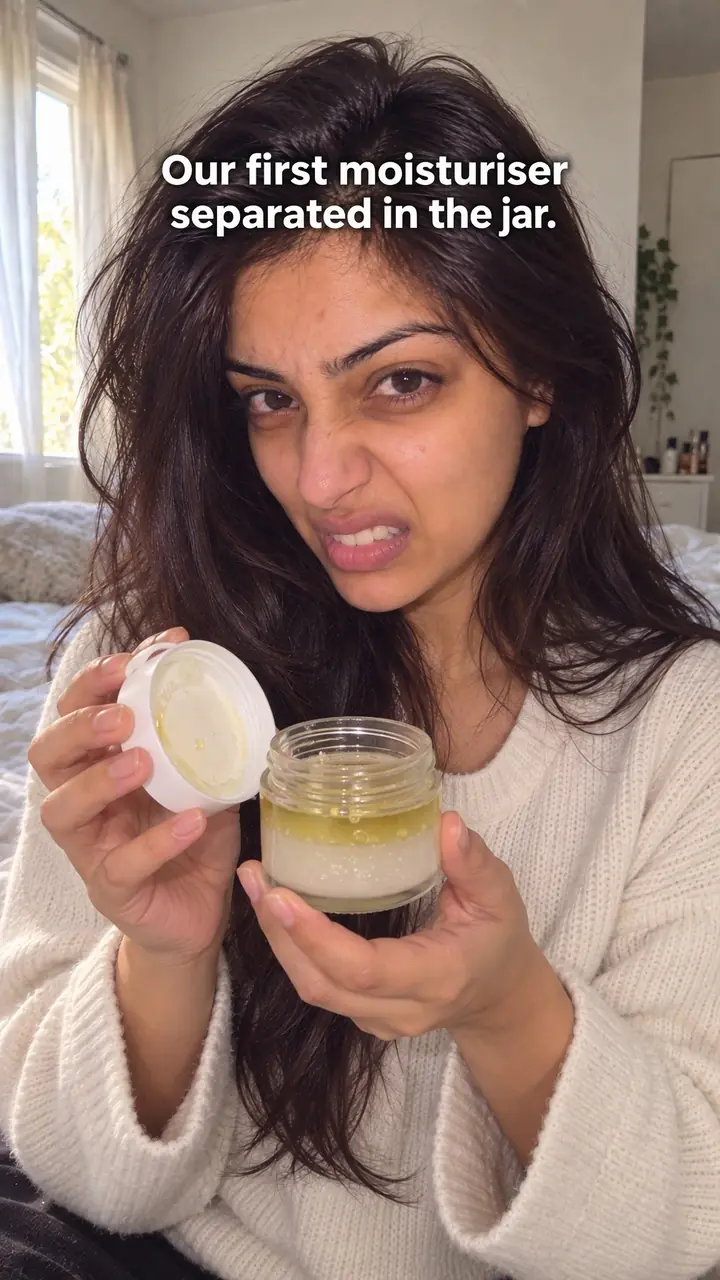
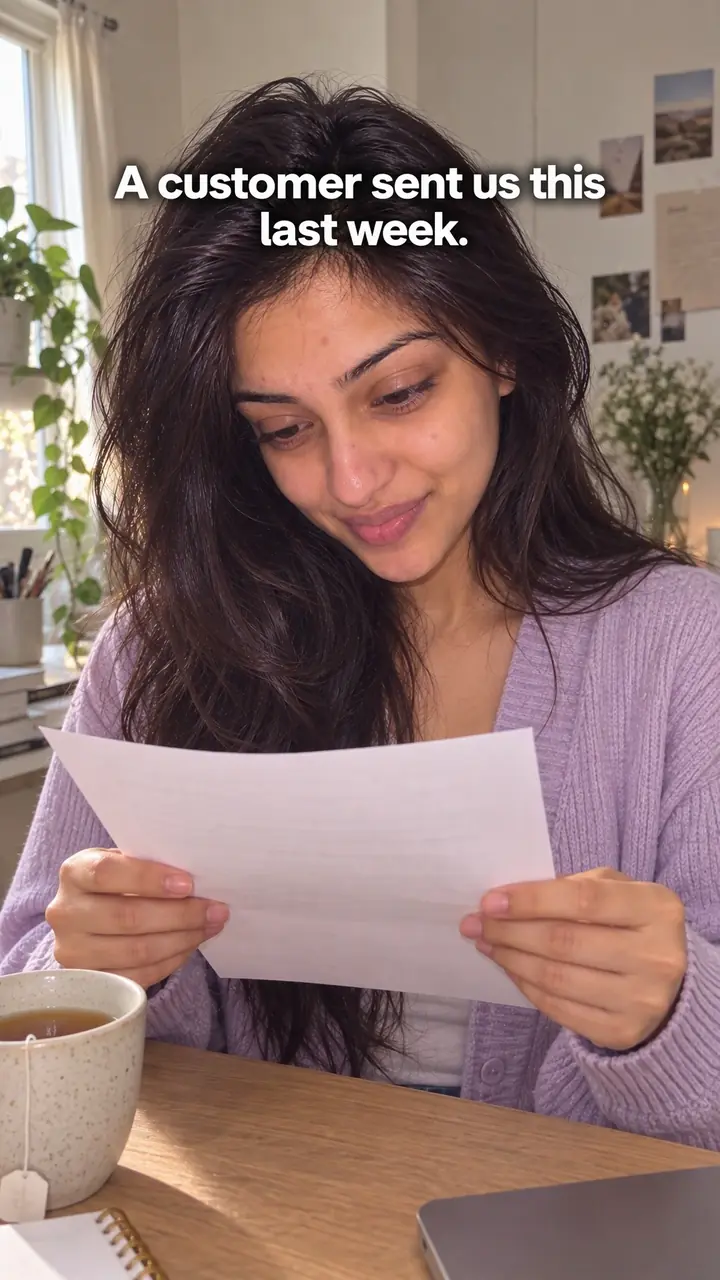
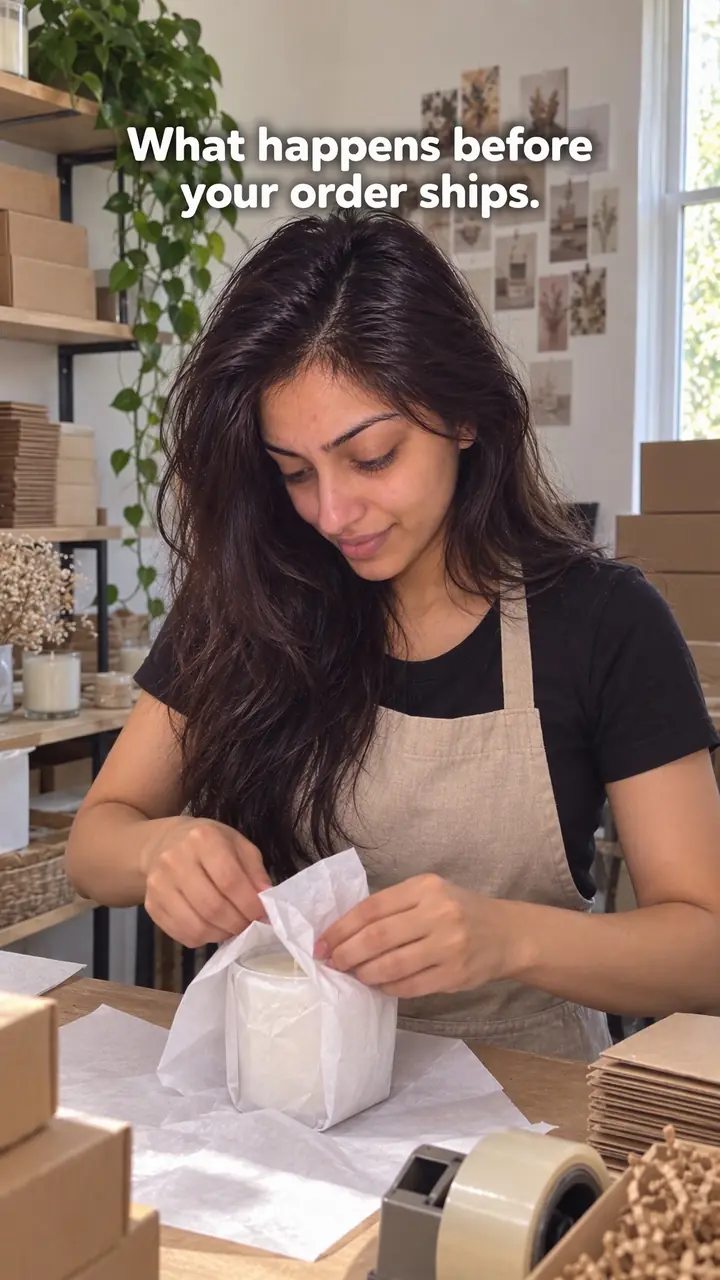
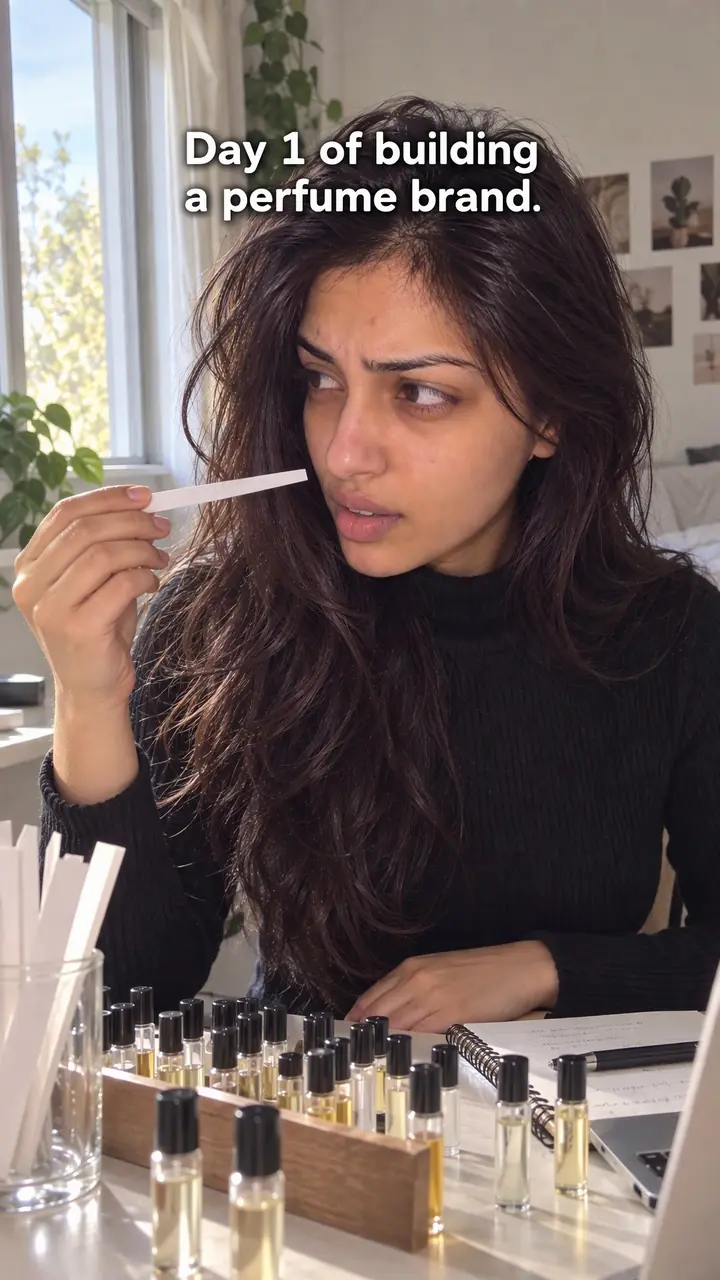
In medias res hook, in pictures
Why it works
- Missing context can invite curiosity
- An understandable event already underway can leave viewers wondering what caused it. That question may encourage continued viewing, but too little context can make the scene confusing.
- Action can make the stakes visible
- Showing a test, setback or decision in progress can communicate what matters before a longer explanation. This tends to work better when viewers can recognize the situation and its relevance.
- Real details can create immediacy
- Relevant movement, dialogue and recorded sound can make a scene feel immediate. They do not prove authenticity or guarantee attention, so the edit should preserve the event's meaning and provide the missing context.
The formula
- Pick one real event with a clear before, middle and end.
- Find the middle moment with the most visible tension.
- Open on that moment with its real sound and no intro.
- Add one short context line, on screen or spoken, only if needed.
- Rewind to the cause in two or three beats, then play forward to the result.
[Peak moment, real sound, no intro] + on-screen text: "[Day/Test/Batch] [number]" + cut back: "[How it started, one line]" + [cause in 2-3 quick shots] + [return to the peak and play past it] + [result or lesson in one line]How to use it
- Map the real order of events
Write the event in order first. List what happened before, during and after. You need the full order clear before you move the middle to the front.
- Find the peak middle moment
Look for motion, risk or a visible change: a box splitting, a lid popping, a timer running out. Pick a moment a viewer can read without a caption.
- Open on that moment with no warm-up
Cut any greeting, logo or set-up. Start on the action at its peak. Keep the real sound of the moment, even if it is rough.
- Add the smallest context that makes it readable
Add one short line only if the image is unclear, such as on-screen text reading "Day [number] of testing" or one spoken line. Do not explain the whole story yet.
- Rewind and fill the gap fast
Cut back to the start after a few seconds. Show the cause in two or three short visual beats. Skip any step that does not change the outcome.
- Play forward to the payoff
Return to the opening moment and play past it. Show the result, the fix or the lesson. End on the answer to the question your opening raised.
- Adapt it to the format
On Reels and TikTok, the peak goes in the first second. On LinkedIn, pair the clip with a first caption line that drops into the moment too. For a carousel, make slide one the mid-action photo and use later slides for the rewind. For ads, end on the product solving the problem shown.
Examples
| Niche | Line | Why it works |
|---|---|---|
| Beauty (DTC) | [Lipstick bullet slumping in a hot car, dashboard visible] On-screen text: "Hour [number] in the heat." | The melt is happening right now. The viewer stays to see whether the formula holds or fails. |
| Fashion (DTC) | [Leggings mid-squat, a seam stretching under close light] "Rep [number]. Still holding?" | The stress point is the whole story. The question keeps people watching for the answer. |
| Food (DTC) | [Sauce boiling over the pot, real hiss and sizzle] "Okay. That was not in the recipe." | Sound and image land together. The rewind can show what changed in the batch. |
| Home (DTC) | [Mug falling off a counter in slow motion, just before impact] On-screen text: "Test [number] of [number]." | You open at the second before the result. The viewer has to wait for the landing. |
| Accessories (DTC) | [Bag strap pulled tight with a heavy load swinging] "We added another [number] kilos." | Rising load means rising risk. The viewer is already inside the test when the video starts. |
| Fitness gear (DTC) | [Water dripping out of a gym bag onto the floor] "Found out mid-session." | A small, relatable disaster. The rewind explains which bottle leaked and what you fixed. |
| Travel creator | [Running down a platform as train doors close] "Missed by [number] seconds." | Everyone knows that feeling. The rewind shows the chain of small delays that caused it. |
| Cooking creator | [Smoke alarm going off, pan in hand] "Step [number]. Where it went wrong." | The alarm grabs attention. Naming the step promises a lesson, not just chaos. |
| LinkedIn freelancer | [Client call on speaker] "We need to change the whole plan." | You open on the turning point of a work story. The stakes are professional and easy to follow. |
Variations
- Peak, hold, rewind
- Open on the peak, hold it for one beat with a freeze or slow-down, then cut to "[number] hours earlier." Use it when the action is fast and needs a moment to read.
- Mid-action, stay forward
- Open mid-event and keep moving forward with no rewind. Drop background in through short lines as it unfolds. Use it for live-feeling tests, launches and events.
- Overheard line first
- Open on a real line said in the moment, like "Don't touch that" or "Is it supposed to do that?" Show the speaker, then widen to the scene. Use it when the sound beats the image.
- Text-led carousel
- Slide one is a mid-action photo with a short caption that starts mid-story. Each next slide steps back in time, and the last slide shows the outcome. Use it when you have photos, not video.
Common mistakes
- Opening on a moment that is pure confusion
- Fix → Show the opening to someone who knows nothing about it. If they cannot say what is happening, choose a clearer moment or add one short line.
- Adding a long set-up before the middle moment
- Fix → Cut the greeting and the background. Start on the action. Bring the context in after the viewer has a reason to care.
- Never paying off the opening question
- Fix → Name the question your opening raises. Make sure the last third answers it on screen, not just in the caption.
- Covering the real sound with loud music
- Fix → Use the true sound where you can. If you add music, keep it low under the real noise of the moment.
- Choosing drama with no link to the story
- Fix → Pick the moment with the clearest stakes, not the loudest one. Tension the viewer can follow beats noise they cannot.
When not to use it
- When the middle cannot be understood without substantial background, use Journey (journey-hook) to establish the beginning and build the story in order.
- When there is no clear event already underway and the value is simply showing everyday work, use Behind the scenes (behind-the-scenes-hook) rather than manufacturing drama.
- When the outcome is unavailable and the opening would imply a result you cannot establish, use Behind the scenes (behind-the-scenes-hook) to show the current process and state what remains unknown.
- When viewers mainly need a straightforward tutorial rather than an event-based story, use How-to promise (how-to-promise-hook) to name the result and introduce the method.
For brands
DTC brands already film the raw material for this hook: tests, batches, launches and fixes. You do not need a studio. You need one honest moment with clear stakes, filmed close enough to read on a phone, and a real ending to show.
- Product tests: open at the hardest moment of a drop, stretch, heat or spill test, then rewind to why you ran it and show the result.
- Production problems: open on a batch, print or fit going wrong, keep the real sound, then show what your team changed.
- Launch day: open on the order notification, the empty shelf or the crashed checkout page, then tell the story of the [number] days before.
- Customer use: with permission, open on a customer mid-task, add "Week [number] of use," then show how the product held up.
- Ads: cut the mid-action clip to the first second, then end on the product doing its job and one clear call to action.
Pairs well with
- Voice-first cold open
Add a first spoken word in the first half-second, over the mid-action shot. The image brings tension and the voice confirms what is happening.
- Failure first
When your middle moment is a break or a fail, open on it, then rewind to the cause and what you fixed. The fail is the hook and the fix is the payoff.
- Freeze frame
Freeze the peak for a beat before the rewind. It gives viewers time to read a fast moment and marks the jump back in time.
- Open loop
Use it for multi-part stories. Open mid-action in part one, then promise the outcome in part two to bring viewers back.
FAQs
- What does "in medias res" mean in simple terms?
- It is Latin for "in the middle of things." You skip the start of the story and open on a moment that is already tense or active. You explain the background later.
- What are some examples of in medias res?
- Open on a box splitting during a drop test, smoke coming from a test oven, or a founder saying, "That is not supposed to happen." Each one starts after the event has begun.
- How do you pronounce in medias res?
- Most English speakers say in MAY-dee-us RAYS or in MEE-dee-us REZ. Both are understood. On camera, showing the idea in the first frame matters more than saying the term.
- What is a hook in video making?
- A hook is the opening moment of a video. It gives the viewer a reason to stop scrolling and keep watching. It can be an image, a sound, a spoken line or a mix of all three.
- What is a good narrative hook?
- A good narrative hook raises a clear question and delivers the answer. The viewer grasps the situation fast, feels the tension, and wants to know what caused it and what happens next.
- Is in medias res the same as a cold open?
- No. A cold open can start at the beginning, as long as it skips the preamble. In medias res always starts partway through. The event is already under way when the viewer arrives.
Key takeaways
- Start on a peak moment the viewer can read without explanation.
- Add one small context line, then rewind and fill the gap fast.
- Keep the real sound and close the loop with a clear payoff.
- Skip this hook if the middle makes no sense without the beginning.