Voice-First Cold Open Hook: Start Talking at 0.0 Seconds
Also called: No-intro start, Zero-pause opener, Immediate voiceover, Hard start
A candle founder films two takes at her packing table. Take one opens with 'Hey everyone, welcome back to the studio.' Take two opens with '…so we poured the whole first batch down the drain.' Same person, same table, same product. Only one of those openings makes you wait for the next sentence.
That second take is a voice-first cold open. The voice is already mid-thought when the video starts. This guide shows you how to pick that first line, cut it to frame one, and use it on Reels, TikTok, Shorts and video ads without sounding rushed.
What is a voice-first cold open hook?
A voice-first cold open hook is a video opening where your voice starts at 0.0 seconds, mid-thought, with no greeting, logo or intro. You lead with a strong line, then add context once the viewer is listening.
Think of a normal intro in reverse. You remove the warm-up and start on your strongest line. Your face, your voice and your captions all begin together. Example: a cooking creator skips 'Today I'm making pasta' and opens with '…and that's why your sauce keeps splitting.' The viewer joins a thought already in motion and wants the rest. Your name, context or logo can come later. By then the viewer has a reason to stay. This is not just fast talking. It is a deliberate edit. You choose a line with tension and cut everything before it.
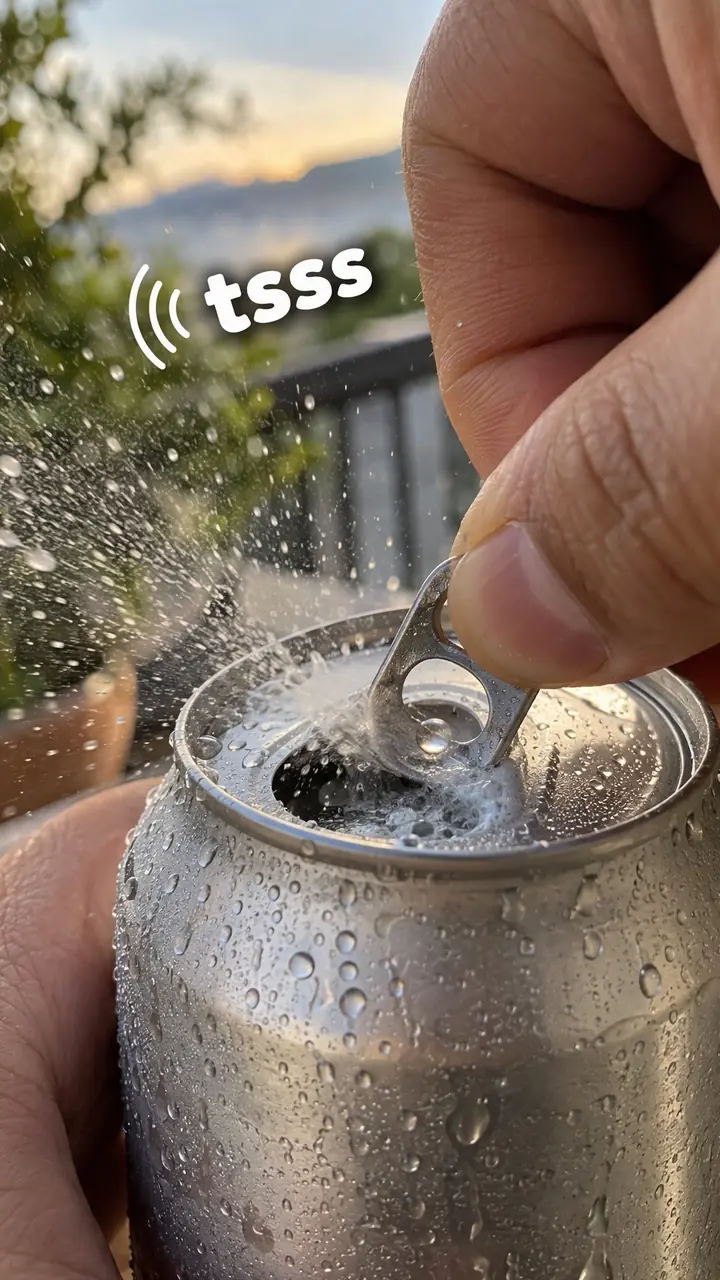
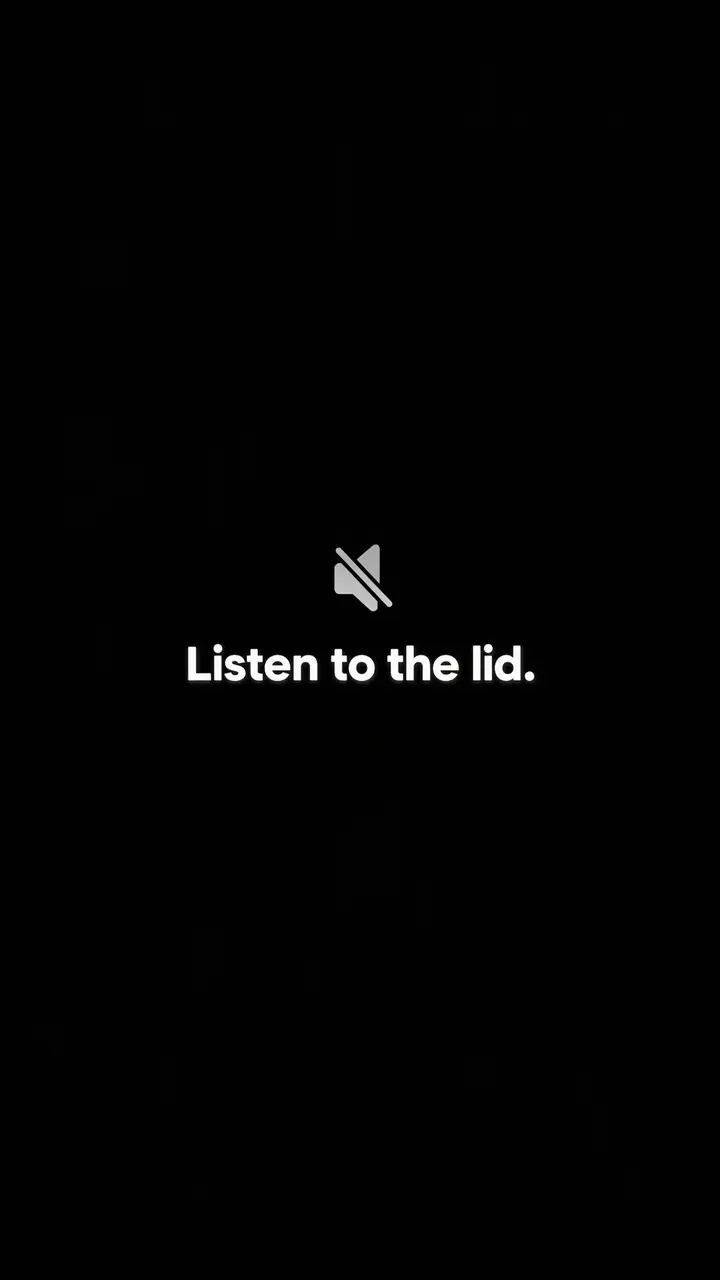
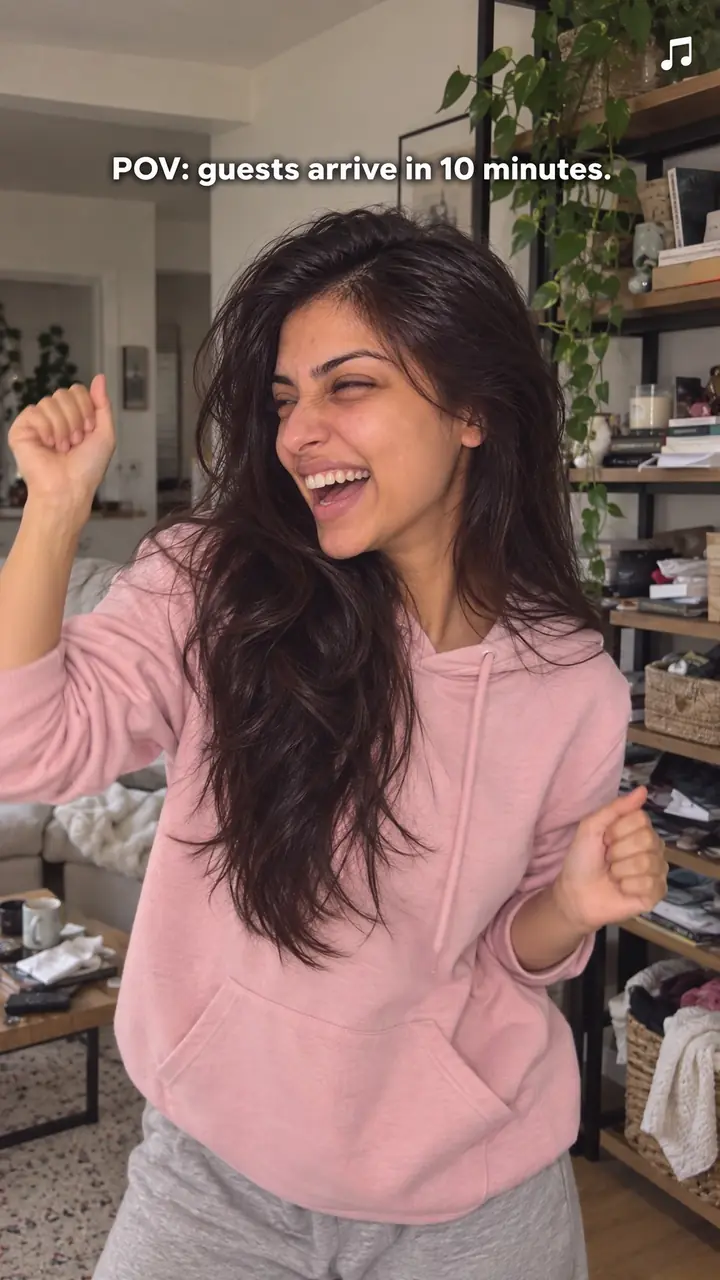
Voice-first cold open hook, in pictures
Why it works
- A thought already in progress
- Starting mid-thought can raise a question about what happened or why. That may encourage viewers to listen for context, provided the opening is understandable and the explanation follows.
- Tone adds context
- A voice can convey emphasis, emotion and attitude alongside the words. This may make the opening feel conversational, but it does not automatically create trust or work better than text for every viewer.
- Meaning without an introductory wait
- Removing a greeting or logo sting lets the main idea begin immediately. This can make the opening easier to assess, though continued attention still depends on relevance, clarity and what follows. Captions help preserve the meaning when viewers cannot hear the voice.
The formula
- Write the full script, then circle the one line with the most tension: a decision, a mistake or a surprise.
- Move that line to the very front. Delete every word that came before it.
- Trim the audio so the first clear word sits on frame one, at 0.0 seconds.
- Make the first frame match the line: your face mid-sentence, or the thing your words name.
- Follow with one line of context, then the payoff, then your name or brand.
[Strong line, spoken from frame one] + [one sentence of context: who you are or what happened] + [the payoff: the reason, the fix or the proof] + [name, logo or call to action]. Starter lines: '…and that's why we [decision].' / 'Nobody tells you this about [topic].' / 'The worst mistake we made was [mistake].'How to use it
- Find the strongest line in your script
Do not start at the start. Look for the line where something went wrong, changed or surprised you. That line is your open. The lines before it become context for later.
- Record the line as if you are mid-conversation
Say the line out loud a few times. If you need a breath or a warm-up before it, keep it and cut it in the edit. Aim for a first word that is clear and easy to hear.
- Cut to 0.0 seconds in the edit
Zoom into the waveform and trim the dead air before the first word. Check the first frame. Your mouth should already be moving.
- Match the picture to the words
Frame your face close enough to read and look at the lens. Avoid a blank wall, a logo card or a slow zoom. For voiceover ads, show the action your words describe from frame one.
- Add captions from the first frame
Many people start watching with sound off. Captions let them follow before they turn it on. Keep each caption line short and place it away from the platform buttons.
- Add context after, not before
After the hook, give one short line of context, then deliver the payoff you hinted at. On carousels, use the same idea: slide one carries the mid-thought line, slide two gives the context. Never restart with a formal intro.
Examples
| Niche | Line | Why it works |
|---|---|---|
| Beauty (DTC skincare) | 'Nobody tells you this about sunscreen.' | It names the topic in the first word group and opens a gap. Your next line must give one clear, honest point, not a list. |
| Home goods (DTC) | '…and that's why we stopped using plastic.' | The viewer joins a decision already made. They stay for the reason. Show the new material in your hands as you say it. |
| Fashion (DTC denim) | '…so we made the back pocket [number] centimetres deeper.' | A small, specific change sounds like a real person explaining a real choice. Cut to the pocket on the word 'deeper'. |
| Food (DTC snacks) | 'The worst mistake we made was our first recipe.' | It promises an honest error, which feels safer to trust than a sales line. Hold up the old packet as you speak. |
| Fitness (DTC gear) | 'If your wrists ache on push-ups, look at your grip first.' | It names a pain the viewer has felt. Point to your wrist as you speak so sound and picture land together. |
| Accessories (DTC bags) | '…and the zip still runs smooth after [number] months of daily use.' | It opens on the end of a test, not the start. Show the zip moving on the first frame and fill the bracket with your real number. |
| Cooking creator | 'Stop running a hot pan under cold water.' | A direct instruction with a hidden reason. The viewer stays to learn what goes wrong and what to do instead. |
| Social media marketing creator | 'Your first second is not your intro. It's your hook.' | It reframes a habit your audience has. Demonstrate it by cutting your own video to 0.0 on screen. |
| Freelancing creator | '…and that was the day I raised my rate.' | The viewer arrives at the turning point and wants the story behind it. Tell it in three or four quick lines. |
Variations
- Mid-sentence cut
- Open on the tail end of a sentence, as if the viewer joined late: '…so we changed everything.' Then step back and explain. Suits founder stories and lessons learned.
- Voiceover over action
- You stay off camera. Your voice starts at 0.0 over a tight shot of hands, product or work in progress. Best for video ads and demos where the picture does the proving.
- Pulled-forward line
- Take the best line from late in a long recording and move it to the front, then cut back to the beginning. Useful when you clip podcasts, lives or talks into short videos.
- Answer-first reply
- Start with the answer before you show the question: 'No, it doesn't stain.' Then reveal the comment or question on screen. Works well for replies and FAQ-style videos.
Common mistakes
- Starting with 'Hi, I'm…' or 'Welcome back'
- Fix → Cut the greeting. Start with the point. Add your name after the first idea lands.
- Leaving a short pause before the first word
- Fix → Zoom into the audio track. Trim silence and soft breaths until the first clear word sits on frame one.
- Using a fast but empty first line
- Fix → Choose a line with a mistake, a change or a promise. If the line could open any video, rewrite it for this one.
- Shouting or racing to sound urgent
- Fix → Slow down a little and stress the key words. Clear and calm beats loud and rushed.
- Making a promise, then drifting off topic
- Fix → Pay off the hook within the next few sentences. Show the thing, name the reason or give the first step.
- Adding captions late or leaving errors in
- Fix → Run captions from frame one and check them before posting. Fix names and key terms by hand.
When not to use it
- When the opening needs to communicate without speech, use Text-first frame (text-first-frame-hook) for a written message or Silent action (silent-action-hook) for an action-led question. Captions can support a voice-first version, but they do not make speech necessary.
- When the recording is difficult to understand and cannot be repaired before publishing, use Text-first frame (text-first-frame-hook) and remove or replace the unclear audio. Do not rely on a text opening to fix unintelligible speech later in the video.
- When a visible comparison is the clearest way to establish the point, consider Side-by-side test (side-by-side-test-hook). Use a fair, supportable test; immediate narration can still be added if it helps explain the evidence.
- When a quiet opening and a later sound are deliberate parts of the piece, use Silence then sound (silence-then-sound-hook). A calm voice-first opening can also work, but choose the alternative when the initial silence serves a clear purpose.
For brands
For DTC brands, this hook makes an ad sound like a person talking, not a brand announcing. It fits founder videos, voiceover ads and replies to customer questions. Open on a real decision, doubt or mistake, then show the product as the answer. Keep the logo out of the first seconds. Add it after the first point lands, or keep it small in a corner.
- Founder decision: start on '…and that's why we switched to [material].' Then show the old and new versions side by side and give one reason.
- Voiceover demo: start your voice over a close shot of the product in use, saying 'This is what [product] looks like after [time period].' Let the footage carry the proof.
- Customer doubt: open with 'Yes, it works on [specific case]. Here's the catch.' Answer plainly and name the limit as well as the benefit.
- Process line: begin at the workbench with 'We do [number] checks on every order, and this one matters most.' Show that check as you explain it.
- Ad testing: film one script, then export [number] cuts that each open on a different line from it. Keep the rest identical so you can compare openings fairly.
Pairs well with
- In medias res
In medias res drops the viewer into the middle of the action. Add voice at 0.0 and they get motion and meaning in the same second. Strong for demos and founder stories.
- Contrarian
A contrarian line gives your cold open its tension. You start mid-thought and disagree in the same breath. Only use it when you can back the claim up next.
- Founder confession
A founder admitting a mistake lands harder when it is the very first thing you hear. Open on the admission, then explain what changed.
- Text-first frame
Put your spoken line on screen as big text in frame one. Sound-off viewers get the hook too, and sound-on viewers hear it at the same moment.
FAQs
- What is a good TikTok hook?
- A good TikTok hook gives the viewer a clear reason to stay in the first line. Name the topic, add tension and hint at the payoff. With this hook, you start speaking at once. Try: 'Nobody tells you this about [topic].' Then deliver the point fast.
- What's the 3 second rule on TikTok?
- It is shorthand for a simple idea: viewers judge a video very quickly, often within the first few seconds. If those seconds are silent, vague or filled with an intro, many people leave. Start with voice, a clear face and captions so the point lands at once.
- How do I do the voice thing on TikTok?
- If you mean starting with your voice, record the line, then trim any pause so the first word sits on frame one. Add captions before you post. If you mean a voice effect, record normally first and only apply effects that keep every word clear.
- What is a catchy hook?
- A catchy hook is short, clear and hard to ignore. It names something the viewer cares about and leaves one question open. Catchy does not mean loud or clever. It means the viewer gets the topic and wants the next sentence.
- How to write an attention grabbing hook?
- Start with the end point, not the build-up. Pick a mistake, a surprise or a clear promise and write it as one spoken sentence. Cut greetings and background. Read it aloud and remove any word that adds nothing. Then place that line at 0.0 seconds.
- What is a good opening hook?
- A good opening hook works on mute and with sound on. You see a person mid-sentence, read the same idea in captions and hear the voice right away. Try: 'The worst mistake we made was this.' Then show or explain the mistake without delay.
Key takeaways
- Start the voice at 0.0 seconds. No greeting, logo or warm-up.
- Pick a first line with tension, then add context after it.
- Show the speaker mid-sentence and run captions from frame one.
- Deliver the payoff soon. A fast open cannot save a slow middle.