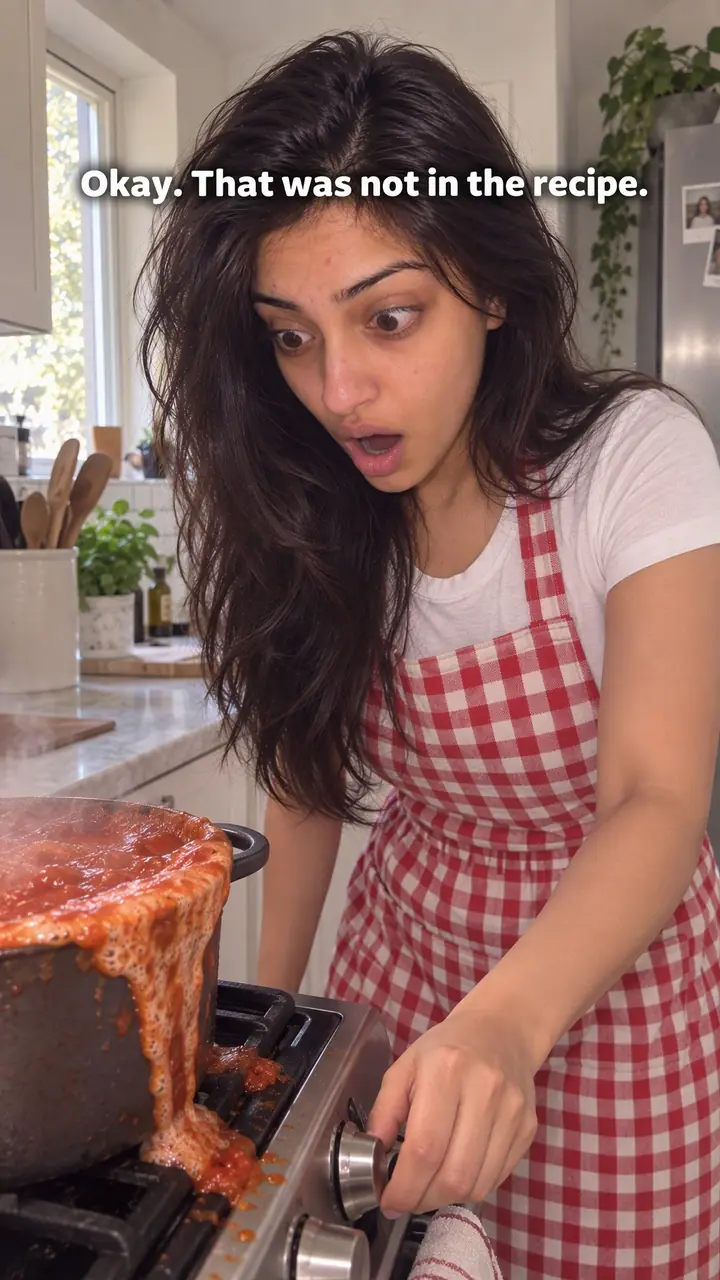
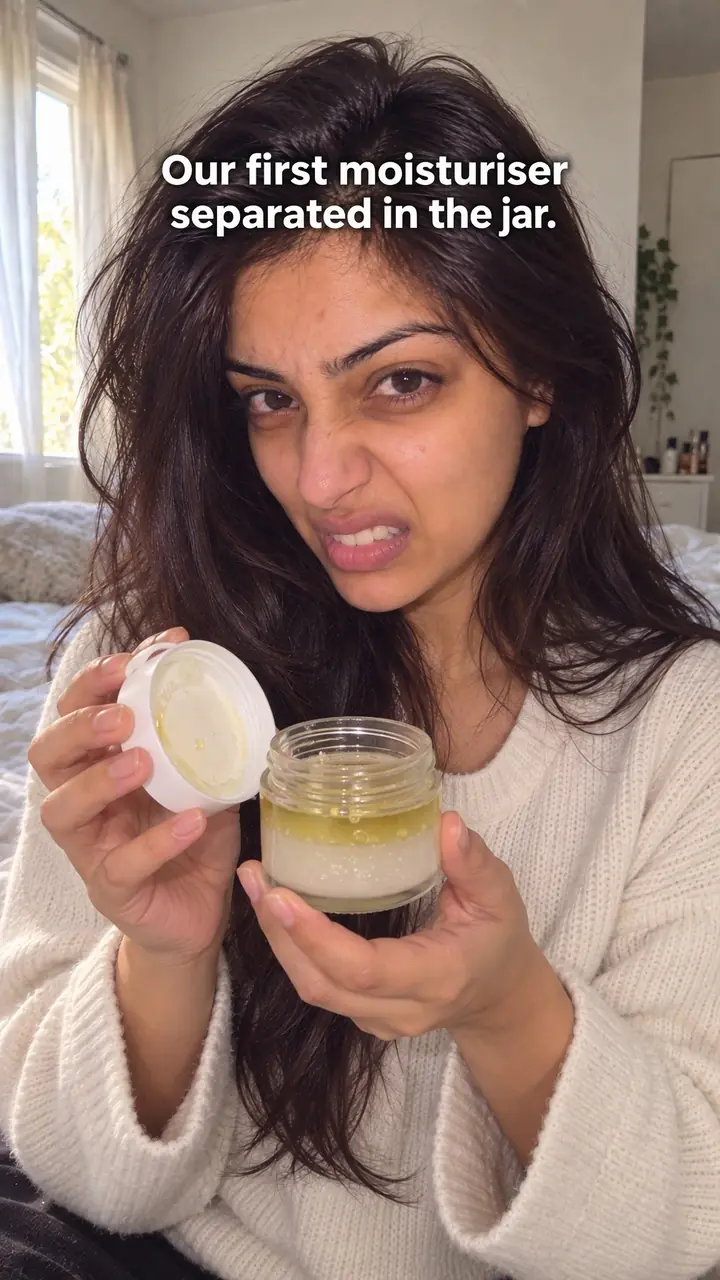
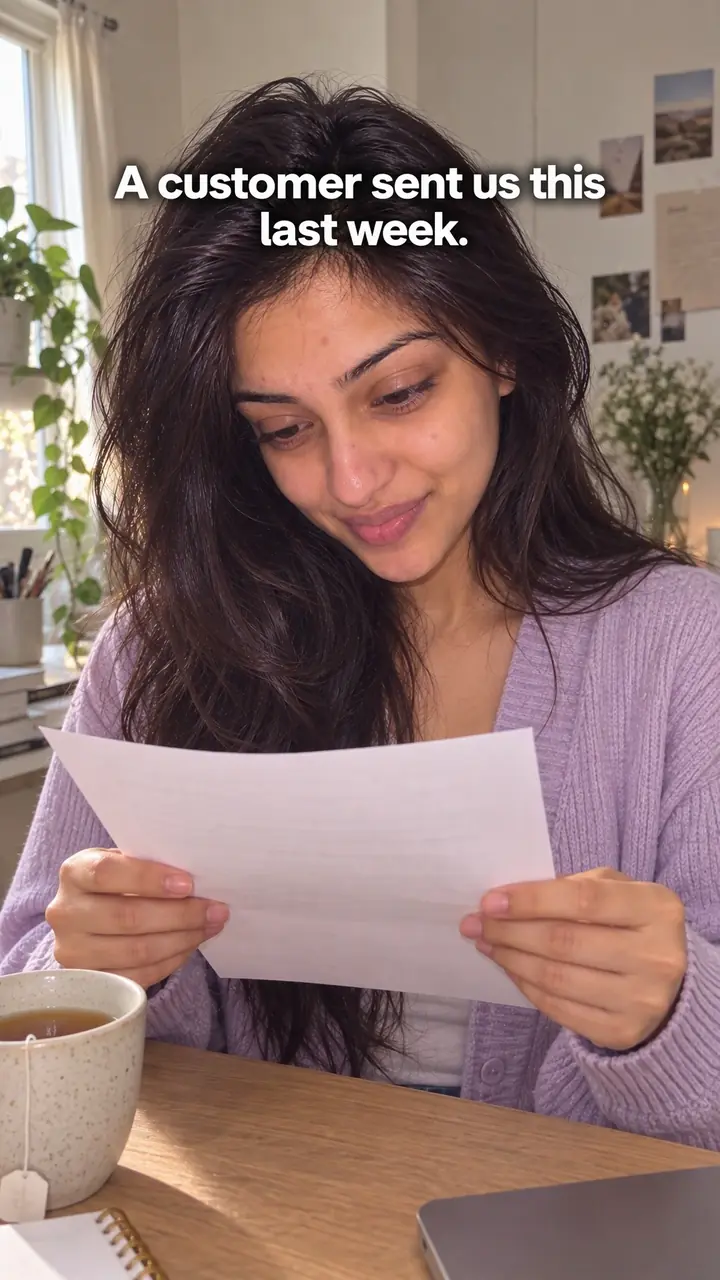
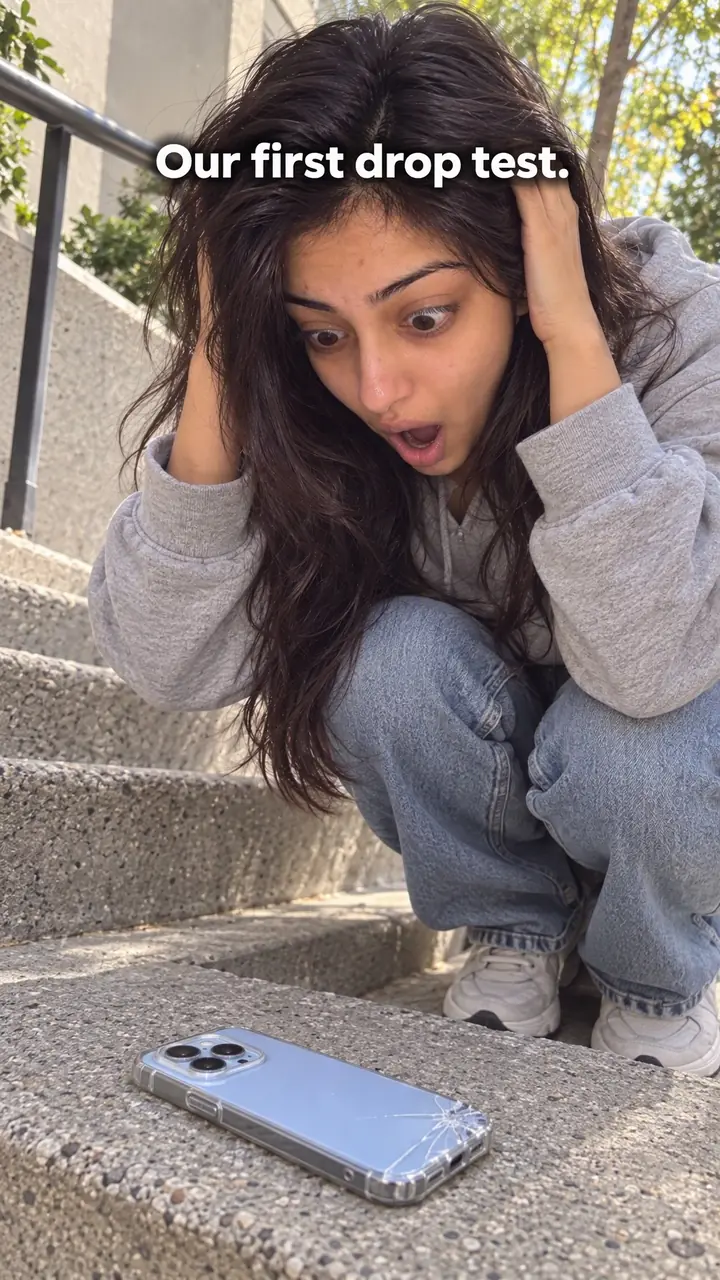
Text-First Frame Hook: Put the Hook on Frame One
Also called: Headline hook, On-screen text opener, Title card hook, Read-first hook
A small candle brand films a slow, perfect wax pour. Someone scrolls past it on a quiet train with the sound off. All they see is wax. Nobody explains what the video is about, so the thumb keeps moving. Now picture the same clip with one line in big letters on the first frame: 'This candle burns for [number] hours. We timed it.' The pour is the same. Now it has a reason to be watched.
That is the text-first frame. Your hook sits in large text on the very first frame, so the video makes sense on mute. This guide gives you a formula, steps for each format, swipe templates for creators and DTC brands, and the mistakes that stop good lines from landing.
What is a text-first frame hook?
A text-first frame hook puts the hook as large, readable text over the very first frame of a video. Viewers get the point before any sound plays, so the opening works on mute.
Think of the first frame as a headline you can see, not a line you wait to hear. Pick one clear promise, question, warning or result. Put it in big text over a shot that already shows the subject. For example, a cooking creator opens on a pan of eggs with the words 'Your eggs stick for one reason.' The viewer reads it, sees the pan, and stays for the reason. Your voice can back up the same point, but it should not start a new one. The test: remove the sound and the opening still makes sense.
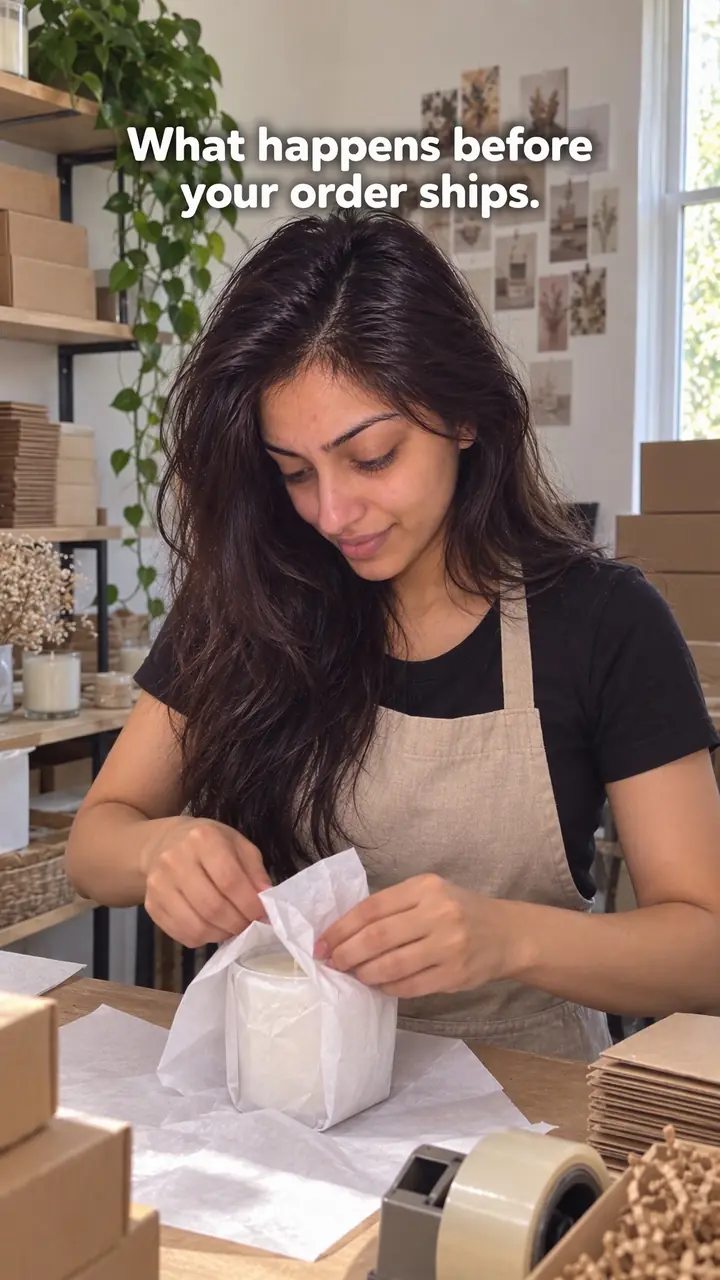
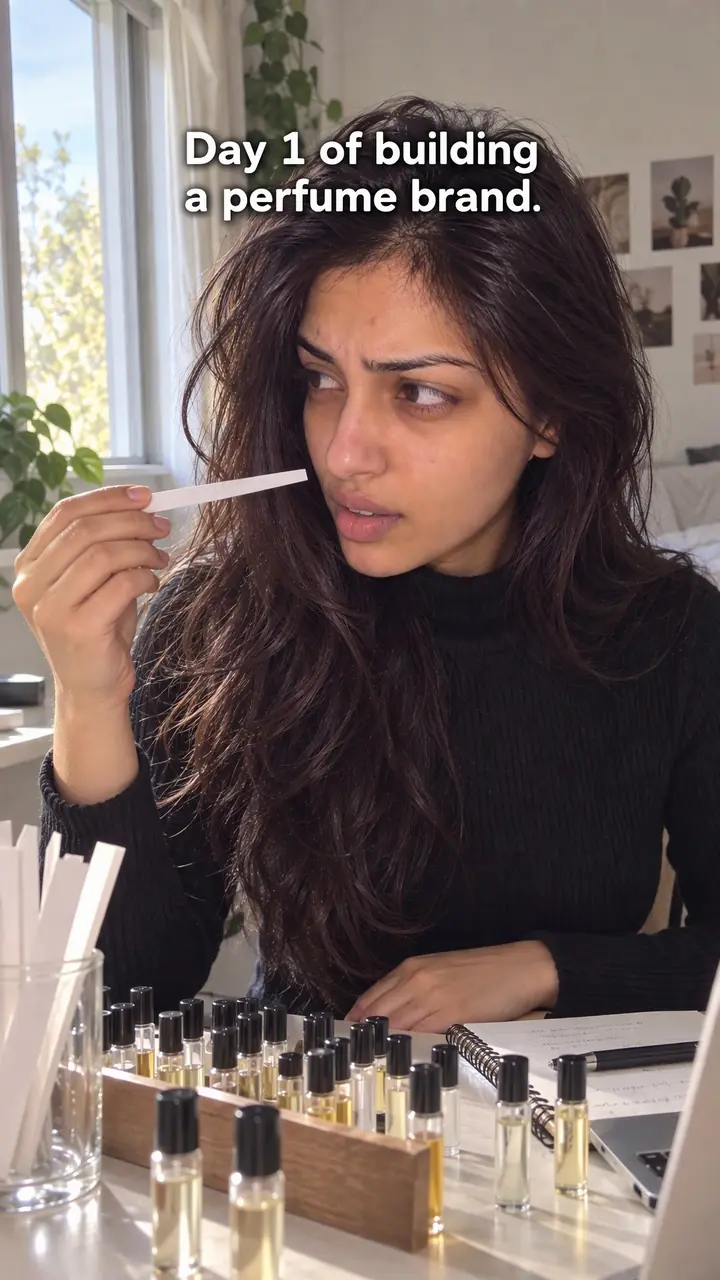
Text-first frame hook, in pictures
Why it works
- Meaning without sound
- First-frame text can communicate the opening idea when audio is off or unavailable. It gives viewers a way to understand the hook without depending on speech.
- A clear reason to continue
- A relevant question, promise, or supported result can give viewers a reason to keep watching. An unanswered question may create curiosity, but continued attention is not guaranteed.
- Specific wording can signal relevance
- Naming a concrete task, product, or situation can help viewers recognize whether the video relates to them. Avoid assuming that every viewer has the same problem or experience.
- Readable text can reduce effort
- Short wording, large type, and clear contrast can make the opening easier to follow on a phone. Readability also depends on display time, background movement, language, and individual reading needs.
The formula
- Name one viewer and one moment: the problem, wish or choice they face right now.
- Write one line of [number] words or fewer that turns that moment into a reason to stay: a question, warning, result, test or number.
- Pick an opening shot where the subject is already visible. No logo, no empty room, no walk-in.
- Place the line on frame one in big, high-contrast text, inside the safe area away from buttons and captions.
- Make the next seconds deliver exactly what the line promised.
[Who or what] + [tension: test, warning, result or question] + [payoff the video shows]. Examples: 'We tested [number] [items]. Only [number] [passed the test].' / 'Don't buy [product] until you check [detail].' / 'This [$ amount] [item] replaced my [$ amount] one.'How to use it
- Write the payoff before you film
Ask what the viewer will know, see or be able to do after watching. Write it in plain words. If it won't fit in one line, the video covers too much. Narrow it.
- Draft short, then cut hard
Write five to eight versions: a question, a warning, a result, a number. Keep the one a stranger would understand without context. Cut filler like 'in this video' or 'today I want to show you.'
- Pick a shot that shows the subject
Use a shot where the product, person or problem is already clear. Start mid-action if it helps. A hand testing a pan says more than a pan on a counter. Text and image should point at the same thing.
- Design the text for a phone screen
Use large type, strong contrast and few words. Keep it in the centre or upper-middle, clear of buttons and captions. Add a solid shape behind the words on busy backgrounds. Make sure the first exported frame already shows the text.
- Sync words, image and sound
Hold the text long enough for a slow reader. Say a line that adds a detail rather than reading the text word for word. Then move straight into the demo or answer.
- Adapt it to the format
On Reels, TikTok and Shorts, the line sits over the opening shot. In Stories, keep it higher, clear of the reply bar. In video ads, name the product or problem in the text, not your logo. In carousels, the first slide is your first frame: same rule, one big line.
- Test it muted, change one thing
Watch the export on your phone with sound off. Pause on frame one. Can you read it all? Do you know who it's for? Do you want the answer? If not, change the wording, the shot or the placement, one at a time.
Examples
| Niche | Line | Why it works |
|---|---|---|
| Skincare (DTC) | This [$ amount] serum replaced my [$ amount] one. Here's my [time period] test. | A price choice plus a promised test. Show the real routine on screen so the claim holds up. |
| Home and sleep (DTC) | Don't buy a mattress until you check [specific feature]. | It catches a buyer close to a decision. The next shot should show that check, not a pitch. |
| Cookware (DTC) | We tested [number] pans with [food]. Only [number] didn't stick. | A clear contest with a visible result. Film every pan the same way so viewers can judge. |
| Fashion (DTC) | Same [item], [number] ways. Number [number] surprised me. | A small, countable set with one open question. Keep each look distinct on screen. |
| Accessories (DTC) | Everything that fits in this [bag or case]. Watch. | It answers a common buying question visually. Pack it item by item, in one take if you can. |
| Pet products (DTC) | My dog ignored every [toy type]. Then I changed [one thing]. | A familiar failure and one testable change. Film the real reaction, even if it takes a few tries. |
| Fitness creator | Your [exercise] breaks down at [point]. Fix this first. | It names a moment the viewer has felt. Show the breakdown, then one correction they can copy. |
| Food creator | [Number] lunches from one [ingredient]. No repeats. | A clear scope and a constraint. Each lunch must look different so the promise is kept. |
| Coach or freelancer | Clients drop off at [stage]. This one [document or step] shows why. | It names a costly problem and a tool to find it. Use an anonymised example if you show client work. |
| Travel creator | Pack [item] last. Here's what breaks if you don't. | A simple rule plus a consequence. Open on the packed bag, then show the problem. |
Variations
- Question frame
- Ask something only the video can answer: 'Which of these [items] failed?' Show all the items under the text. Best for tests and buying guides.
- Result frame
- Lead with the end point: '[Result] after [time period] of [method].' Then show how you got there. Only use it with real evidence on screen.
- Warning frame
- 'Stop [habit] before you [task].' Then show why. Good for mistakes and product misuse. Name the habit, never shame the person.
- Caption-to-voice handoff
- The text shows a short version of the hook, and your first spoken words finish the thought. Muted viewers get the point; viewers with sound get one extra detail.
Common mistakes
- The text is a full sentence or a paragraph
- Fix → Keep it to one line or two short lines. Move extra detail into your voice or the next shot.
- The font is too small or blends into the image
- Fix → Go bigger, add contrast, and put a plain shape behind the words on busy shots. Check it on a phone at arm's length.
- Platform buttons or captions cover the words
- Fix → Preview inside each app before posting. Keep key words away from the right-side icons, the bottom caption block and your username.
- The text fades in after the video starts
- Fix → Put the text on the very first exported frame. Remove blank frames, fades and logo cards. Check the export, not just the timeline.
- Text, speech and shot say different things
- Fix → Make all three carry one idea. Text states the hook, the image shows the subject, your voice adds the next detail.
- The line promises more than the video delivers
- Fix → Only promise what the next seconds show. If you claim a test, show the test, fast.
When not to use it
- When explaining the opening in text would reveal the surprise, consider Hidden reveal (hidden-reveal-hook). Brief first-frame text can still work if it sets up the reveal without giving it away.
- When delivery and vocal timing carry the opening, consider Voice-first cold open (cold-open-hook). Keep captions available rather than delaying them by default, and make any first-frame text support the same idea.
- When a distinctive action is clearer without a large overlay, consider Silent action (silent-action-hook). First try simplifying the layout; choose the action-led opening if text would obscure what viewers need to see.
- When a short headline would remove an important qualification, consider Objection handling (objection-handling-hook). State the doubt clearly and explain the limits in the answer; changing hooks does not remove the need to support claims.
For brands
For DTC brands, the first frame often runs as an ad in a muted feed. Text that names the product's job, the buyer's question or the test does the work a voiceover can't. Tie every line to something you show on screen, and check claims with whoever approves your ads.
- Answer the top pre-purchase question on frame one: 'What fits inside [product]?' Then show it item by item.
- Run a fair test: '[Your product] vs. [common alternative]: the [feature] test.' Film both under the same conditions and show the result honestly.
- Turn a support-inbox objection into the line: 'Too small? Here it is next to [everyday object].' Show scale in the first second.
- Call out the buyer: 'Made for [specific user] who [specific job].' Cut straight to that person doing that job.
- Make three versions of one ad with only the frame-one text changed, then compare [metric] in your ad account to learn which angle your buyers respond to.
Pairs well with
- Pattern break
The text says why to watch while an out-of-place visual gives the eye a second reason to stop. Use it when your line is strong but the shot looks like every other video.
- Silence then sound
The text carries the silent opening, then sound arrives as the demo starts. Muted viewers get the point, and viewers who stay feel a clear shift into the content.
- Comparison
A side-by-side shot gives the text something concrete to point at, like 'Which one lasted?' The viewer judges with their own eyes.
- Number list
A small number in big text sets a clear scope on frame one. Start point one right away so the count feels earned.
FAQs
- What is a good hook sentence starter?
- Start with the viewer, the problem or the result. Try 'If you [situation], watch this,' 'Stop [habit] before you [action],' or '[Number] things I check before [task].' Name one person or one moment. Skip broad openers like 'Here are some tips.'
- How do you write a good intro hook?
- Write the promise first, before filming. Say what the viewer will learn, see or avoid, and cut every word that adds nothing. Put it on frame one over a matching shot, and deliver the payoff soon. Read it aloud and watch it on mute. If either feels slow, rewrite.
- What is a hook in a text?
- In a video, a text hook is the short on-screen line at the start. It works like a headline: what the video is about and why it matters. In a text-first frame, that line appears instantly, in large type, with no title card or spoken intro first.
- What are some good hook examples?
- Use lines you can prove in the video: 'We tested [number] pans. Only [number] passed,' 'Don't buy [product] until you check this,' or 'This [$ amount] option replaced my [$ amount] one.' Each names a subject, opens a question and points to a payoff. Fill the brackets with real details.
- What is a catchy hook?
- A catchy hook is short, specific and easy to repeat. It names a real problem, result, mistake or choice and leaves one thing unanswered. Catchy doesn't mean loud. A plain line about a problem your viewer had this week usually beats a clever line about nothing.
- What are the 7 types of hooks?
- There's no single fixed list. One practical grouping is question, bold claim, mistake, number list, problem, result and story. A text-first frame isn't a separate type. It's a way to present any of them: pick the type, then put that line on frame one in big text.
Key takeaways
- Put the hook on the first frame, not after an intro. Viewers should read it before they decide to leave.
- Write one short line for one viewer. Name the problem, result, mistake or choice in plain words.
- Make text, image and voice point at the same idea, then deliver the proof fast.
- Design for a muted phone: big type, strong contrast, clear of platform buttons.
- Test the exported video on your phone with sound off, and change one element at a time.