Trending Sound Hook: How to Use Popular Audio Well
Also called: Viral audio, Lip-sync hook, Audio trendjacking, TikTok sound opener
It is late, and the owner of a small candle shop is packing tomorrow's orders. While scrolling on a break, she hears the same track three times in ten minutes. Each video lands a reveal on the same beat. She props up her phone, films a lid twisting off and a wick catching right on the drop, and posts it before bed. The sound did half the work before anyone read a word.
That instant recognition is what a trending sound hook borrows. This guide shows you how to find a sound, match it to your idea, time your action to it, and avoid the licence traps that catch brands out.
What is a trending sound hook?
A trending sound hook is a video opening that uses audio currently popular on TikTok or Instagram Reels. Viewers recognise the sound at once and link your clip to a trend they already know.
Most hooks open with words or images. This one opens with audio. You add a sound that many people on the platform have heard in recent days. That sound does two jobs. It sets the tone before you say anything, and it tells the viewer what kind of video to expect. A funny sound signals a skit. A beat drop signals a change or reveal. A short spoken clip often comes with a set format viewers already know. For example, a fitness creator uses a trending clip of someone sighing and adds the text 'POV: the warm-up was the workout'. Viewers get the joke before the second beat. Your job is to match your action, text and timing to the sound. It is not background music. It is the structure of the video. If the sound does not fit your point, the hook fails, however popular it is.
Trending sound hook, in pictures
Why it works
- Familiar audio can provide context
- For viewers who recognise a sound, it can suggest a mood or familiar format before much explanation is needed. Viewers who have not heard it may need clear visuals or text to understand the opening.
- A known sound can create an expectation
- A familiar build, spoken line or beat drop may lead viewers to expect a reveal or punchline. Matching the action to that moment can make the sequence feel coherent, but it does not guarantee that viewers will keep watching.
- Trend familiarity depends on the audience
- A currently popular sound can connect a video to a shared reference for some viewers. Others may not recognise it or may find it overused, so audience fit matters more than popularity alone.
The formula
- Pick a sound that is still rising on TikTok or Reels, not one that peaked weeks ago.
- Name the sound's format in one line: skit, beat drop, list, routine or spoken punchline.
- Choose one moment from your niche or product that fits that format with no explaining.
- Write a first-frame text line of a few words that sets up the moment.
- Film so your key action lands exactly on the drop, turn or key line.
Sound: [trending audio] → First-frame text: [POV / Before / label in under [number] words] → Action: [what the viewer sees during the build] → On the beat: [the change, reveal or punchline]How to use it
- Find sounds while you scroll
Scroll TikTok and Reels with intent. When you hear the same sound a few times, tap the audio name. Look at recent videos, not just the most viewed. Save the sound in the app so you can find it fast.
- Learn the format before you film
On the audio page, watch a range of recent posts. Ask what the sound expects from you. Is it a lip-sync, a skit, a beat drop or a list? If you cannot sum up the format in one line, skip it.
- Match the sound to one clear point
Pick a moment your viewer already knows: a daily task, a common mistake or a small win. If you have to explain the link between the sound and your topic, the fit is too weak.
- Write the on-screen text first
Write a short line for the first frame: a POV, a label or a before state. Keep it to a few words. This line carries the hook for people who start with the sound off.
- Film to the key moment in the audio
Place the main action where the sound changes: a drop, a pause or a key line. Film a few takes. Small timing errors are easy to spot, so check the cut before you add captions.
- Edit inside the app and post soon
Add the sound inside TikTok or Instagram, not from a file found elsewhere. Set the volume so any voice or product sound still comes through. Add captions, then post while the sound is in active use.
Examples
| Niche | Line | Why it works |
|---|---|---|
| Beauty (DTC) | Text: 'Before.' Bare skin under plain light, then the finished look appears on the beat drop. Same angle, same light. | The drop marks the change for you. A fixed frame makes the result the only thing that moves. |
| Fashion (DTC) | Text: 'One jacket, [number] ways.' A new outfit snaps in on each beat of a popular track. | The rhythm sets the count. Viewers stay to see the last look. |
| Food and snacks (DTC) | Text: 'Packing a [first / repeat / gift] order.' Each item drops into the box on a beat until the lid closes. | Packing gets a clear rhythm, and the closed box is a small, satisfying payoff. |
| Home (DTC) | Text: 'POV: guests arrive in 10 minutes.' A messy shelf, then your storage piece in place on the sound's turn. | The panic is familiar, and the turn in the audio makes the fix feel quick. |
| Accessories (DTC) | Text: 'What fits in a bag this small.' Items go in one per beat, and the zip closes on the final note. | The beat builds a quiet count, so the last item feels like a punchline. |
| Fitness creator | Text: 'POV: your coach says one more round.' A tired look to camera as a trending spoken clip plays. | The clip says what the viewer feels. Your face and the text tie it to training. |
| Freelancer or agency | Text: 'POV: the client wants one small change.' Calm smile, then a sharp cut closer on the key line. | The close cut matches the line, and anyone in the job gets it at once. |
| Study creator | Text: 'My plan vs my desk at [time].' A neat setup first, then the real chaos on the turn. | The audio turn carries the contrast, so the joke reads before the second shot settles. |
| Online shopping comedy | Text: 'POV: you said you were only browsing.' You add one more item to the cart as the clip builds. | Everyone has done it. The text sets it up, and the sound carries the joke. |
Variations
- POV skit to a spoken clip
- Act out the scene a trending spoken clip describes. A POV line on the first frame lets viewers step into it. Strong for work, school, shopping and family moments.
- Beat drop reveal
- Hold the before state, then switch to the after on the drop. Lock the camera so only the subject changes. Use it for makeovers, cleaning, styling and product results.
- Routine cut to the beat
- Cut a routine task to a popular track, one step or item per beat. Packing, cooking, sorting and restocking all work, and the video feels quick and complete.
- Sound under your own voice
- Play the trending sound low under your voice or product audio. The trend sets the mood, but your words carry the point. Use it when the sound has no format you need to copy.
Common mistakes
- Using a sound after the trend has peaked
- Fix → Check recent posts on the audio page, not just top posts. If new videos feel like copies of copies, move on to a sound that is still rising.
- Forcing your topic onto a popular sound
- Fix → Start from your point, then find a sound that fits it. If the link needs a long caption, pick a different sound.
- Relying on audio with no on-screen text
- Fix → Add a short POV or label on the first frame, readable at a glance. Text and sound should say the same thing two ways.
- Missing the beat drop or key line
- Fix → Mark where the action must land. Film to that point, then trim the start of your clip until the move and the sound line up.
- Using a trending sound in a paid ad without a licence
- Fix → Keep trending sounds for organic posts. For ads, use audio you hold a commercial licence for, and keep proof of it.
- Copying another creator shot for shot
- Fix → Keep the sound, but change the setting, moment or payoff. Add one detail only your niche would know. That detail is your reason to post.
When not to use it
- When commercial-use permission is missing or unclear, including for organic brand posts or paid ads, choose Voice-first cold open using speech you record and have permission to use. A sound's availability in an app does not establish permission for every placement.
- When the sound's tone or associations could distract from sensitive information or a safety warning, use Text-first frame or Voice-first cold open to make the essential message clear immediately.
- When the trend needs too much explanation or does not fit the audience, use Relatability to act out a recognisable situation without depending on knowledge of the sound.
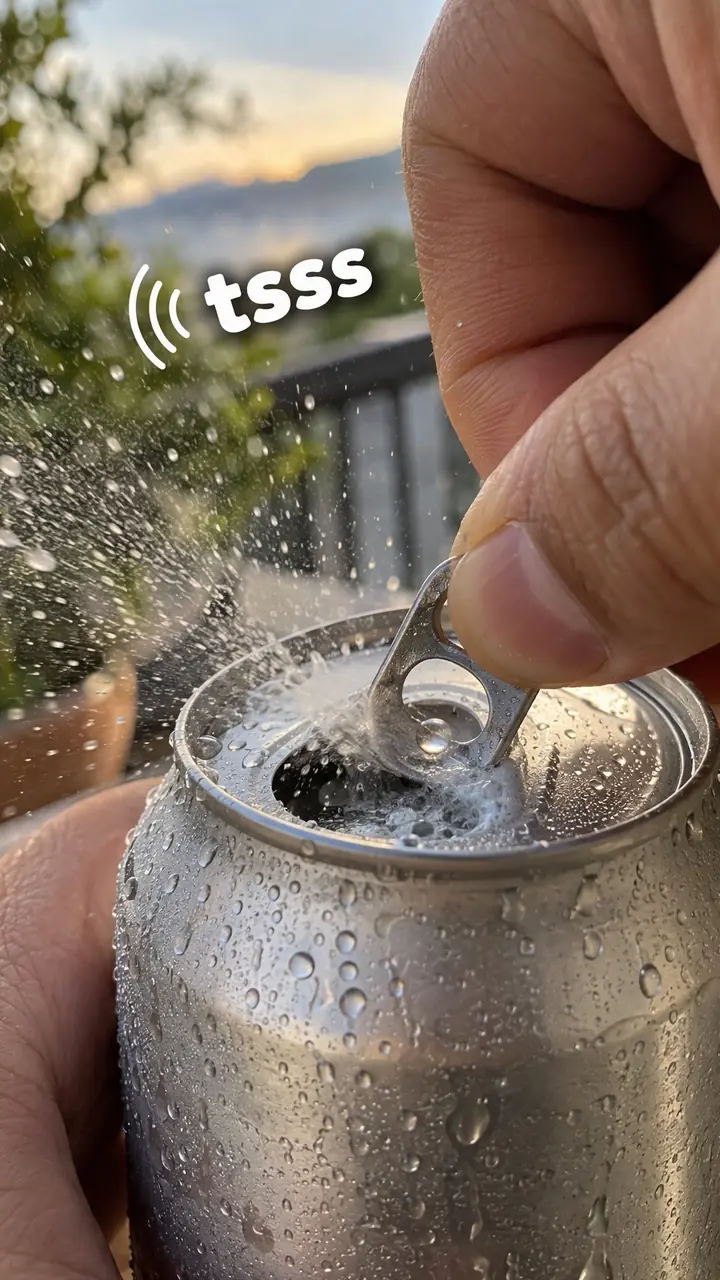
- When the point depends on the product's actual sound, use Sensory instead. Capture that sound clearly rather than covering it with trending audio.
For brands
For DTC brands, this hook belongs in organic posts. You borrow a familiar sound, but you show a real product moment. Get the product on screen early rather than hiding it until the end to chase the trend. Before you post, check the licence. A sound that is fine on a personal account may not be cleared for a business account or for any commercial use, so check your business sound library first.
- Packing day: cut real orders to a rising track, one item per beat, with the order type as on-screen text.
- Product result: film the before and after from a locked angle, switching on the drop so the change is the only thing that moves.
- Customer POV skit: act out the moment just before someone needs your product, and let the product be the quiet answer on the punchline.
- Making-of clip: show your team pouring, stitching or checking stock to a sound whose pace matches the work.
- Trend swap: recreate a trend your customers already post, swapping in your product only if the swap reads in one second.
Pairs well with
- Relatability
Many trending spoken clips need a scene people recognise. Act out a shared moment, and the sound gives it shape and timing.
- Trend adaptation
The next step up: instead of only using the audio, you rebuild the whole trend format around your product or topic.
- Transformation
A before-to-after shot is a natural fit for a beat drop, which marks the exact moment of change.
- Text-first frame
Big first-frame text catches people who scroll with sound off, so the hook works with or without the audio.
FAQs
- How to find trending reels sound on Instagram?
- Scroll your Reels feed and tap the audio name on videos you see more than once, then check how others use it. You can also tap Create, open the music library and look for sounds marked as trending. Save sounds that fit your niche as you go, and recheck the audio page before you post, because trends move fast.
- Can you give me some examples of musical hooks?
- Yes. A POV skit about online shopping set to a trending spoken clip, an order-packing video cut to a popular track, and a before-and-after that switches on a beat drop. In each one the sound is the frame. You add your own topic, action and on-screen text inside it.
- What is a hook for Instagram?
- A hook for Instagram is anything in the first seconds that gives people a reason to keep watching. It can be text, a strong image, a question or a sound. With a trending sound hook, the audio does that work. You still need clear on-screen text, because many people start watching with the sound off.
- What are good hook examples?
- Good examples pair a known sound with a specific moment. Try a relatable work moment acted out to a trending clip, a product reveal timed to a beat drop, or a packing video cut to a rising track. The sound is familiar. The situation is yours. That mix is what makes it work for your account.
- What is a catchy hook?
- A catchy hook is clear, fast and easy to place. Here, it means the viewer knows the sound, gets the mood in a second and can tell what your video is about from the first frame. Catchy does not mean loud or forced. If people need context to follow it, it is not catchy yet.
- Can I download a trending sound and use it in an ad?
- No. Do not download sounds from other sites and re-upload them as your own. Add the sound inside TikTok or Instagram so the original audio stays linked. For paid ads, use audio you hold a commercial licence for. Business accounts often have a smaller, licensed library, so check there first.
Key takeaways
- The sound is the frame of the video, not background music.
- Pick a sound that fits your point. Never force your point into a sound.
- Add clear on-screen text for viewers who start with the sound off.
- Add audio inside the app, and check commercial rights before any paid use.
- Post while the sound is still rising. A late post reads as old, not familiar.