Open Loop Hook: Start It Now, Finish It Later
Also called: Suspense hook, Wait until the end, Foreshadowing opener, Delayed payoff
A small candle brand films a hand sliding a candle out of its jar. A thumb covers the bottom. The voice says, 'We found something at the bottom of this jar we didn't plan for.' The answer doesn't come until the last shot, and the viewer stays to see it.
That is the open loop hook. This guide shows you how to write one, where to put the payoff, and how to close it without losing trust. You get a formula, steps, examples for brands and creators, and clear limits on when to pick a different hook.
What is an open loop hook?
An open loop hook is an opening that starts a question or story but delays the answer. You show part of what happened, promise the rest later in the video, and pay it off before the end.
Think of it as a promise in your first line. You give the viewer enough to care, then hold back the one piece that makes it all make sense. For example, a home cook says, 'I ruined this bread three times before I found the problem.' You want to know the problem, so you watch. A closed loop gives the question and answer together, so there is no reason to stay. An open loop can live inside one video, or run across a carousel, caption or series, as long as each part still feels complete enough to trust.
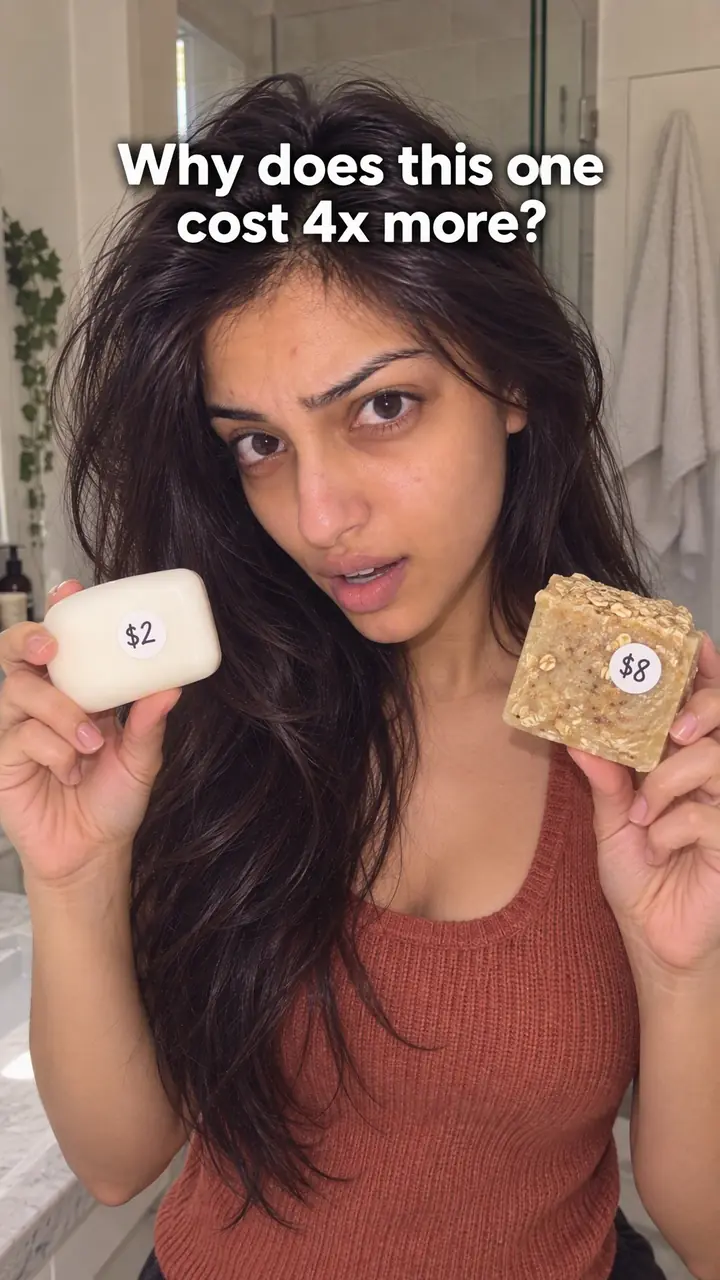
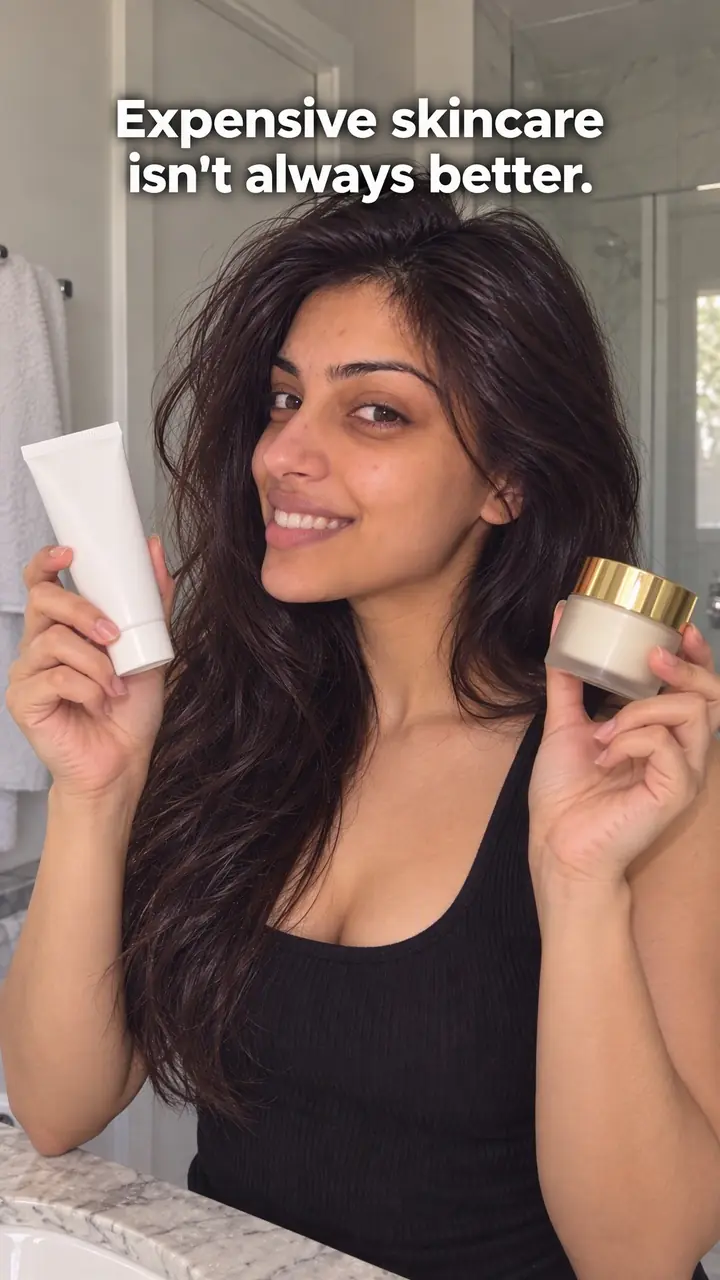
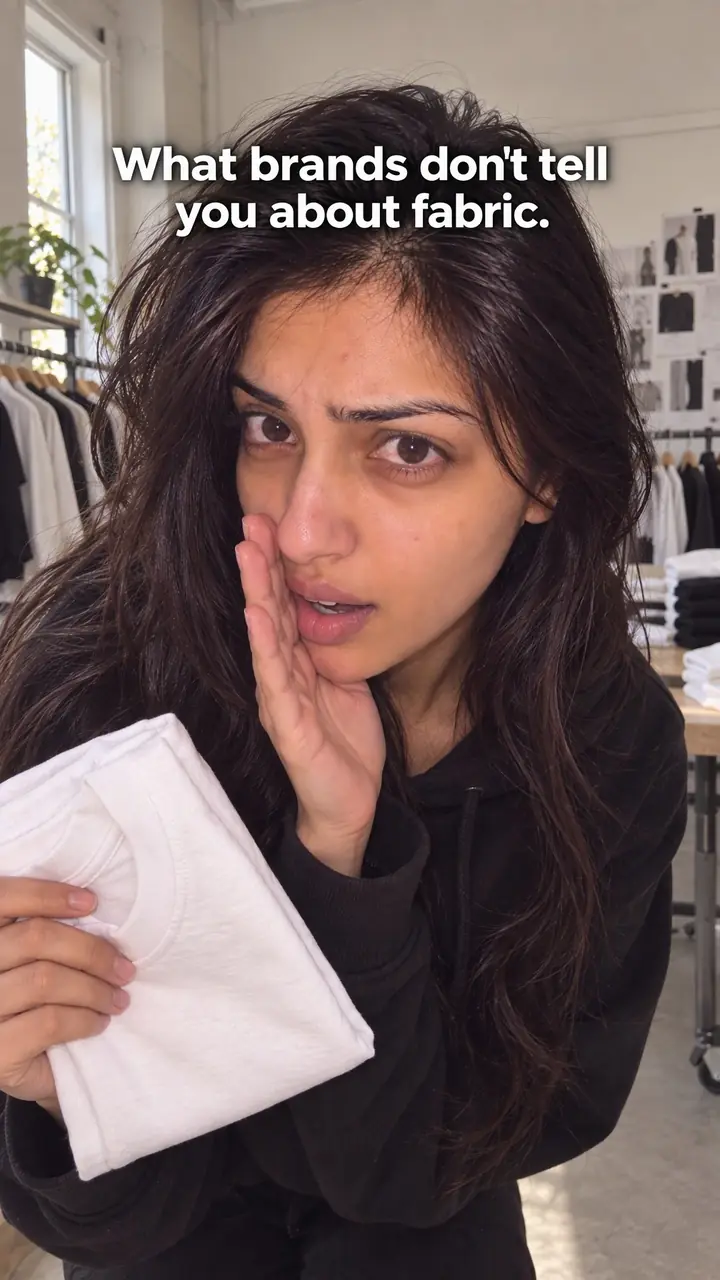
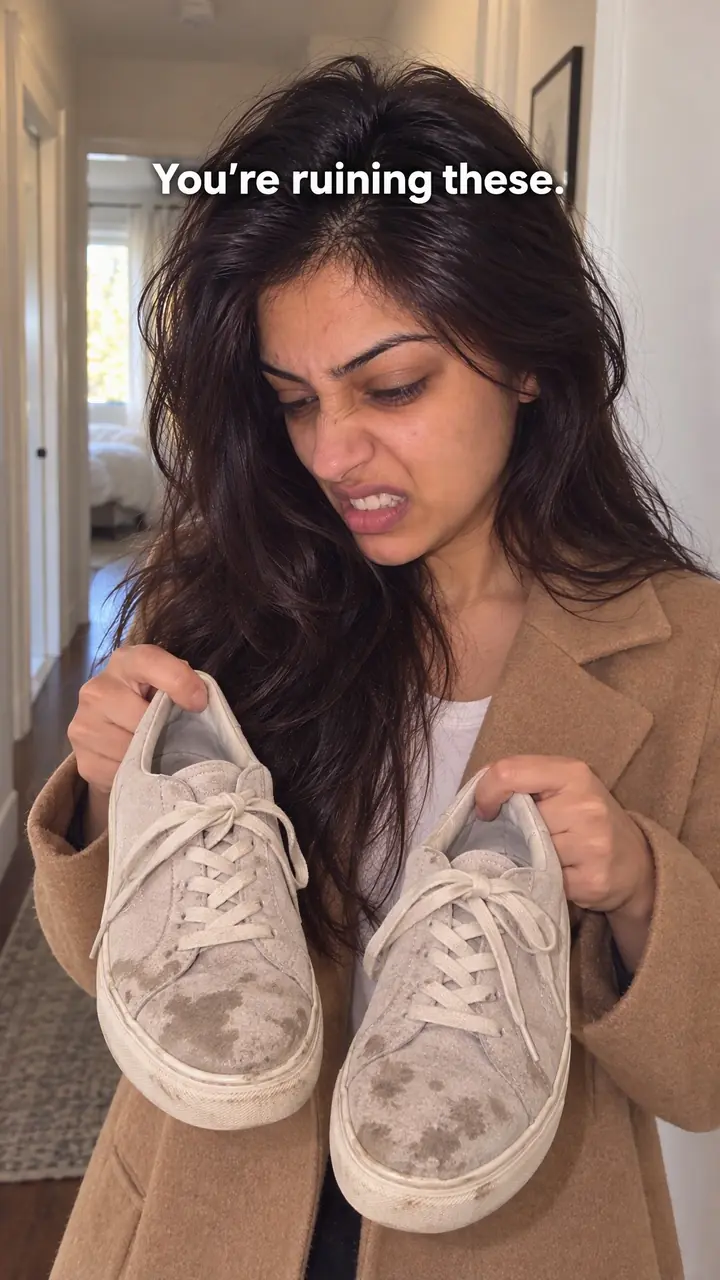
Open loop hook, in pictures
Why it works
- An unresolved question can encourage curiosity
- A clear unanswered question can give viewers a reason to continue when the answer matters to them. It does not guarantee attention; relevance and the credibility of the promise still matter.
- A specific promise makes the wait easier to assess
- Naming the missing detail can help viewers understand what they will learn later. The setup should reveal enough context to make the question meaningful rather than simply withholding information.
- Useful progress can sustain interest
- Relevant steps, evidence or story developments can make the middle worth watching before the reveal. Time already spent does not ensure that someone will stay, and unnecessary delay can feel frustrating.
The formula
- Show the subject half hidden: the object, result or moment, with the key detail covered.
- Say and show one line that names what is missing, in speech and on-screen text at the same time.
- Point to where the answer lives: the end, the last slide, or after a named step.
- Fill the middle with steps, proof or story beats that each move toward the answer.
- Return to the opening image or words, then reveal the missing piece in full.
[Show subject, partly covered] + "We [found / changed / almost cut] [specific thing] in this [product or project]. You'll see [what] at [the end / slide [number] / after step [number]]." + [useful middle] + [callback to opening line] + [reveal].How to use it
- Write your payoff first
Write the last line before the first. Decide what you will reveal, prove or answer. If the ending is weak, change the ending or pick a different hook. A stronger tease can't fix a weak payoff.
- Choose what you will hold back
Pick the object, result, mistake or moment linked to the payoff. Show it half hidden, mid-action or without context. Keep it easy to recognise, so the viewer knows the topic even before they know the answer.
- Open with a specific missing piece
Use one short line in speech and on-screen text. Say what you found, skipped or will show later. Don't lean on 'wait for it' alone. Name a concrete thing, such as an ingredient, a crack, a cost or a final step.
- Tell viewers when you'll close it
Say where the answer sits: 'at the end', 'after step two' or 'on the last slide'. A clear location builds trust. It also helps people watching with the sound off, as long as the text stays up long enough to read.
- Earn the wait in the middle
Give steps, context, proof or story beats that move toward the payoff. In longer videos, answer small questions along the way. Cut any section that only fills time.
- Fit the loop to the format
On Reels and TikTok, keep the line and the half-hidden object in the first frame. On carousels, put the loop on slide one and the payoff on the last slide. On LinkedIn, open the loop in the first line above the 'see more' cut. In ads, close the loop before your call to action.
- Close it clearly and stop
Show the missing detail in full and say how it answers the opening line. Then stop or give one clear next step. Don't add a second surprise unless you flagged it earlier.
Examples
| Niche | Line | Why it works |
|---|---|---|
| Beauty (DTC skincare) | There's one ingredient we almost left out of this [serum]. It's the last thing we add. | It names a real choice in the process. The middle can show why every other ingredient earned its place. |
| Fashion (DTC outerwear) | We cut open our [jacket] seam by seam. What's inside the lining is the last shot. | The subject is on screen from the first frame. The payoff is visual and easy for the viewer to check. |
| Food (DTC sauces) | We made [number] versions of this sauce. Version [number] is the one we sell, and you'll see why at the end. | The numbers give the video a clear shape. Each rejected version becomes a useful middle beat. |
| Home (DTC bedding) | We found something unexpected inside this pillow after [number] months of use. Watch until we unzip it. | The half-hidden object matches the line. The time frame makes the payoff feel earned, not staged. |
| Accessories (DTC bags) | This bag has a pocket most people never find. I'll show you where it is at the end. | It teases one feature, not the whole product. The demo in the middle sells the rest of the bag. |
| Fitness gear (DTC) | Three reasons we changed the grip on this bottle. The third one came from a customer email. | A numbered loop with a held-back last item. The payoff adds a human reason, not just a spec. |
| Cooking creator | I ruined this recipe [number] times. The fix was one small change, and it's the final step. | The failure sets the stakes. Viewers stay for the fix, and the steps before it teach the method. |
| Education creator | The third reason surprised even me. The first two are the ones most people guess. | The held-back item sits in a known place, so the wait feels fair and the early points still teach. |
| LinkedIn freelancer | I lost a client over one sentence in my proposal. I'll share that sentence at the end of this post. | The first line works above the 'see more' cut. The story in the middle explains why the sentence mattered. |
| Productivity carousel | Slide 1 is my old desk setup. The last slide is the one change I actually kept. | The format makes the payoff location obvious. Each middle slide tests one idea that didn't make the cut. |
Variations
- Hidden object loop
- Open on a product or object with part of it covered, and name what you'll show. Close by uncovering it. This is the closest match to the core hook and works well for unboxings, teardowns and product demos.
- Numbered loop
- Promise a small number of points and flag one as the standout, usually the last. Give the early points real value so they don't feel like filler. The flagged point must clearly differ from the rest.
- Story loop
- Start at the odd or tense moment, then go back to explain how you got there. End by returning to that exact moment, so the viewer sees it again with new information.
- Series loop
- Open a bigger question across several posts, but close a smaller loop in each one. Say clearly that it's a series and label each part. Every post should still teach or show something on its own.
Common mistakes
- You never pay it off
- Fix → Plan the closing shot before you film. Say the answer and show it on screen. If you can't close it in this video, say it's part one and give a clear reason for the split.
- The payoff feels smaller than the promise
- Fix → Shrink the opening or strengthen the ending. Promise only what the reveal can support. If the result is ordinary, frame the loop around the lesson, not the shock.
- The opening is too vague
- Fix → Name the missing thing. Swap 'you won't believe this' for the object, step or result you'll show later. Specific words give the viewer a reason to wait.
- You open too many loops at once
- Fix → Keep one main loop open. Answer small questions within a few seconds or slides. End on the main payoff only.
- You stretch the middle with filler
- Fix → Add value before the reveal: a step, a test or a decision the viewer needs. If a section doesn't help the ending make sense, cut it.
When not to use it
- When viewers need immediate instructions, especially safety information, use a How-to promise hook and give essential information first. For price, policy or purchase concerns, use Objection handling and answer the concern directly rather than delaying material facts.
- When you do not have a clear, supportable payoff, use a Text-first frame hook to present a useful fact you can substantiate. Do not create a mystery around an outcome that is unknown or ordinary.
- When a short clip cannot fit both a meaningful setup and its answer, use an Unexpected result hook to lead with a verified outcome. An open loop can still suit a short clip if it resolves promptly and clearly.
- When the only reason for splitting the answer is to force another view or follow, use a How-to promise hook and deliver a complete explanation. Reserve a Cliffhanger hook for a genuine series after the current installment has delivered what it promised.
For brands
For DTC brands, an open loop keeps people watching long enough to understand the product. Show the product early. Hold back one useful detail, not the whole point. The payoff should help a buyer judge fit, quality or use.
- Teardown reveal: open on the product half covered and say you'll show what's inside at the end. Walk through the outside features first, then cut, unzip or open it to show the build.
- Formula decision: name an ingredient, material or part you almost dropped. Use the middle to explain the other choices. Reveal the item last and show what changes without it.
- Covered test result: film a real test, such as a wash, a drop or [number] days of use, with the result hidden. Uncover it on camera and keep the claim to what viewers can see.
- Carousel product story: put the unfinished question on slide one, proof and steps in the middle, and the answer on the final slide. Repeat the opening words so the close is obvious.
- Paid ads: keep the product visible in the first frame, so the loop isn't hiding what you sell. Close the loop before the call to action, so the offer lands after the answer, not instead of it.
Pairs well with
- Hidden reveal
When the payoff is the product itself, pair the open loop line with a Hidden reveal visual. The line names what's missing, and the reveal delivers it.
- Cliffhanger
Close the main open loop inside the video, then end on a small Cliffhanger that sets up a real part two in a series.
- Number list
A Number list gives the loop a clear structure. Viewers know how many points are coming and stay for the one you flagged.
- In medias res
Start in the middle of the action, then use the open loop line to promise how it got there. This works well for story loops.
FAQs
- What is an open loop and closed loop?
- An open loop starts something and delays the answer. A closed loop gives the answer straight away. In a video, an open loop names the strange result first and explains it later. A closed loop explains the result in the same opening line.
- Is open loop better than closed loop?
- Neither is better on its own. Use an open loop when you need people to stay for an explanation, a reveal or a result. Use a closed loop when the viewer needs a fast, clear answer. Match the choice to the length and purpose of the content.
- What is the open loop rule?
- Open the loop early, make the promise specific, and close it in the same piece of content unless you've clearly set up a series. The payoff must match the promise. If you open several small loops, close them in order so people can follow.
- How do I close an open loop?
- Return to the exact question, object or moment you opened with. Show it, name it or answer it in plain words. Don't make the viewer guess that you closed it. A short callback helps, such as repeating the opening phrase before giving the missing detail.
- What is an example of an open loop?
- You say: 'We found something unexpected inside this. Wait until we open the back panel.' You show the steps that led there. At the end, you open the panel and show what you found. The opening created the question, and the ending answers it.
- What is a hook in video making?
- A hook is the opening line, image or action that gives someone a reason to keep watching. In video, it usually appears in the first seconds as spoken words, on-screen text or both. An open loop is one type of hook. It works by delaying an answer.
Key takeaways
- An open loop delays one clear answer. It doesn't hide the whole topic.
- Write the payoff first, then build the opening to match it.
- Tell viewers when the answer comes, and close it in the same content unless you've clearly set up a series.
- Specific details hold attention better than vague teasing.
- Trust comes from the payoff. If the ending feels smaller than the promise, cut the promise down.