Split Screen Hook: Show Two Tests at Once
Also called: Dual screen opener, Side-by-side action, 50/50 screen hook, Parallel action
A cookware brand has a claim to prove: its pan releases an egg and a cheap pan does not. It could film both pans and cut between them. It puts them side by side instead. Both eggs hit the heat in the same second, a timer ticks, and one egg starts to slide while the other stays stuck. Nobody needs a voiceover to know which pan won.
That is the split screen hook. It works for creators too. A fitness coach can run two squat cues at once, and a home cook can test two ways to chop an onion. If the difference appears on screen within a few seconds, people stay to see how wide the gap gets.
What is a split screen hook?
A split screen hook opens with two products, tests or methods running side by side at the same time. The viewer compares them live and keeps watching to see which one wins.
Think of it as a fair test the viewer can judge without help. You do not cut from one result to the other. You do not ask the viewer to remember the first shot. Both halves stay in view, so any gap is easy to see. Picture two phone chargers plugged in at the same moment, each battery number climbing in its own half. One side does one thing. The other side does it differently. The viewer watches the gap open. If nothing changes between the sides, you do not have this hook. You have two copies of the same video.
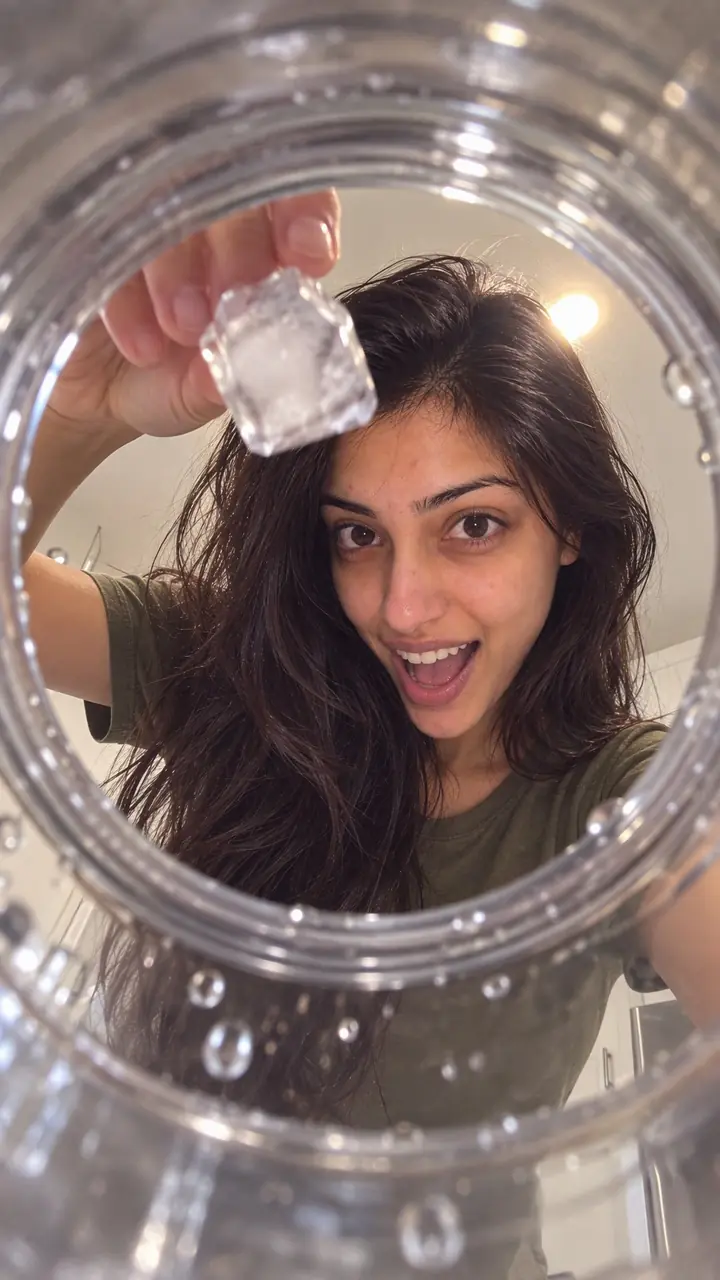
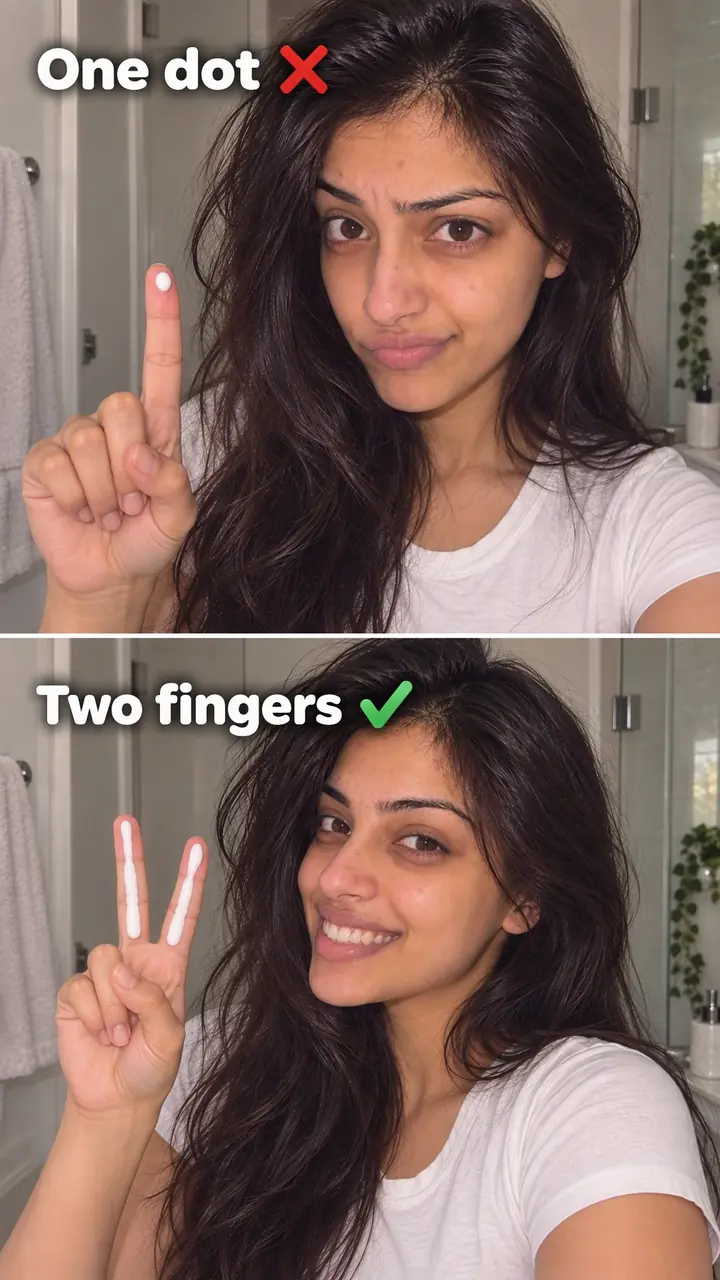
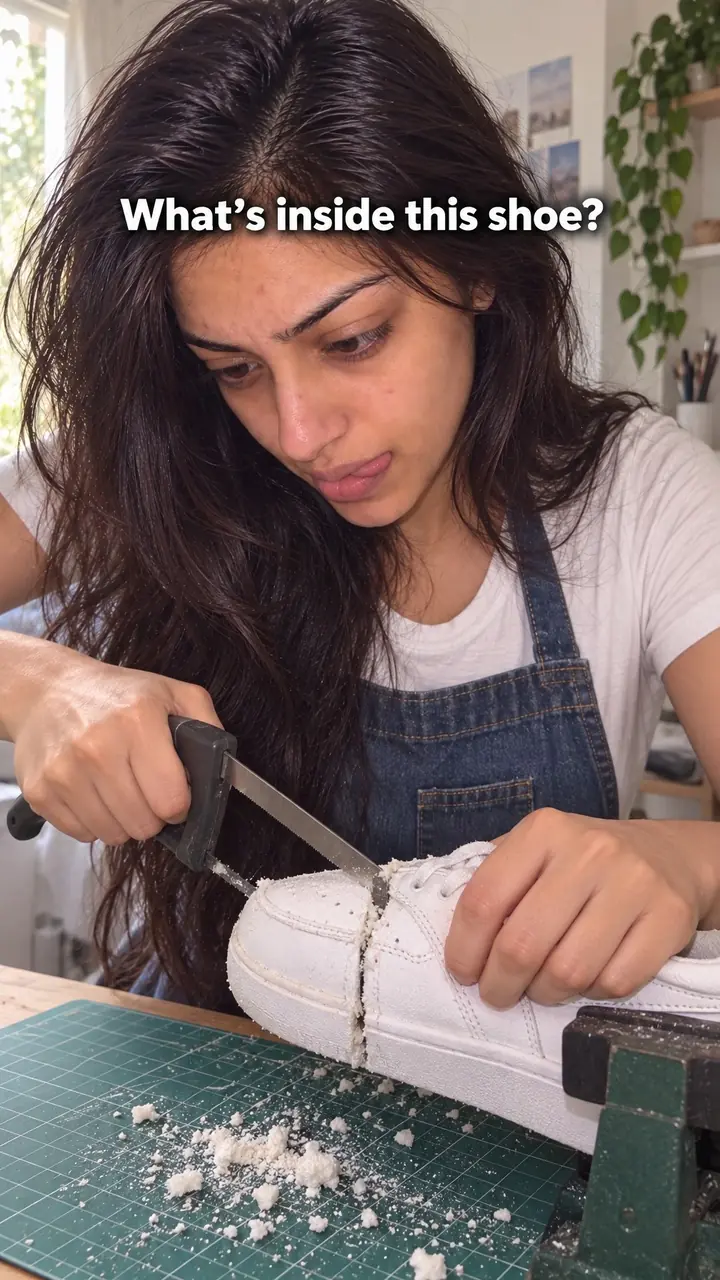
Split screen hook, in pictures
Why it works
- Visible differences can guide attention
- When both actions are easy to read, viewers can look between them to track a changing gap. This may encourage continued watching, but similar-looking or crowded halves can make the comparison hard to follow.
- Simultaneous viewing can make comparison easier
- Keeping both options visible can reduce the need to remember an earlier shot. It does not establish fairness: starting conditions, timing and relevant test details still need to be clear.
- An unresolved outcome can create interest
- A clear question and a result that develops over a short period can give viewers a reason to wait. That interest depends on whether the outcome matters to them and whether the footage supports the promised comparison.
The formula
- Write one question with two possible answers, such as which method cleans faster or which product lasts longer.
- Open on both halves already running. No setup, no logo, no head start for either side.
- Put a two or three word label on each side from the first frame.
- Add a visible timer, and a ticking sound if it fits, so the viewer knows a result is coming.
- Stay on the split until the gap is obvious, then name the winner and the reason in one line.
[Label A] vs [Label B]. Same [test]. [Number] seconds on the clock. Watch the [detail that changes].How to use it
- Choose one comparison
Write the question first. For example: which charger fills faster, or which pan releases the egg. If you cannot write it in one line, narrow the test. Two products, two methods or two settings work best.
- Film both sides the same way
Match light, distance and timing where you can. Use the same stain, load, surface or starting level. A fair setup makes the result easy to trust and easy to read.
- Start both actions together
Do not open on a logo, a hand reaching in or an empty pan. Open with both halves already moving, so the viewer sees a contest in the first frame.
- Build the frame in your editor
Use a left and right split for tall subjects and a top and bottom split for wide actions. Crop tight so the key detail fills each half. Leave a clean line between the sides so the eye can move fast.
- Add labels and a timer
Put a short label on each side, such as Ours and Theirs, or Method A and Method B. Add a timer if time matters. Keep text away from the edges, where platform buttons can cover it.
- Check it on a phone
Watch the export on your phone at full size. Check that you can tell the sides apart with the sound off. If you need to pause to read a label, shorten it or crop tighter.
Examples
| Niche | Line | Why it works |
|---|---|---|
| Home cleaning (DTC) | Left: [our cleaner]. Right: [store-brand cleaner]. Same coffee stain. [Number] seconds. | The stain is the scoreboard. The viewer sees which side fades first without any explanation. |
| Cookware (DTC) | Same egg. Same heat. One pan lets go at [number] seconds. | The release moment is easy to spot and lands at a clear point, so the viewer waits for it. |
| Beauty (DTC) | Left cheek: [our serum]. Right cheek: nothing. Watch it sink in. | Absorption is hard to describe and easy to show. One face keeps the test fair. |
| Fashion (DTC) | Both tees washed [number] times. Ours on the left. Check the collar. | Pointing at one detail tells the viewer where to look, so the wear difference reads in seconds. |
| Phone accessories (DTC) | Two chargers. Both phones at [number]%. First to full wins. | Two climbing numbers give the viewer a live race to follow. |
| Food and drink (DTC) | [Our cold brew] vs [instant coffee], poured over ice at the same time. Watch the colour. | A pour is short, visual and finishes quickly, so the payoff arrives before attention drops. |
| Fitness coach (creator) | Top: squat with knees caving. Bottom: same squat with one cue. Watch the knees. | The viewer compares form in real time and learns the fix without a long explanation. |
| Home cook (creator) | Left: the way I used to chop onions. Right: the way I chop now. [Number] seconds each. | Two methods racing turn a basic kitchen tip into a contest worth finishing. |
| Photo and video editing (creator) | Same clip. Left: auto colour. Right: my [number]-step grade. | Both versions play together, so the viewer sees the value of each step instead of guessing. |
Variations
- Left and right race
- One clip on each side, both racing to the same finish line. Best for tall subjects like bottles, phones and people. Each half keeps enough height on a vertical screen.
- Top and bottom stack
- One clip above the other. Best for wide actions such as pans on a stove, desks or surfaces being cleaned. Keep the point of change near the centre line.
- Wrong way vs right way
- The common method on one side, your method on the other, both running at once. Label the method, not just the result. Good for teaching and tutorials.
- Same product, two settings
- Run one product at two speeds, amounts or settings. Label the only thing that changed. Useful when you sell one product and want to show why a step matters.
Common mistakes
- You start one side before the other
- Fix → Cut the setup. Open with both sides already moving, then explain the test in on-screen text while the action runs.
- You compare too many things at once
- Fix → Pick one contest and drop the rest. Save the second claim for a second video.
- The key detail is too small to read
- Fix → Crop closer to the point of change. Show the stain, battery level, egg or finish line, not the whole room.
- Labels are long or unclear
- Fix → Use plain labels tied to the test, such as With heat and No heat. Place them in the same spot on each side.
- The test looks unfair
- Fix → Match the conditions. Use the same amount, time, light and starting point, and show that setup on screen.
When not to use it
- When both sides remain visually similar and no meaningful difference emerges, use a Comparison hook to present relevant differences that viewers can judge without waiting for a live gap.
- When the point is one subject changing from before to after rather than two actions unfolding together, use a Transformation hook.
- When the evidence depends on a small texture, print detail or subtle finish that becomes unreadable in half a frame, use an Extreme close-up hook.
- When the result takes days or weeks, or requires measurements that the footage cannot show clearly, use a Real-world test hook and explain the observation period and limits.
For brands
For DTC brands, this hook turns a product claim into something the buyer can check with their own eyes. Prove one difference per video, under fair conditions, and let the footage do the selling.
- Test against the usual alternative. Your product on one side and the common option on the other, on the same stain, surface, load or battery. Show the matched setup so the result holds up.
- Answer the top buying doubt. If shoppers ask about mess, noise, fit or cleanup, film that exact moment on both sides instead of describing it in a caption.
- Show the right way to use it. The common method on one side, your recommended method on the other. This cuts down on misuse and complaints.
- Run a clock test for ads. Your product and a slower routine side by side, one timer across both halves, and the finish time as the end card.
Pairs well with
- Side-by-side test
The split is the layout. A side-by-side test supplies the contest that fills it, with your product and another in the same test.
- Comparison
A comparison hook frames the choice in words. The split screen lets the viewer judge it live instead of after a cut.
- Corrective (wrong vs right)
Wrong way on one half, right way on the other. The split shows the mistake and the fix at the same moment.
- Time challenge
A shared clock across both halves gives the race a deadline and a clear finish line.
FAQs
- What are split screen videos?
- They are videos that play two or more clips in one frame at the same time. As a hook, you use two. One runs on the left and one on the right, or one sits above the other. You use the format to compare products, methods or results without cutting away.
- How do I make a split screen video?
- Pick two clips and the one question they answer. Trim both so the key action starts at the same moment. Place them on a vertical canvas for Reels or TikTok and crop each clip to fill its half. Add a short label to each side. Export and check it on a phone, with sound off and then on.
- How to use split screen effect on TikTok?
- If you are responding to another video, use TikTok's duet layout. For your own two clips, edit them into one vertical file in an editor first, then upload it. That gives you control over the start time, crop, labels and sound before you post.
- How to make a half-half video on Instagram?
- Build it before you open Instagram. On a vertical canvas, put one clip in the top half and one in the bottom, or one on each side. Crop so the main action stays in the centre of each half. Export the finished file and upload it as a Reel.
- Can you post a split screen video on Instagram?
- Yes. A finished split screen file posts like any other Reel or video. Make the split in your editor, export one file and upload it. Check the preview so platform buttons do not cover your labels or the key action.
- What is a hook in a video?
- A hook is what happens in the first seconds to make someone keep watching. It can be a line, a sound or an image. The split screen is a visual hook: two things running at once give the viewer a question to answer before they scroll.
Key takeaways
- Open with both sides already running, with labels visible from the first frame.
- Compare one thing only, under the same conditions.
- Keep the key detail large and add a timer when speed matters.
- If both sides look the same, pick a different hook.