First-Person POV Hook: Film It From Their Eyes
Also called: POV shot, First-person view, GoPro perspective, Hands-only POV
A small skincare brand films a delivery the usual way: someone across the room holds up a box and smiles at the camera. Then they try it again with the phone at eye level. Wet hands reach into frame, press the pump once and work the cleanser into a lather over a sink. The second clip looks like the viewer's own bathroom on a normal morning. That is a first-person POV hook.
This guide shows you how to film that view well. You get a copy-and-adapt formula and examples across product and creator niches. You also get variations and fixes for shaky, dark or confusing footage. You don't need a studio set.
What is a first-person POV hook?
A first-person POV hook is a video opening filmed from the customer's own point of view. The viewer sees hands opening, using or packing something as if it were happening to them.
The camera stands in for the customer's eyes. Viewers see hands reach, open, pour, apply or pack in real time, so they feel placed inside the moment instead of watching someone else. Short on-screen text names the situation. For example, a phone at chest height looks down as hands tear open a parcel, with the caption 'POV: opening your first order.' The viewpoint is what stops the scroll. Use natural sound or a trending sound underneath.
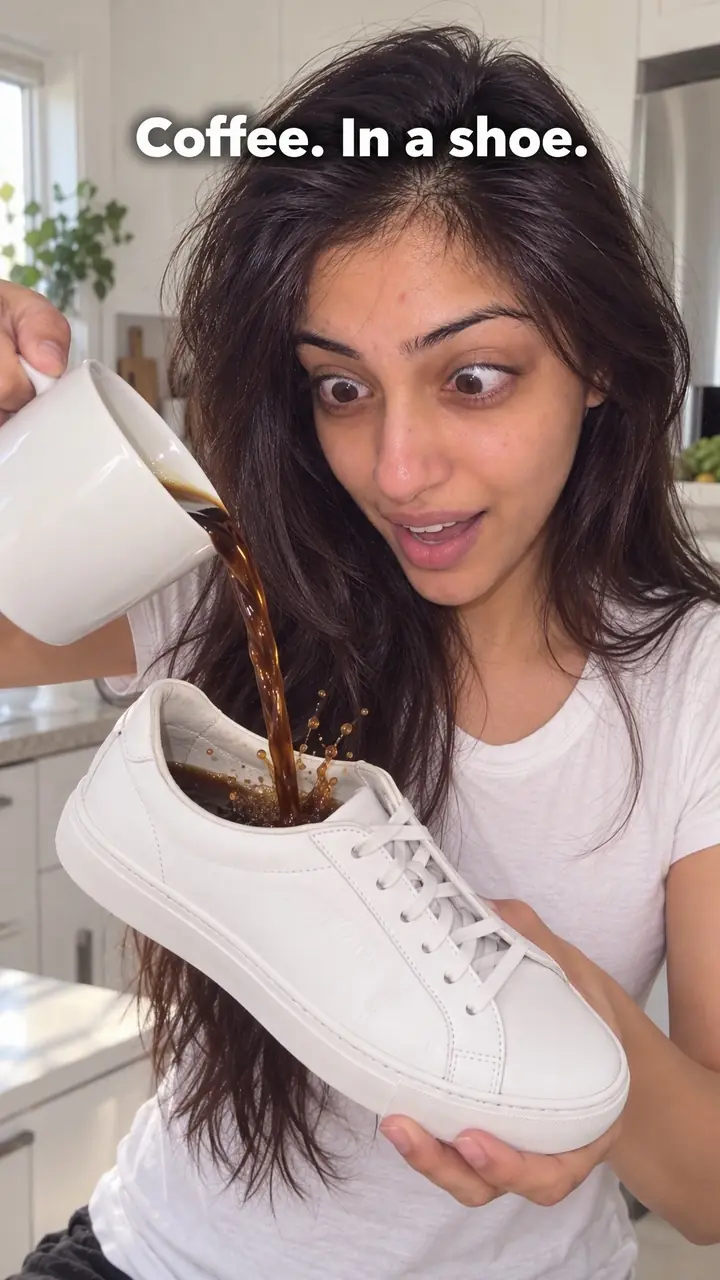
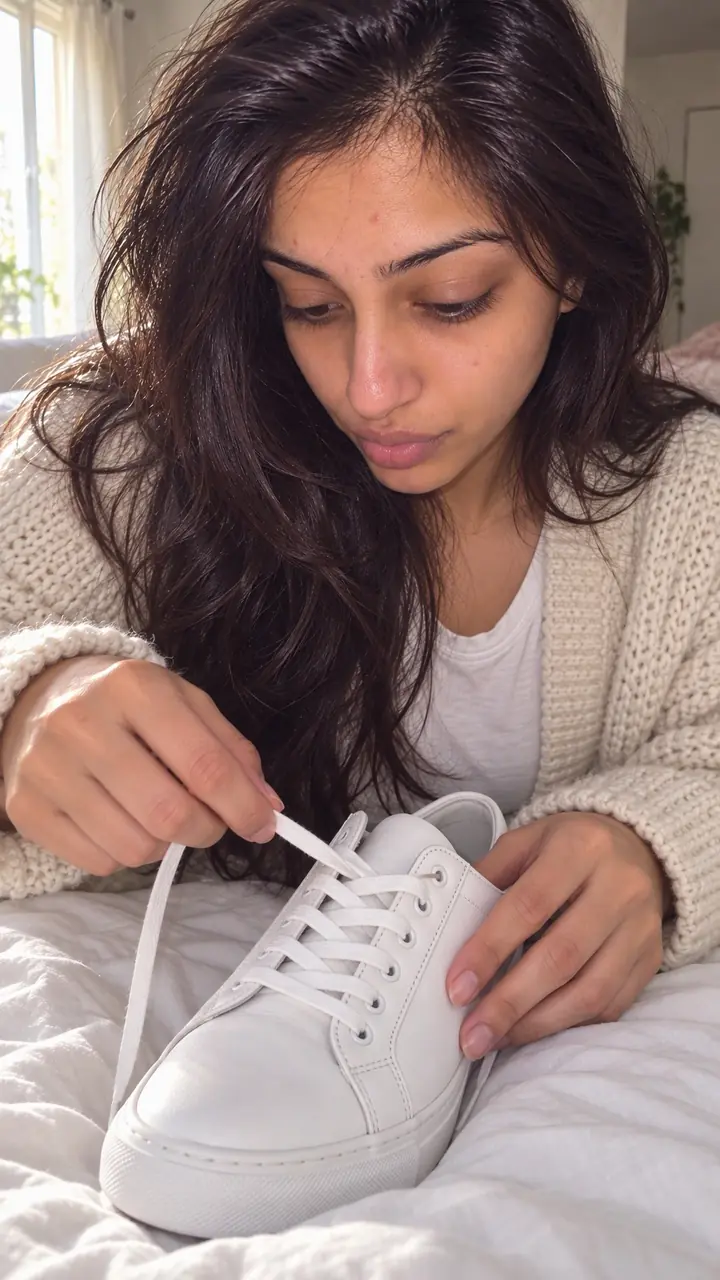
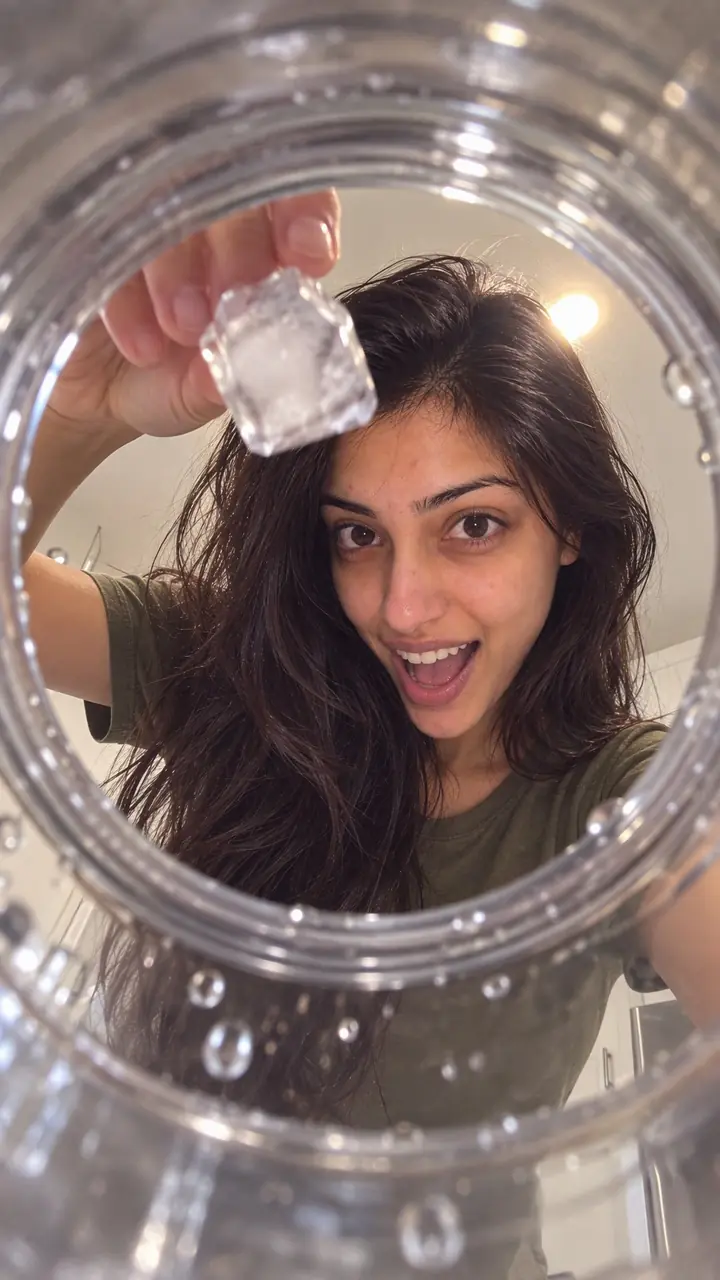
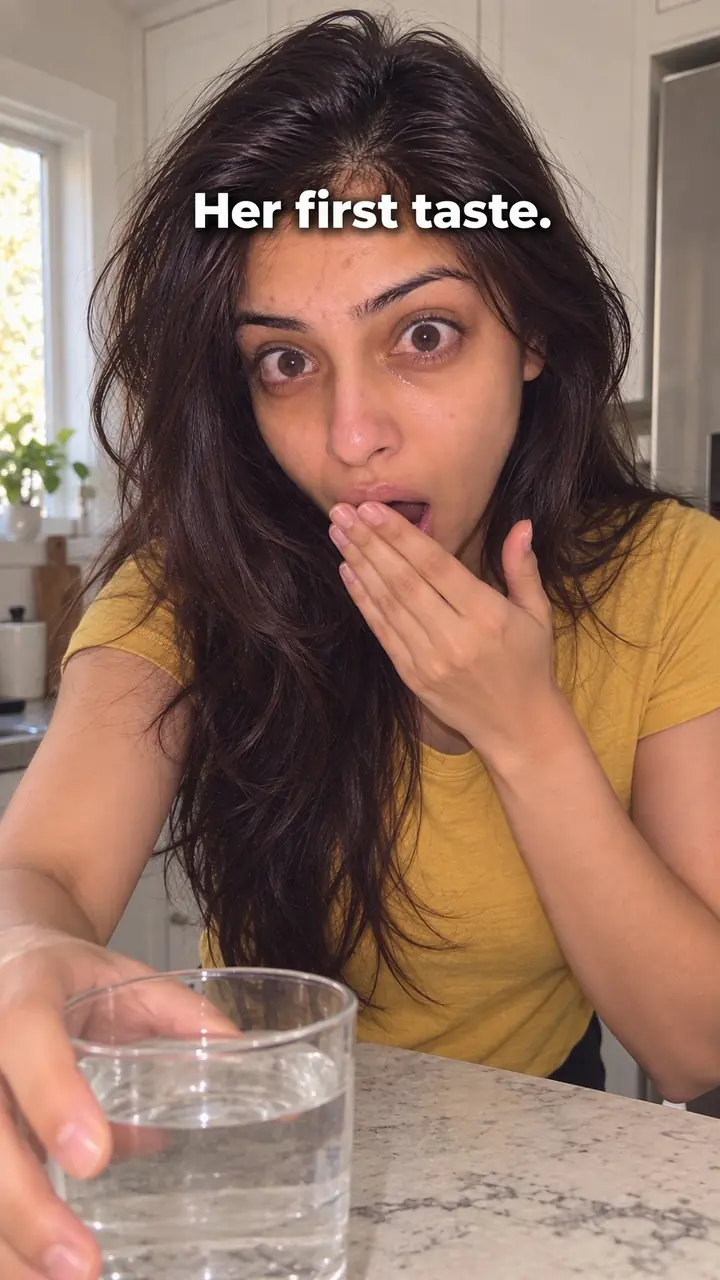
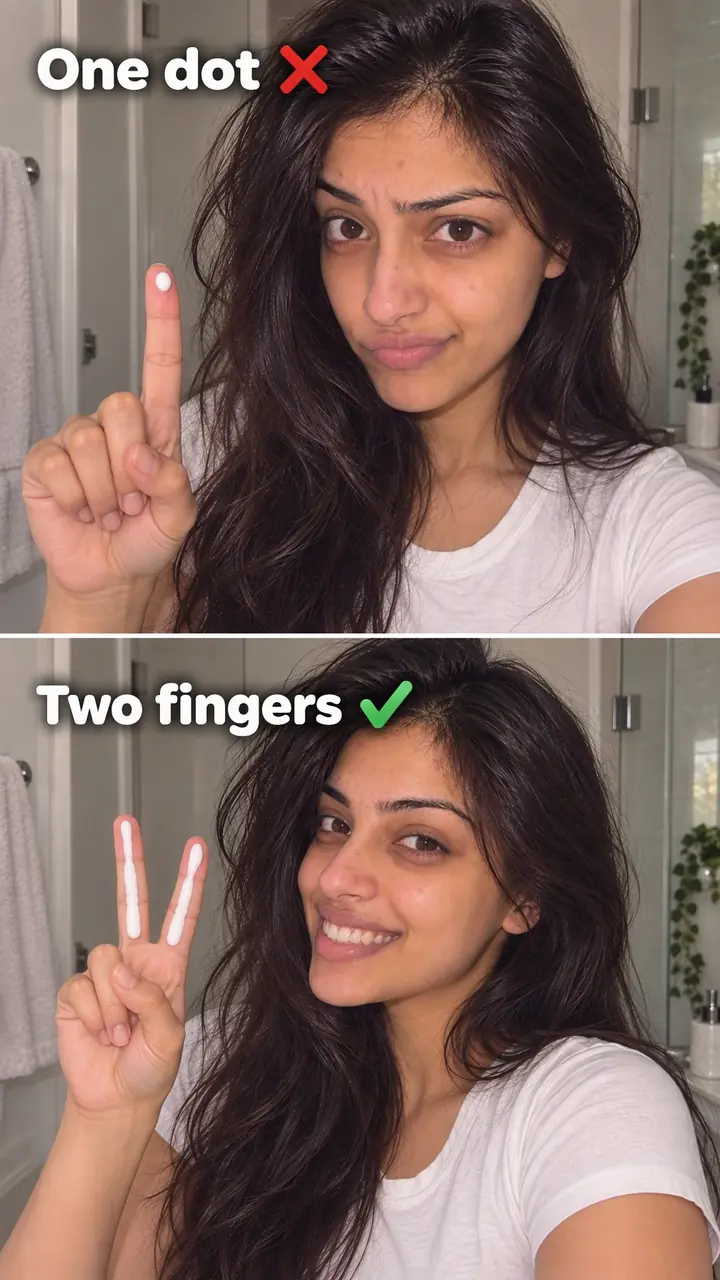
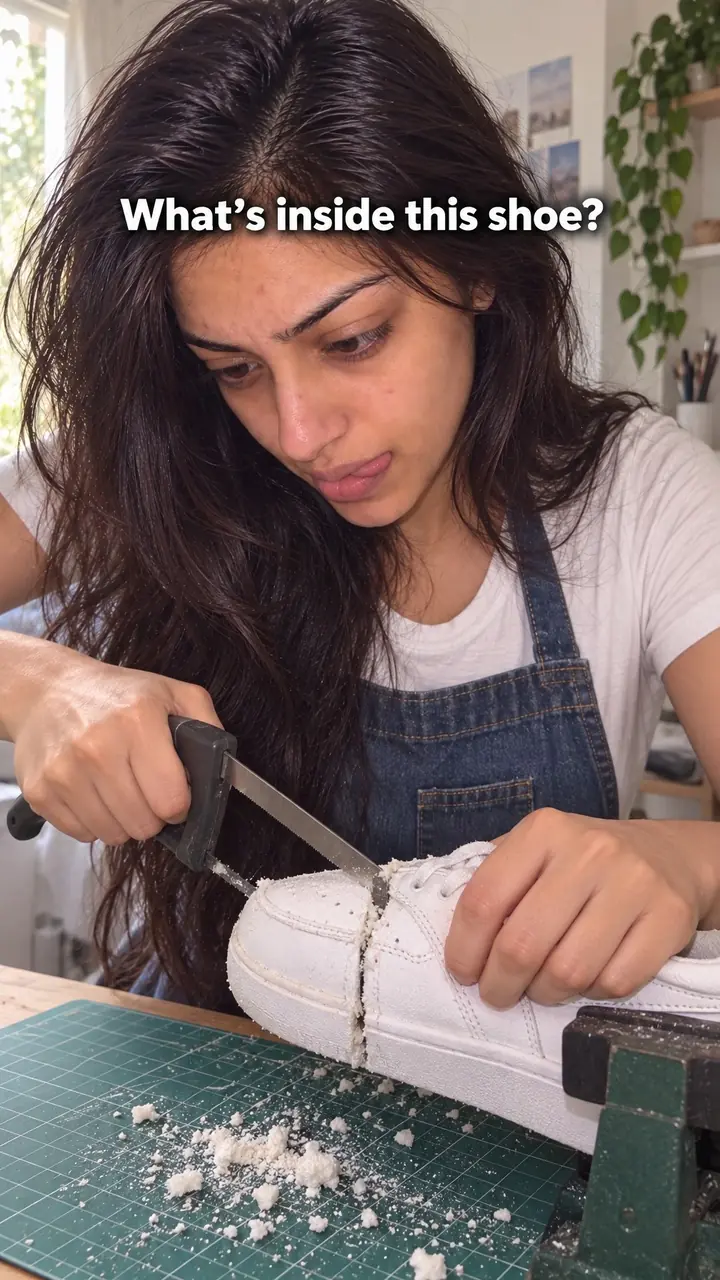
First-person POV hook, in pictures
Why it works
- A view the viewer can imagine using
- Seeing an action from the customer's viewpoint can help viewers picture handling the product themselves. This may make the use case easier to understand, but it does not guarantee a sense of ownership or a purchase.
- Attention on the task
- A clear first-person shot can keep attention on the hands, product and action. Whether it works better than a presenter-led opening depends on what viewers need to see.
- Familiar actions provide context
- Opening a parcel or packing a bag can make a scene easy to recognise. A clear action and visible next step may encourage viewers to keep watching, though the viewpoint alone does not ensure attention.
The formula
- Choose one moment your viewer already lives, such as a delivery, a routine or packing for a trip.
- Put the camera where their eyes would be and keep only hands, product and surface in frame.
- Open mid-action: a lid lifting, a seal tearing, a pump pressing in the first second.
- Name the moment in a few words of text: 'POV: [moment] with [product]'.
- Close the opening on a visible result or the next step, so viewers stay for the rest.
POV: [moment your viewer knows] with [product or thing]. Shot: hands [one clear action] on [familiar surface], camera at eye level, [natural sound or trending sound] underneath.How to use it
- Pick one everyday moment
Choose a task your viewer already does, like opening a delivery, making coffee, packing a bag or applying skincare. One moment is enough. If it takes three sentences to explain, pick a simpler one.
- Set the camera where eyes would be
Hold or mount your phone at eye or chest height, angled down at your hands. A chest mount, neck mount or a stack of books works if you film alone. Keep the product and surface in the centre of the frame.
- Clean the frame before you film
Wipe the surface and clear clutter. Wash your hands and check your nails and sleeves, because viewers will look closely. Keep the product near your hands so you never reach out of frame.
- Start in the middle of the action
Don't open on an empty table. Begin as your hands lift the lid, tear the seal or open the zip. Movement in the first second tells viewers this is their view, not a posed photo.
- Add text that names the moment
Write the situation in a few plain words. Use 'POV:' only if it helps. Place the text near the top or side, away from your hands, so it stays readable while the action moves.
- Match the edit to the format
On TikTok and Reels, keep the opening shot short and let natural sound, like tape tearing or a pump clicking, or a trending sound carry it. In Stories, film one moment per frame so each tap moves to the next step. In ads, show the product clearly within the POV opening, before any cut.
- Check it on mute and reshoot if needed
Watch the clip with the sound off. Can you tell what is happening and see the product clearly? Is the light even? If your hands block the label or the frame sways, film it again before you edit.
Examples
| Niche | Line | Why it works |
|---|---|---|
| Skincare (DTC beauty) | POV: your morning routine with the new [cleanser] | A sink, wet hands and one pump make the routine easy to picture and copy. |
| Fashion (DTC) | POV: getting ready for [event] in the [item] that just arrived | Looking down at buttons, laces or a hem shows fit and fabric the way the wearer actually sees it. |
| Food and snacks (DTC) | POV: opening your first [snack box] on a Friday night | Hands lifting the lid and pulling out each pack let the viewer feel the arrival moment. |
| Home and bedding (DTC) | POV: making the bed with your new [sheets] for the first time | Smoothing, tucking and folding show texture and colour in a room viewers recognise. |
| Travel accessories (DTC) | POV: packing your carry-on with the new [organiser] | Folding and placing items shows real size and fit better than a flat product photo. |
| Fitness gear (DTC) | POV: packing your gym bag at [time] with [product] | A quick, ordered pack shows where the product fits into a routine the viewer already has. |
| Pet products (DTC) | POV: clipping on the new [lead] before your dog's first walk | Hands, the clip and an excited dog at your feet make the use case obvious in one shot. |
| Home cooking creator | POV: making dinner with only [number] things left in the fridge | Viewers know this moment. Your hands working with what's there makes the recipe feel doable. |
| Study and productivity creator | POV: your first hour at the library in exam week | Laptop opening, notes spreading out, a coffee set down. Students see their own desk and stay. |
| Travel creator | POV: your first morning in [city], walking out for coffee | Eye-level footage of a door opening onto a street puts the viewer on the trip, not watching it. |
Variations
- Full routine POV
- Stay in first person for the whole clip and show each step in order. Cut out the waits, but keep the same eye-level angle so the viewer never leaves the seat.
- POV open, wide reveal
- Open in POV for the first seconds, then cut to a wider shot of the result on you or in the room. Use this when viewers also need to judge scale, fit or the finished look.
- Old way vs new way POV
- Film two POV clips with the same hands, light and surface. Show the old way first, then the new one. Keeping everything else identical makes the difference easy to see.
- Customer-shot POV
- Ask a real customer to film from their own view at home. Give them one action, one text line and a note on light. Their real setting adds trust a studio can't fake.
Common mistakes
- The camera sways with every step or reach
- Fix → Use a chest or neck mount, brace your elbows and move at half speed. Film short clips and join them with cuts.
- The footage is dark, or a shadow falls across the product
- Fix → Face a window or place a lamp in front of the surface, not behind you. Check that labels and textures stay readable.
- You open on a still table with nothing happening
- Fix → Start as the action begins. Hands should lift, open, pour or apply something in the first second.
- The text is vague, such as 'POV: you need this'
- Fix → Name one moment and one product, like 'POV: packing [item] for [trip]'. Keep it short.
- Hands cover the product name or key detail
- Fix → Keep hands low in the frame and turn the label toward the camera. Hold for one beat so viewers can read it.
When not to use it
- When the main point is a visible before-and-after change, consider Transformation (transformation-hook) and show that change clearly. POV can still supply detail shots, but it may not show the whole result.
- When viewers mainly need to judge dimensions, consider Size demonstration (size-demonstration-hook), using everyday objects for reference. POV can work too if its framing makes scale clear.
- When filming from the user's viewpoint would interfere with safe handling of heat or sharp tools, do not hold a camera during the task. Consider Behind the scenes (behind-the-scenes-hook) from a safely positioned fixed camera.
- When you cannot get a steady, well-lit POV shot but can clearly show one important product detail, consider Extreme close-up (extreme-close-up-hook) with a stable setup. If neither setup makes the product clear, improve the filming conditions before publishing.
For brands
For DTC brands, this hook lets a buyer rehearse owning the product before they pay. You show fit, size, texture and effort from the angle they care about most, which is their own. Plain, familiar settings work best: a kitchen counter, a bathroom sink, a desk, an open suitcase.
- Film the first use, not just the box. Show seals coming off, buttons pressed and the product poured or applied in the order a new customer would do it.
- Map one POV clip to each routine your product lives in, such as morning, night, the gym bag or a work trip. Rotate them so the same product shows up in different days.
- Turn customer questions into POV clips. If people ask how much fits inside, film the packing. If they ask about texture, film the first application up close.
- Brief customers to shoot their own POV at home. Send one action, one caption line and a light tip, then ask permission before you repost.
- In ads, keep the product and its name visible inside the POV shot. Then cut to a close-up of the detail that answers the main buying doubt.
Pairs well with
- Relatability
POV puts viewers inside a moment, and relatability picks a moment they've already lived. Together, the scene feels personal and familiar at once.
- Packaging experience
Unboxing is the most natural POV subject. Hands open each layer from the buyer's view, so every reveal feels like it's happening to them.
- Trending sound
A first-person clip has no presenter talking, so the sound carries the mood. A sound viewers already know can work as that soundtrack.
- UGC
Real customers filming their own POV at home give you the viewpoint and the trust in one clip.
FAQs
- What is a first-person POV hook?
- It is a video opening filmed from the customer's own point of view. The camera sits where their eyes would be, so viewers see hands opening, using or packing something. Short text like 'POV: [moment]' names the situation in the first second.
- How is first-person POV different from a normal product demo?
- A normal demo shows another person using the product. First-person POV removes that person and puts the camera where their eyes would be. You see hands and the product, not a face across from you. That makes the action feel closer and easier to picture doing yourself.
- Do you need to show your face in a POV video?
- No. Your face usually stays out of frame. Show clean hands, sleeves and the surface in front of you. If you speak, use a voiceover or captions. This format suits camera-shy creators and product-led accounts.
- How do you film POV without shaky footage?
- Rest your phone against your chest or use a neck or chest mount. Move slowly and brace your elbows on a table for close work. Film a short test and check for sway before you shoot the full clip.
- What text should you put on a POV hook?
- Keep it short and specific. Name the moment, not just the product, like 'POV: opening your first order' or 'POV: your [time] routine with [product]'. Place it where hands won't cover it, and leave it up long enough to read.
- Does a POV hook work without sound?
- Yes, if the action is clear on its own. Use readable text, a visible action and captions for any speech. Many viewers start with sound off, so the opening frame should explain the moment and the product without audio.
Key takeaways
- Film from the customer's eye level and show only hands, product and surface.
- Start mid-action and name the moment with a few words of text.
- Keep the light bright, your movement slow and the frame clear of clutter.
- Use POV when viewers need to imagine using the product. Switch to another hook when they need to see a face, fit or size.