Size Demonstration Hook: Show Real Size on Camera
Also called: Banana for scale, What fits inside, Scale comparison, True-to-size demo
A small bag brand posts a clean studio photo of its new crossbody. The comments all ask the same thing: does a phone fit? Is it tiny? The next post shows the bag on a table beside a phone, keys and a lipstick. Each item drops in, one by one, and the zip closes. The questions stop, because the video answered them.
That is a size demonstration hook. It works for creators and brands alike, and it suits anything where size surprises people: bags, luggage, gadgets, furniture, storage and travel gear. This guide gives you a template, swipe lines for different niches, filming rules that keep the scale honest, and ways to reuse it on product pages and in ads.
What is a size demonstration hook?
A size demonstration hook opens a video by placing the product next to everyday objects, like a phone, mug or hand, so viewers see its real size in the first seconds instead of guessing from numbers.
You open with the product already beside something familiar. You do not start with a logo, a box or a list of dimensions. Picture a mini bag on a table next to a phone. You drop in the phone, keys, a lipstick and a cardholder, one at a time, then close it. The viewer now knows the size without reading a chart. After that first frame, prove it with an action: fill it, carry it, sit on it or put it where it will live. Measurements can support the visual. They should not replace it.
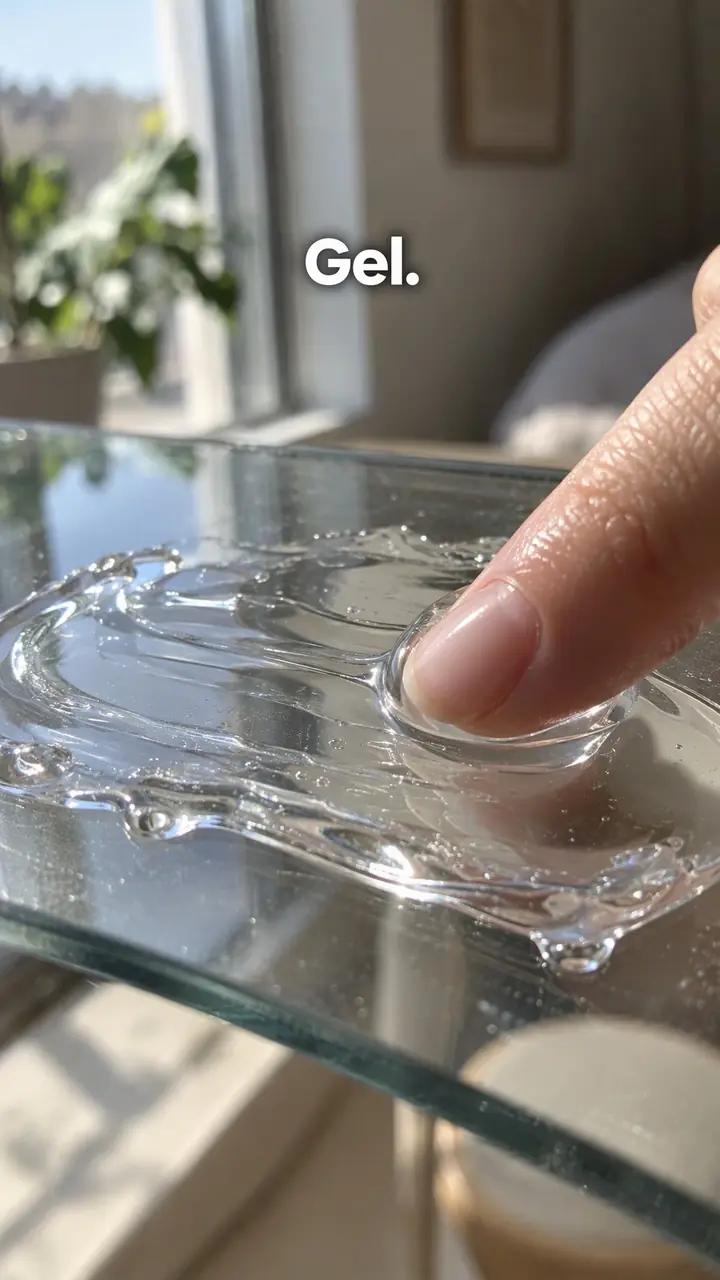
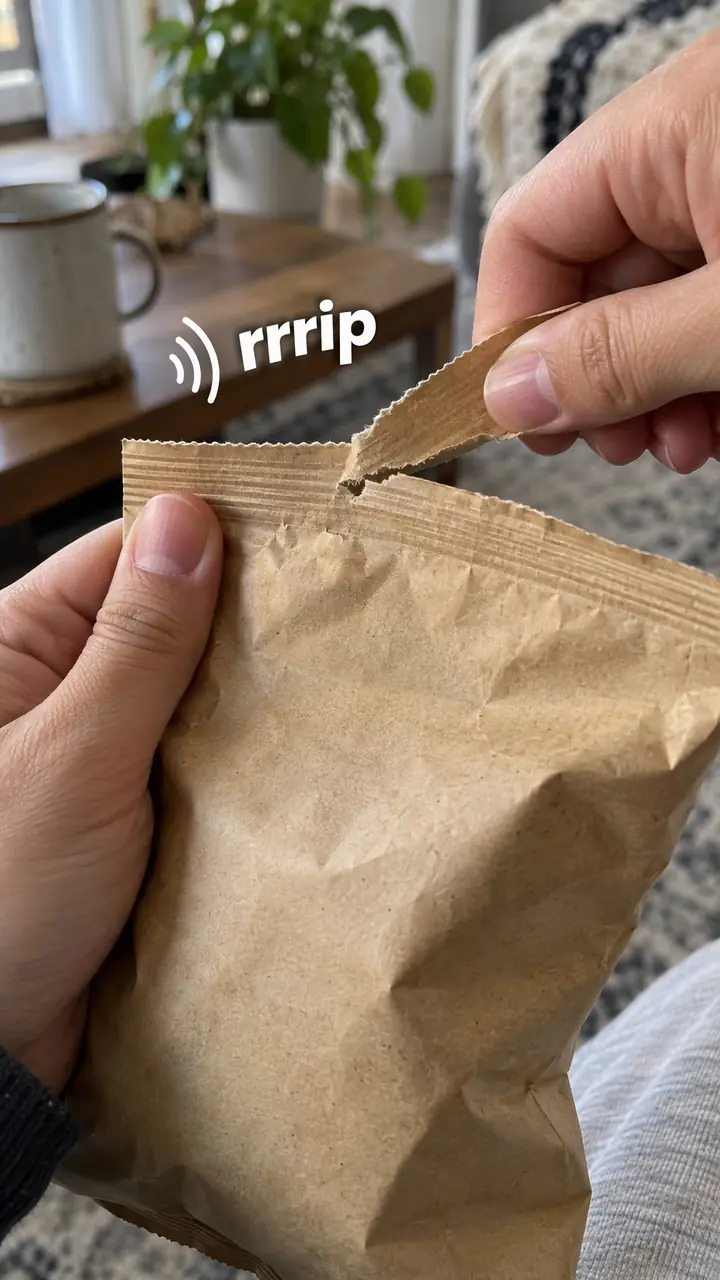
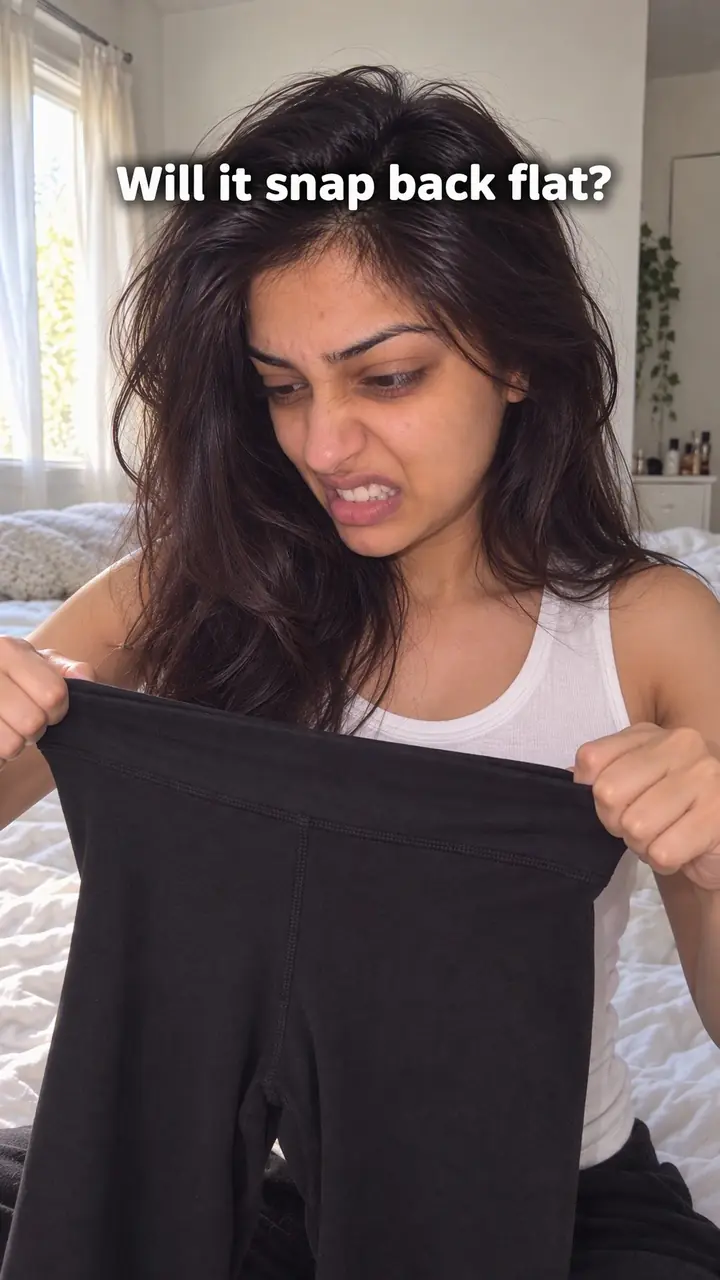
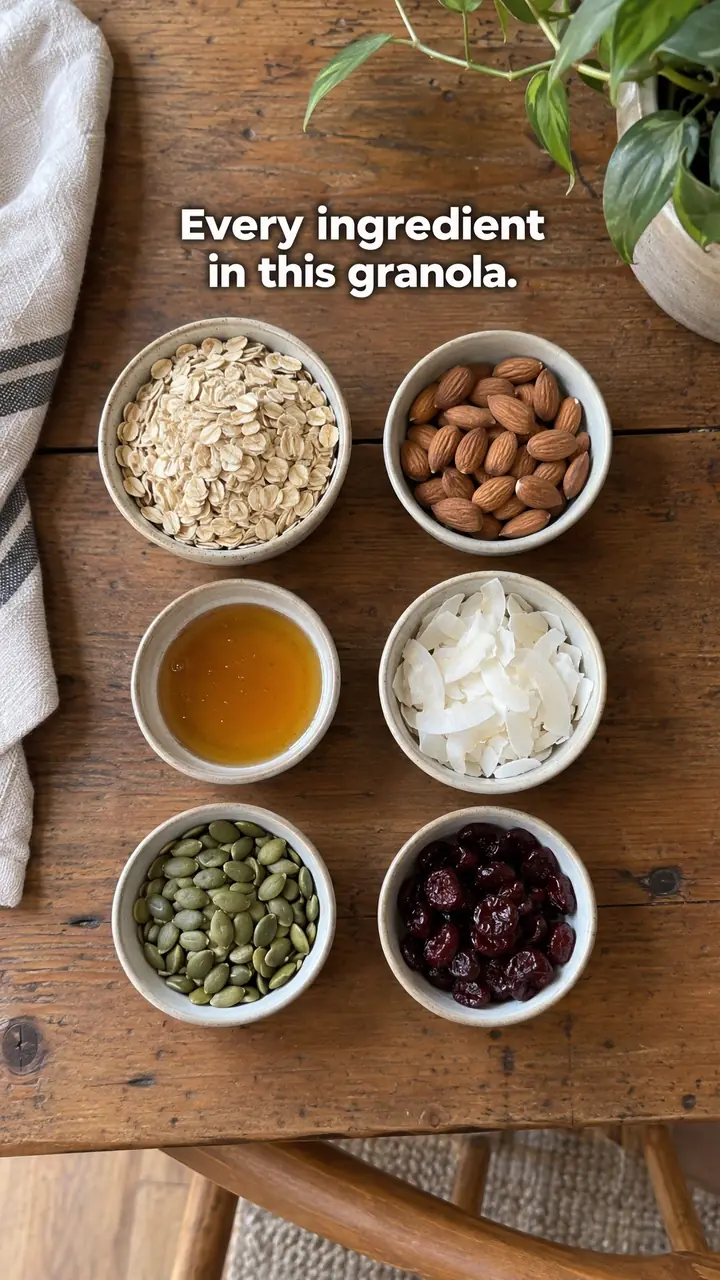
Size demonstration hook, in pictures
Why it works
- Familiar objects can make scale easier to judge
- A recognizable object beside the product can help viewers estimate its size without relying only on dimensions. Because phones, mugs and hands vary, the comparison should support rather than replace exact measurements.
- A clear comparison can address a buying doubt
- When size affects the purchase, showing scale and realistic capacity can help viewers judge whether the product suits their needs. It does not guarantee fit in a different space or eliminate size-related returns.
- Context can help viewers picture everyday use
- Showing the product beside familiar objects in a room or bag can help viewers imagine using it. Their own surroundings may differ, so identify the demonstrated setup and include dimensions when needed.
The formula
- Frame 1: the product beside one everyday object, on the same surface and at the same distance from the camera.
- On-screen text with two or three words that name the job, such as 'Real size' or 'What fits inside'.
- One action that proves scale: items going in, a hand closing around it, or the product sliding into its space.
- A short spoken or captioned line that names what fits and, if it matters, what does not.
- Exact dimensions on screen last, with the product shown in normal use.
Text: 'Real size: [product]'. Show [product] next to [everyday object]. Action: [put in / hold / slide into / sit on] while saying '[item 1], [item 2], [item 3]'. Limit: 'It won't fit [larger item].' Close: '[height] x [width] x [depth]. Made for [space or use].'How to use it
- Choose the size question you need to answer
Pick the doubt first. Do viewers wonder if it fits a laptop, a shelf, a car boot or a hand? Let that doubt choose your reference object and your action.
- Pick a reference people already know
Use a phone, mug, bottle, book, chair or your own hand. Pick something your audience sees every day. Avoid novelty items and objects that come in many sizes.
- Set the first frame before you press record
Start with the product and the reference already in frame, on the same surface and the same plane. Add 'Real size' or 'What fits inside' as clear on-screen text.
- Keep the camera honest
Film straight on, level with the item. Leave space around both objects and do not crop the top, base or sides. Step back instead of using a wide lens up close.
- Prove scale with one action
Load the bag one item at a time. Slide the case into the cabin-bag frame. Sit in the chair. Place the speaker where it will live. One clear action is enough.
- Add measurements last
Show '[height] x [width] x [depth]' after viewers have seen the scale. Name what fits and what does not. End on the product in normal use, not on a dramatic close-up.
- Fit it to the format
On Reels and TikTok, keep the first frame readable with the sound off and let each item-going-in sound carry the rhythm. In carousels, make slide one the product beside the object and give each item its own slide. In ads, open on the reference shot with no intro. On product pages, loop a short captioned clip next to the size chart.
Examples
| Niche | Line | Why it works |
|---|---|---|
| Fashion accessories | 'What fits in this mini bag: phone, keys, lipstick, cardholder. A full-size wallet doesn't.' | It lists familiar items one by one and states a clear limit. |
| Luggage | 'Our suitcase next to the cabin-bag frame. Watch it slide in with the handle down.' | A fixed, known limit is more convincing than calling something travel-size. |
| Beauty | 'Real size: the travel serum next to a lip balm. It fits in your jacket pocket.' | Small beauty products often look larger in studio shots. A lip balm sets the scale instantly. |
| Food and snacks | 'One snack pack next to my phone. This is [number] grams, not a family bag.' | It shows portion size, which shoppers often misjudge from packaging photos. |
| Home and storage | 'This storage box under a standard bed, with [number] cm to spare on top.' | It tests the exact space the buyer is worried about. |
| Fitness | 'The bottle beside a phone, then in the gym bag side pocket. No bulging fabric.' | It checks fit where the viewer will actually carry it. |
| Gadgets and audio | 'The speaker next to a coffee mug. Same height, much louder.' | A mug is in almost every home, so the size reads in one glance. |
| Furniture | 'Side table next to a sofa arm. The top sits [number] cm below it, so your cup is easy to reach.' | It turns a dimension into a daily-use detail. |
| Travel creator | 'Everything for [number] days fits in this one backpack. Here it is beside the airline sizer.' | Packing videos are size demonstrations. The sizer gives followers a reference they trust. |
| Miniature or craft creator | 'This whole model sits on my fingertip. Here it is next to a grain of rice.' | For tiny handmade work, scale is the surprise that holds attention. |
Variations
- What fits inside
- Open the product empty and add everyday items one at a time, naming each as it goes in. Stop at a realistic load and say what doesn't fit.
- Next to the body
- Hold it, wear it or stand beside it. Keep your full hand or body in frame so the scale reads clearly. Best for bags, wearables, tools and furniture.
- Against a fixed limit
- Put the product into a space with a known size: a cabin-bag frame, shelf gap, drawer or car boot. Use this when fit is a yes-or-no decision.
- Size range line-up
- Show two or three sizes from the same range beside one reference object. Label each size on screen so viewers can choose without flicking between photos.
Common mistakes
- Using a low or close angle that changes the scale
- Fix → Film straight on, keep both items on the same plane and show the full outline. Repeat the same framing if you cut to a new angle.
- Choosing a reference object viewers don't know
- Fix → Choose common objects with a familiar size. If there is any doubt, name it on screen, such as 'standard [size] mug'.
- Reading out measurements with no visual proof
- Fix → Lead with the visual comparison. Then add height, width and depth so viewers can check their own space.
- Filling a bag or shelf until it looks strained
- Fix → Show the items that matter most and name any key item that doesn't fit. Honest limits build trust and prevent returns.
- Letting clutter hide the product outline
- Fix → Use a plain surface and steady light. Keep hands, props and text away from the product's edges so the outline stays easy to read.
When not to use it
- When physical size is not relevant, such as for many services or digital products, use How-to promise (how-to-promise-hook) to introduce a useful result and method instead.
- When the main question is toughness rather than size, use Durability test (durability-test-hook) with a relevant, clearly described test. Keep claims limited to what that test demonstrates.
- When the buying question concerns surface feel or composition, use Texture (texture-hook) or Ingredient reveal (ingredient-reveal-hook), respectively, rather than making scale the opening.
- When a fair scale comparison cannot be filmed, use Objection handling (objection-handling-hook) to state the size question and answer it with verified dimensions and fit limits. Do not substitute a distorted image or imply that unseen fit has been demonstrated.
For brands
For DTC brands, this hook does practical work. It answers a buying doubt before checkout and before a return. Use it wherever size affects fit, storage, carrying or daily use. Keep every claim exact. If an item only fits certain models or spaces, say so on screen.
- Film one master size video per best seller, then cut it into a short Reel, a TikTok, a paid ad and a looping product-page clip. Keep the same first frame so shoppers recognise it.
- Build a studio reference kit: phone, mug, water bottle, paperback, tape measure and a plain chair. Use the same kit for every product so repeat viewers learn your scale cues.
- Place the clip right next to your size chart and returns policy. The video answers 'Will this fit my life?' The chart answers 'What are the exact numbers?'
- Track which products get the most size questions in comments, DMs and return reasons. Film those first.
- Ask customers to film the product at home next to an everyday object. With permission, reuse clear clips that show real rooms, hands and storage spaces.
Pairs well with
- Objection handling
Ask the doubt out loud, like 'Will this fit under a plane seat?', then answer it with the size demo. The question gives the visual a clear job.
- First-person POV
Film from the buyer's view as you pick up, open, fill or carry the product. Hands in frame give instant scale and show how the size feels in use.
- Text-first frame
Put 'Real size' or 'What fits inside' in big text on the opening frame so the hook reads even with the sound off.
- Comparison
Set two sizes, or your product and a familiar standard, side by side so viewers judge the difference themselves.
FAQs
- How to create a good video hook?
- Answer the viewer's main question in the first second. For a size demonstration, that means the product beside a familiar object, short on-screen text such as 'Real size', and one clear action that proves scale. Cut any intro, logo or greeting before it.
- What everyday objects work best for showing size?
- Objects most viewers own or see daily: a phone, mug, water bottle, paperback, chair, hand or a standard sheet of paper. Avoid rare items and objects that come in very different sizes. If the reference could vary, name it on screen.
- Should you add measurements as well as objects?
- Yes. The object comparison gives a quick feel for size, and the numbers let buyers check their exact space. Show the visual first, then add '[height] x [width] x [depth]' in one unit and keep that unit throughout.
- Does a size demonstration hook work on product pages?
- Yes. Place a short captioned clip near the top of the page, close to the dimensions and buy button. Shoppers see the product in a hand or in use before they read the size chart.
- What if the product is too large to hold?
- Use larger references. Stand beside it, place it by a door frame, or set it next to a sofa or bed. Show a person using it at a normal distance. For very large items, walk around it in one steady shot.
- Can creators use it if they don't sell products?
- Yes. Travel creators can show what fits in one bag. Tech reviewers can hold a gadget next to a phone. Makers can show tiny or huge work beside a familiar object. Any time size is the surprise, this hook fits.
Key takeaways
- Show scale in the first frame with an everyday object people know.
- Prove the visual with one real action, such as filling, holding or fitting the product.
- Keep the camera straight, steady and far enough back to avoid distortion.
- Name what doesn't fit as well as what does.
- Add exact measurements after the demonstration, not instead of it.