Action While Talking Hook: Talk While Your Hands Work
Also called: Kinetic speaking, GRWM style, Task-and-talk, Busy hands hook
Picture a small candle brand founder filming an update. She sits at her desk and talks to the lens. Nothing in the frame moves, and people swipe before her point arrives. The next day she films the same update while trimming wicks and packing orders. The words are the same. This time there is something to watch.
That is the action while talking hook. You keep your talking video, but your hands get a real job tied to your message. This guide covers how to pick the task, time your first line and end cleanly. It also gives you examples to adapt for your niche or product.
What is an action while talking hook?
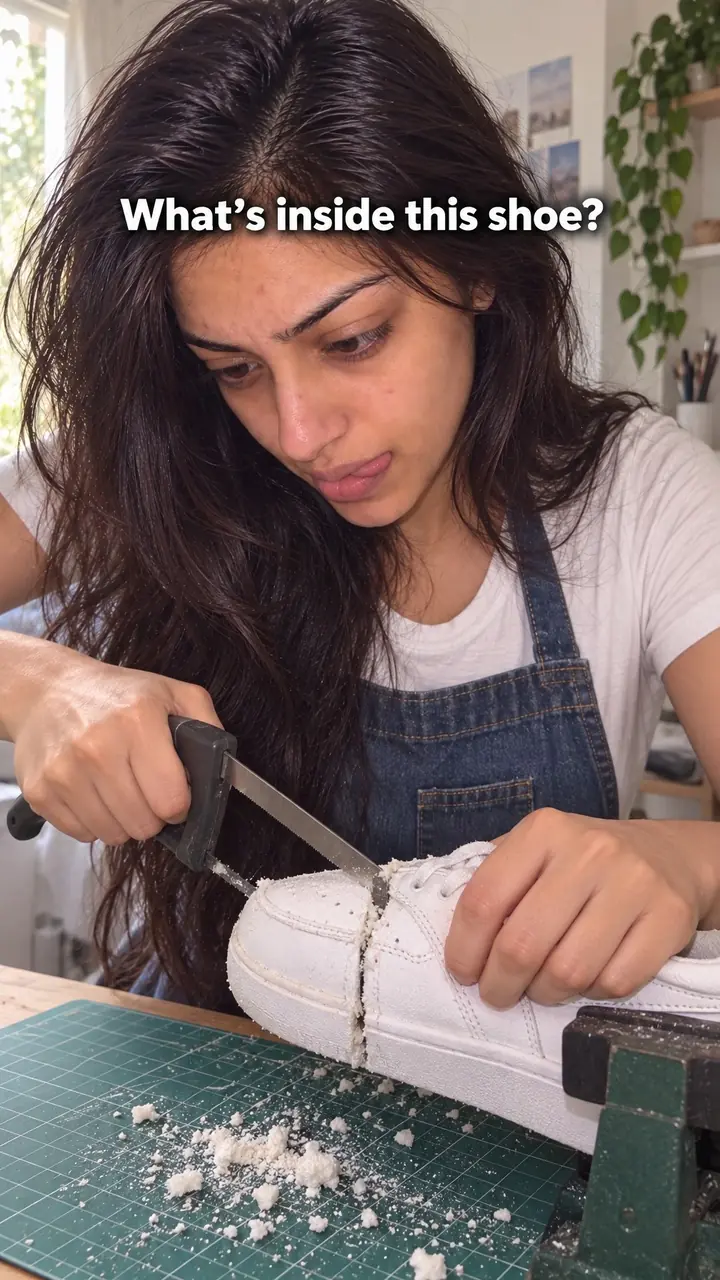
An action while talking hook is a video opening where you speak to camera while your hands do a visible task, like slicing fruit or folding a shirt, so viewers have something to watch while they listen.
You skip the still face and the long setup. You open mid-task, with your hands already moving when the first word lands. The viewer gets a line worth hearing and a job worth watching finish. The task should support the point. Say you share packing tips: roll each shirt into the carry-on as you name each tip. When the hands and the words tell the same story, a plain talking video becomes worth watching.
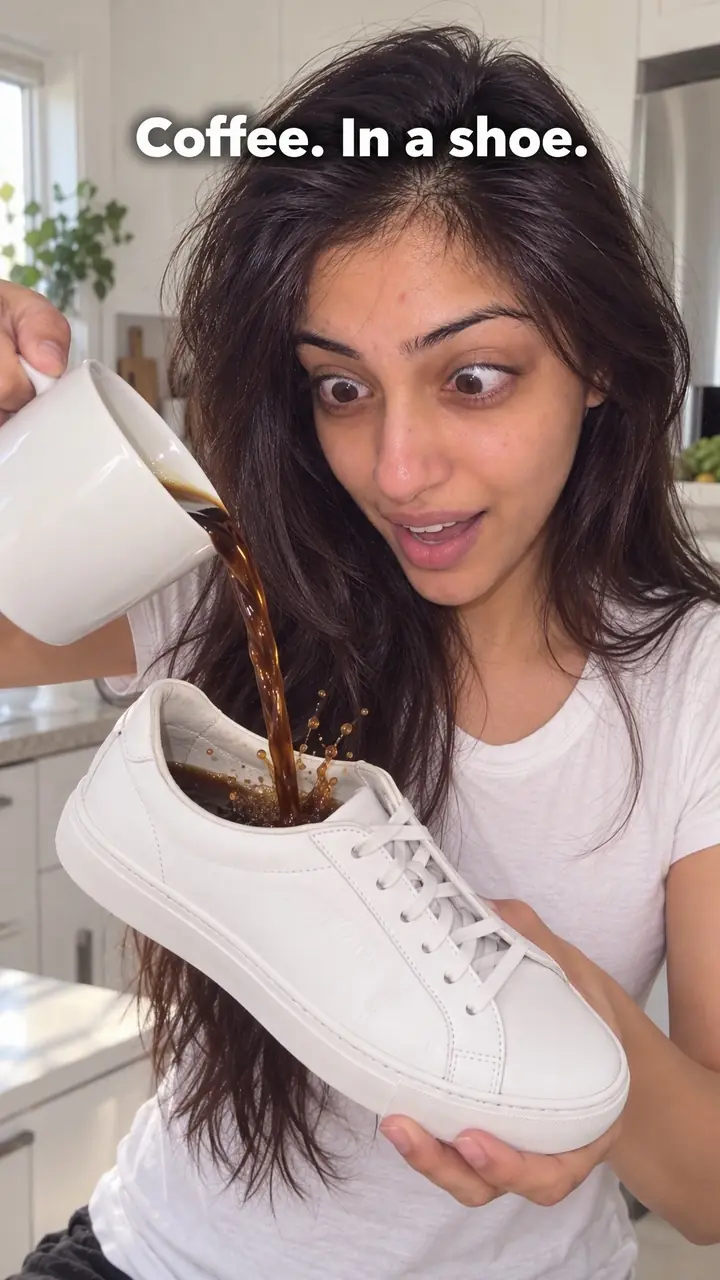
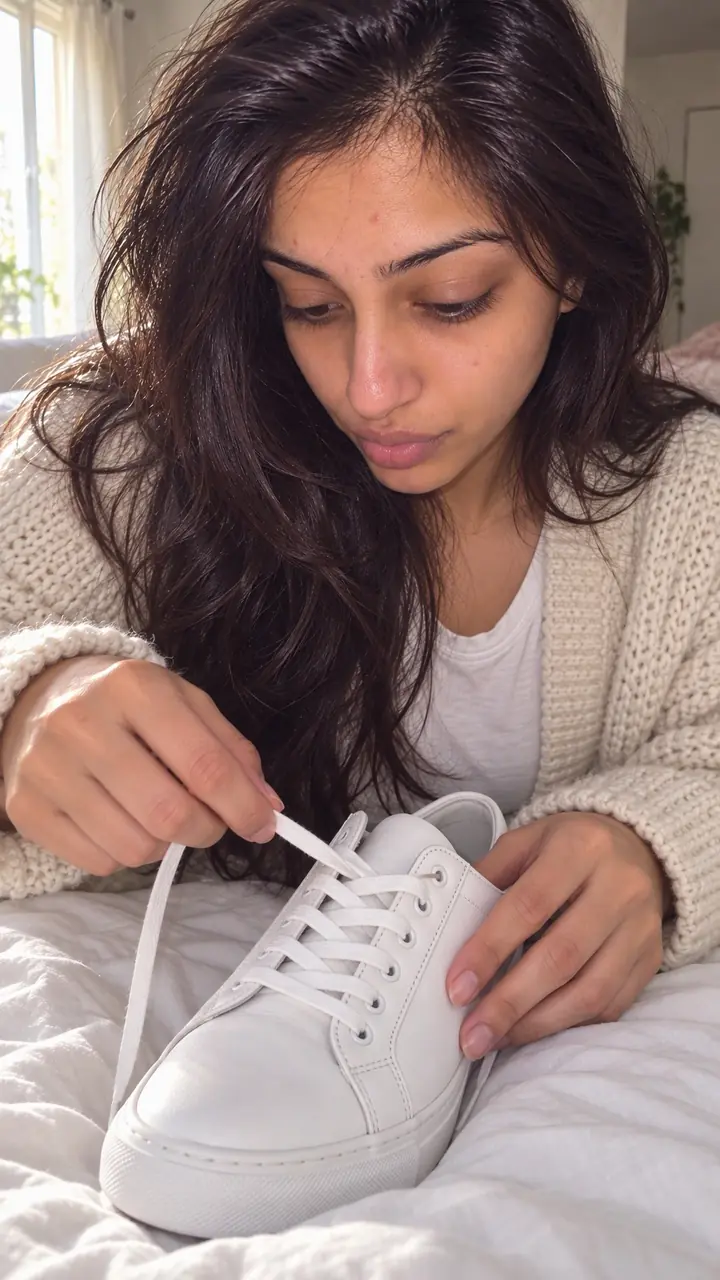
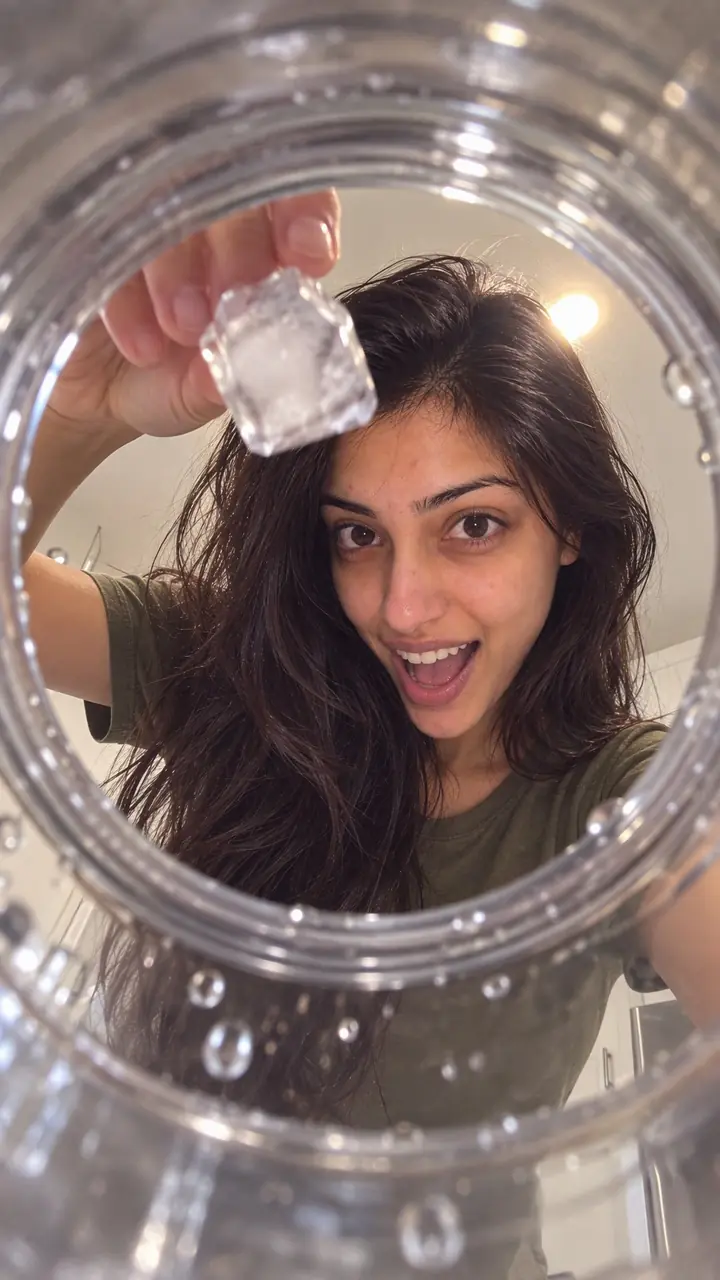
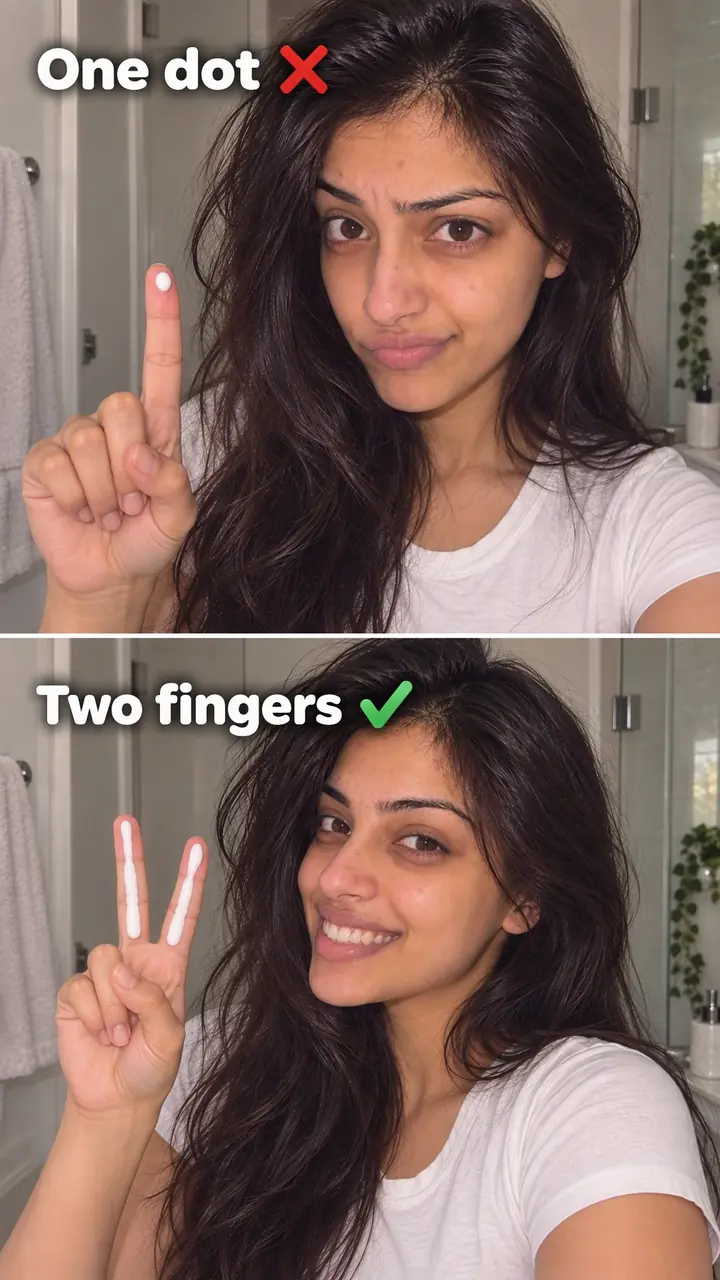
Action while talking hook, in pictures
Why it works
- Relevant movement can give viewers something to follow
- A visible task can add a changing point of interest while someone speaks. It may help attract attention, but movement alone does not guarantee that viewers will stay.
- An unfinished task can create interest in the outcome
- When viewers understand what is being completed, they may want to see the result. This is more useful when the finish matters to the message; delaying it unnecessarily can feel like filler.
- A simple, related task may support understanding
- Folding a shirt while explaining packing can make the advice easier to follow. Complex or unrelated actions can compete with speech, so keep the task simple and check that the message remains clear.
The formula
- Choose one task that shows or proves your point, with a clear start and finish.
- Be mid-task in the first frame, before any words.
- Open with one short line: the viewer, the problem or the result.
- Give each point as the task moves forward, one step per point.
- Land your last point as the task finishes, then stop.
[Hands already doing the task] + "If you [problem or question], watch [this step]." + [point 1 while the task continues] + [final point as the task finishes]. Caption the first line.How to use it
- Pick a task you can do on autopilot
Folding, pouring, stirring, packing, applying and sorting all work. Avoid tasks that need your full focus. If you have to watch your hands the whole time, your delivery will sound strained.
- Start moving before you start talking
Don't press record and then reach for the product. Be mid-pour or mid-fold in the first frame. Movement in frame one gives the viewer a reason to pause before they judge the topic.
- Make the first line do one job
Name the viewer, the problem or the payoff. Try: 'If your [item] always does this, try it this way.' The task buys you a few seconds, not half a minute. Spend them on a clear promise.
- Match the task to the words
Explaining a cream? Apply it. Explaining a bag? Pack it. When the hands and the words tell one story, viewers don't have to choose where to look.
- Caption the line and keep the real sound
Many people start with sound off, so put your first line on screen in large, short text. Let the task's own sound sit under your voice. A pour, a zip or a tap adds texture for free.
- End when the task ends
Plan the last frame before you film: the zip closes, the lid clicks, the glass is full. That finish rewards the viewer for staying. Then stop, with no long recap.
Examples
| Niche | Line | Why it works |
|---|---|---|
| Beauty (DTC) | While pressing serum into your cheeks: "Oily skin and still feeling tight by [time]? You're probably using too much. This is [number] drops." | The hands show the amount and texture while the line names a problem viewers can check on their own skin. |
| Fashion (DTC) | While folding a knit: "Ask anyone who's had a sweater go wavy at the shoulders. Fold it like this instead of hanging it." | The fold is the advice, so the viewer learns it by watching, not by imagining it. |
| Food and drink (DTC) | While pouring cold brew over ice: "You asked if it turns bitter after [number] hours in the fridge. This bottle's been open since [day]." | The pour answers the customer question in real time, and the viewer waits to see the colour settle. |
| Home (DTC) | While trimming a candle wick: "If your candle smokes after [number] minutes, this is why. Trim it to here before every burn." | A small, precise task links straight to the fix, and the finished wick is the proof. |
| Accessories (DTC) | While loading a crossbody bag: "Everyone asks what actually fits in this. Phone, keys, wallet, [item]. Watch the zip." | Each item going in counts down to one payoff: does the zip close? |
| Fitness gear (DTC) | While looping a resistance band around your knees: "If you feel squats in your knees, not your hips, place the band here." | The setup is the tip, and the viewer sees exactly where the band sits. |
| Travel creator | While rolling shirts into a carry-on: "Three packing rules I follow on every [number]-day trip. Rule one is in my hands." | Each rolled shirt marks one rule, so the viewer can track progress through the list. |
| Home cooking creator | While slicing an onion: "Stop crying over onions. It's not the knife. It's where you start the cut." | The viewer watches the knife for the answer while you explain it. |
| Personal finance creator | While sorting receipts into piles: "Three piles. That's my whole system at month end, and this one saves me the most time." | A dull topic gets a visible structure the viewer can hold in mind. |
| Music teacher | While tuning a guitar: "Your chords can be right and still sound muddy. Listen to this string before I fix it." | The sound changes as the hands work, so the viewer waits to hear the difference. |
Variations
- Hands only
- Film from above with your face out of frame and talk over the task. This suits cooking, packing and desk work. It's also a good fit if you feel stiff on camera.
- Look up to land the point
- Keep face and hands in one frame. Work while you set up a point, then look up at the lens to deliver it. The switch between face and hands acts as a natural edit.
- Hold the finish
- Pick a task with an obvious end, like filling a jar or closing a box. Say early what the finished result will show, and don't complete it until your last point.
- Same task, new question
- Turn it into a series. Pour the same drink or pack the same bag each time, and answer a different question in each episode. Repeat viewers know the format, and new ones still get movement in frame one.
Common mistakes
- Choosing a task that needs too much concentration
- Fix → Pick something you could do while chatting. If it needs counting, aiming or reading, save it for a silent demo.
- Reaching for the product after you press record
- Fix → Trim the setup. The first frame should show hands moving and the product already in use.
- Using movement unrelated to the topic
- Fix → Before filming, ask: does this task show my point? If not, swap the task. Random movement soon feels like filler.
- Framing the task too small to follow
- Fix → Bring the task closer to the lens and light your hands as well as your face. Check the framing on your phone first.
- Talking over the action with a dense script
- Fix → Cut the opening line to one idea. Save the detail for later, once the viewer has settled in.
- Letting the task drag past the point
- Fix → If the task runs long, film only the final stage and start near the finish.
When not to use it
- When the action could distract from a sensitive message, consider a Voice-first cold open (cold-open-hook). A still, direct delivery may fit better, though a relevant task is not automatically inappropriate.
- When a task involves blades, heat, or precision and needs full attention, do not divide attention to deliver lines. If it can be filmed safely, consider a Silent action hook (silent-action-hook) with no explanatory speech during the opening, then explain afterward.
- When no physical task meaningfully relates to the topic or product, use a Direct callout (direct-callout-hook) to establish relevance through the first spoken line rather than adding unrelated movement.
- When the opening depends on reading a price, date, or instruction, consider a Text-first frame (text-first-frame-hook). Keep the text brief and readable rather than combining dense text with a competing task.
For brands
For DTC brands, the best task is your product in use. The action is the proof, so the video feels like someone at work, not an ad. It fits founder updates, product demos and replies to buyer questions.
- Film founder updates while packing real orders. Name each item as it goes in, and end when the label goes on.
- Answer your most common pre-purchase question while using the product. If buyers worry about mess, show the pour and the clean finish.
- Explain who the product is for while you prepare it: mixing, measuring, folding or assembling.
- Use one repeat task as a weekly format, such as the same pour or the same pack, with a new customer question each week.
- Turn ad testing into a habit. Keep the same task footage and test [number] different first lines over it to see which holds viewers longest.
Pairs well with
- Satisfying action
Choose a clean, precise task and the action becomes pleasant to watch on its own, while your words carry the point.
- Direct callout
Name your viewer in the first line while your hands work. The callout says who it's for, and the task keeps them watching.
- Open loop
Promise a result in the first line, then finish the task only when you deliver it.
- Objection handling
Say the buyer's doubt out loud while you use the product, so the action answers it on screen.
FAQs
- What is a hook in a TikTok video?
- It's the first moment that gives a viewer a reason to stay. It can be a line, a sound, on-screen text or an action. With this hook, the reason is movement: your hands are already working, and your first line says why it matters.
- What does hook mean in Reels?
- The same thing: the opening that stops a swipe. It's what people see, read and hear before deciding to keep watching. Here they see a task in progress, read your first line as a caption and hear your voice over the task's sound.
- What is an action hook?
- An action hook opens on physical movement instead of a still shot, such as pouring, folding, slicing or packing. The action while talking hook is one type. You keep talking, and the task gives the eye something to follow.
- Can you give me some examples of talking hooks?
- Try: 'If your skin feels tight by [time], watch how much I use,' while pressing in a cream. Or: 'Three things I never pack flat,' while rolling clothes. Or: 'You asked if this stains,' while pouring a drink. Start the task before the line.
- What are some engaging TikTok hook ideas?
- Use a task your viewer already knows. Pour a drink while answering a common question, or fold laundry while sharing a short list. Name the problem, number or result in your first sentence, then let the task carry the next few seconds.
- What are some catchy hooks for Reels?
- Pair a short, captioned first line with a task people can follow on mute. Pick an action with a clear end, like zipping a bag or closing a lid, so viewers know what they're waiting to see finished.
Key takeaways
- Start the task before the first word.
- Choose a task that proves or explains your point.
- Keep the first line short, specific and captioned.
- Give the action a clear finish and end the video there.
- Drop the task if it pulls focus from the message.