Public Experiment Hook: Let Followers Shape It, Then Show the Result
Also called: Build with us, Vote on the design, Community R&D, Crowdsourced product
A two-person bag brand has a new tote sample on the workbench. The inside pocket could be [size A] or [size B], and they can't decide. So they hold both samples up to the camera and say, "You decide. Comment A or B." A week later they post the finished sample with the on-screen text "You decided." The people who voted come back to see it, and many of them now care about the launch.
That is the public experiment hook. You show real work while a choice is still open, let followers shape it, and prove you followed through. This guide covers the formula, examples across niches, and how to run it honestly from the first frame to the result post.
What is a public experiment hook?
A public experiment hook is a video opening that invites followers to shape a real product decision, like a feature or recipe, then shows the result. You present the options, ask for their input, and follow through in public.
You open on real options or a real request, not a finished claim. You name the choice, give one clear way to weigh in, and say when the result will appear. Then you post the follow-up and show what changed. For example, a candle maker films two test pours and asks, "Light scent or strong?" A week later, the next video opens on the winning candle. The hook works across two posts. The first earns comments because the decision is open. The second earns trust because people can check your work. Use it for a feature, flavour, colour, recipe, scent, fit or pack detail. Keep the choice small and real. If you can't act on the answer, don't ask the question.
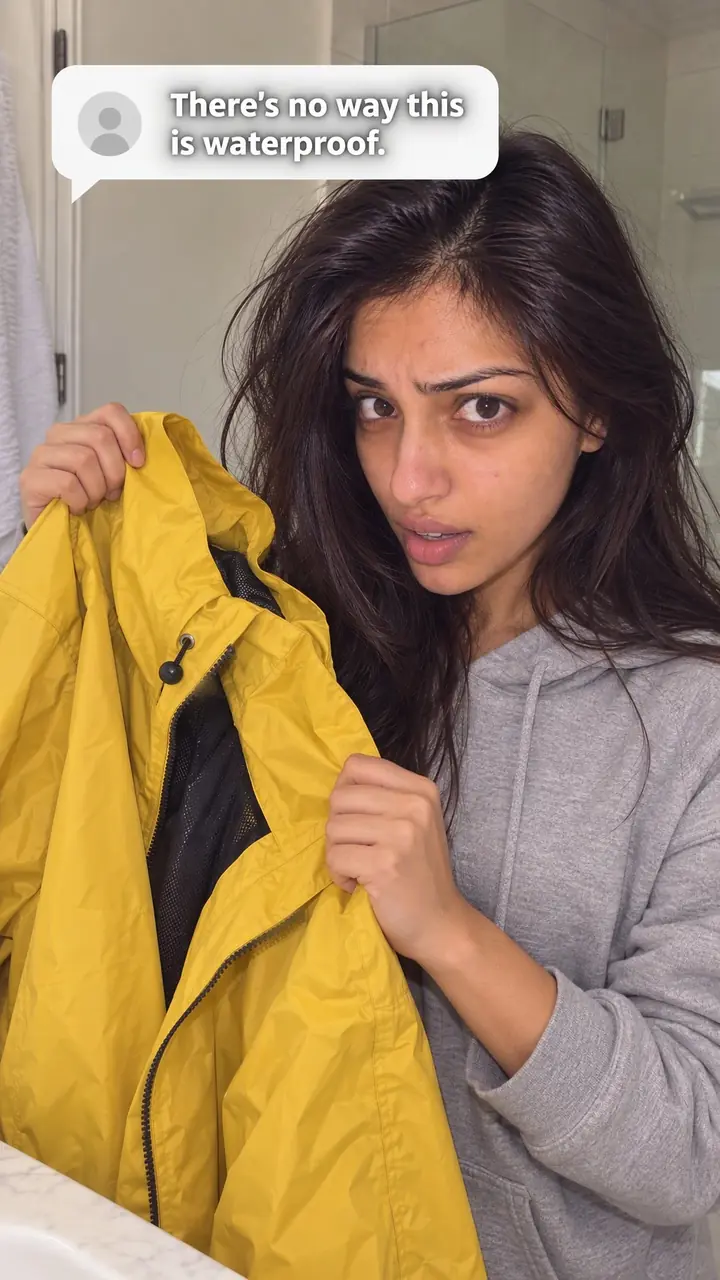
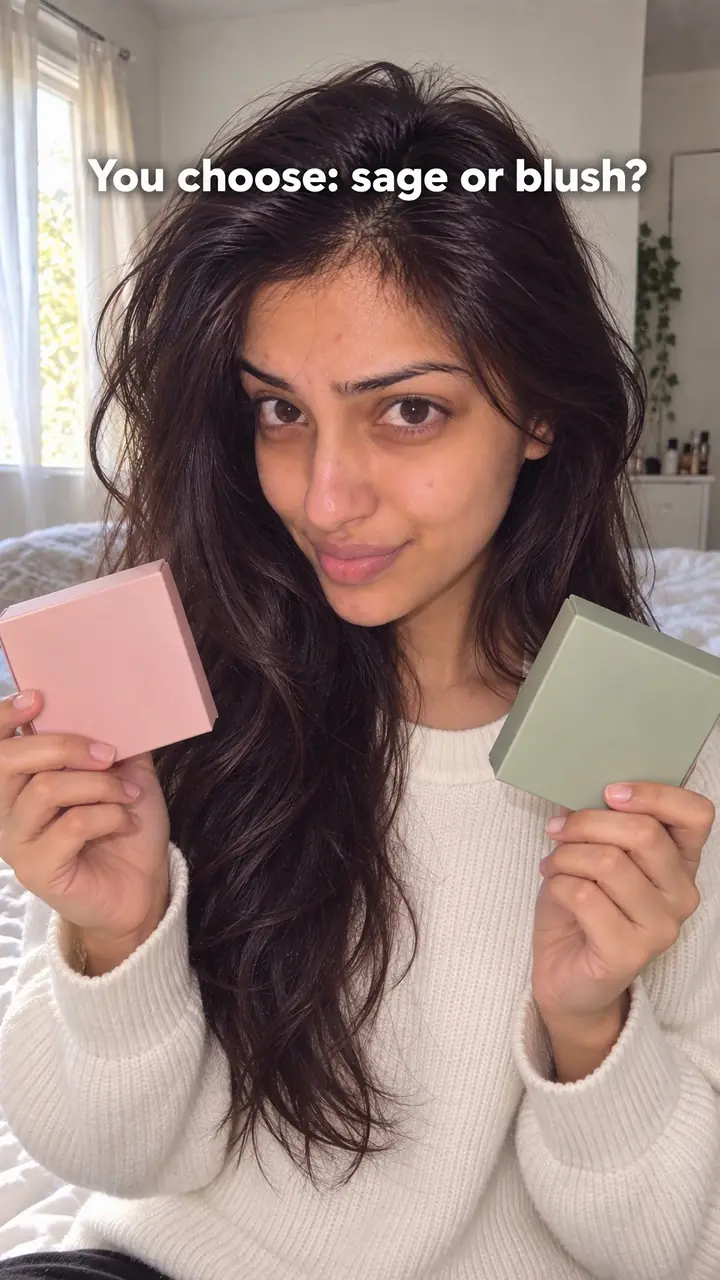
Public experiment hook, in pictures
Why it works
- Participation can create interest
- Helping choose a real product detail can make some followers feel more involved. That involvement does not guarantee a return visit or a purchase.
- An open choice can give viewers a reason to return
- A clear question and an expected follow-up can make participants curious about the outcome. Show the decision and result plainly rather than relying on suspense alone.
- Visible follow-through can support trust
- Showing how genuine input affected the product can demonstrate that you acted on that feedback. Be clear about what changed, what did not, and any limits; one completed experiment does not prove that every request will be adopted.
The formula
- First frame: the real samples or options, side by side, in your hands.
- On-screen text: "You decide" for the ask, or "You decided" for the result.
- Spoken line in the first second: name the exact choice.
- One way to take part: comment A or B, or use a poll.
- A date: say when the result post goes live, then post it.
Ask post: "You decide: [option A] or [option B]? Comment A or B. We make the winner and show it on [day]." Result post: "You decided [winner]. Here's the new [product] next to the old one."How to use it
- Choose a decision you can honour
Pick a feature, recipe, colour, scent or fit detail you can still change. Before you post, write down what each result would cost and how long it would take.
- Make the options easy to compare
Use two or three options. Show each one in your hand or in use. If people can't see the difference in two seconds, the choice is too subtle for video.
- Open on the samples
Film the samples first. Add big on-screen text such as "You decide." Say the line at the start so the video works with sound on or off. On Reels and TikTok, keep the ask in the first [2-3] seconds. In Stories, use a poll sticker.
- Ask for one clear response
Ask for A or B, or ask people to name the option in a comment. Avoid open questions that produce answers you can't count or compare.
- Set and state the deadline
Tell viewers when the follow-up will appear. Pin a comment with the date. Reply to early comments so people know you're reading them.
- Publish the result post
Show the winner, the change and the reason. Put the old and new versions side by side. If the vote was close or you hit a limit, say so plainly.
Examples
| Niche | Line | Why it works |
|---|---|---|
| Accessories (DTC) | You voted for the bigger pocket. Here's the new sample next to the old one. | It opens on proof, so voters feel heard and new viewers see the change at once. |
| Food and drink (DTC) | Three test recipes. Comment A, B or C, and we make the winner. | The options sit on the counter and taking part costs one short comment. |
| Fashion (DTC) | We changed the strap based on your comments. Watch how it sits now. | It credits open feedback, not just a vote, and tests the fix in real use. |
| Beauty and skincare (DTC) | Two label designs. Only one goes to print. You decide by [day]. | A clear visual choice with a real deadline makes the stakes easy to grasp. |
| Home fragrance (DTC) | Light scent or strong? We pour [number] test candles of the winner. | A binary choice lets anyone vote without specialist knowledge. |
| Fitness gear (DTC) | You said the band was too stiff. Batch [number] is softer. Stretch test next. | It names the complaint, shows the change and sets up the next post. |
| Recipe creator | You picked the spicy version. I cooked it. Here's how it turned out. | The creator's product is the recipe, so followers shaping it works the same way. |
| DIY and woodworking creator | Round legs or square? You choose, and I build the winner this weekend. | The build is filmable, and voters return to see their choice made. |
| Fitness coach | You decided next month's plan: [option]. Day 1 starts now. | Followers who chose the plan are more likely to follow along. |
Variations
- The vote
- Two or three samples, one question, comment A or B. The classic version, best before a launch or restock.
- The comment-built change
- No vote. Open on a screenshot of the requests, then show what you changed. Use it when followers already told you what they want.
- The result reveal
- Open the follow-up with "You decided" and the winning sample in frame. This post closes the loop and earns the trust.
- Stories poll, video result
- Collect the choice with a Stories poll, then show the result on Reels or TikTok. Stories gather input. The video provides the proof.
Common mistakes
- Asking for input on a decision you've already made
- Fix → Decide in advance that you can accept any winner. If one option is impossible, remove it before filming.
- Offering too many options
- Fix → Use two or three options with a visible difference. Label them A, B and C on screen.
- Never posting the follow-up
- Fix → State the result date in the video and in a pinned comment. Add it to your content calendar before you post.
- Announcing a winner without proof
- Fix → Show the samples, read the winning comments and explain any limit that changed the final version.
- Treating every comment as equal feedback
- Fix → Count the clear votes, say how you counted, and say what happens to the losing option.
When not to use it
- If production is locked and followers cannot change the product, use Behind the scenes (behind-the-scenes-hook) to show how it is made without implying that viewers control the decision.
- If a choice depends on safety, legal requirements or expert testing, do not let a popularity vote determine it. Use Objection handling (objection-handling-hook) to address a genuine buyer concern and explain the supported reason for the choice.
- If you want opinions rather than input that will shape a product, use Community debate (community-debate-hook) and make clear that the discussion is not a binding product vote.
- If you cannot commit to implementing a feasible choice and showing the outcome, use Journey (journey-hook) to document development without promising audience control. Invite a public experiment later when you can follow through.
For brands
For DTC brands, this hook fits small-batch work where you can still change the product. Run it before a launch, restock or revision. Keep each test to one decision so the result is easy to show.
- Pre-launch feature vote: film two sample versions, such as pocket sizes or strap lengths, and make the winner the launch version.
- Limited flavour or scent drop: show [number] small test batches, take votes for a set number of days, then film the first production run.
- Packaging or colour choice: put two label or colourway options side by side and film the winner going to print.
- Fix from feedback: open on real comments about a flaw, show the revised sample next to the old one and name the batch it ships in.
- Close a past test: start with a comment from the first post, show what changed and ask what to test next.
Pairs well with
- Audience challenge
Both let followers decide. Use the audience challenge for a quick choice or action, and the public experiment when that choice changes a real product.
- Journey
Use journey posts between the vote and the result. Short progress updates keep voters waiting for the finished change.
- Comment response
Reply on video to the comment that sparked the change, then show the new sample. It turns one request into public proof.
- Behind the scenes
Show the winning option being made. Seeing the work happen makes the result post more believable.
FAQs
- Is a public experiment hook the same as a social experiment?
- No. A social experiment tests how people behave. This hook asks your audience to help shape a product or piece of content, then shows the outcome. The point is co-creation, not observation.
- Can you give me an example of a social experiment hook?
- Hold up two samples and say: "You decide. Comment A or B. We make the winner and show it on [day]." Then post the result and name what changed.
- What are some good ideas for public experiments?
- Pick choices people can judge fast: a pocket size, a strap length, a recipe twist, a label colour or a scent strength. Choose options you can make and show without a long delay.
- What is a good hook for a video?
- A good hook makes the topic clear in the first seconds. For this hook, show the samples, say the choice out loud and put short text on screen. The viewer should know what's undecided and how to take part.
- Can you give me an example of a visual hook?
- The opening shot of this hook is visual: two samples side by side with "You decide" in big text. Viewers understand the setup before you say a word.
- What are some good hook examples?
- Try these templates: "Pick the pocket size. We sew the winner." "Recipe A or B? We cook both and taste them." "You changed the strap. Here it is."
Key takeaways
- Only ask about choices you can act on.
- Open on two or three clear options with "You decide" on screen.
- Give one way to take part and a firm result date.
- Post the outcome, even when it's awkward. The result post builds the trust.