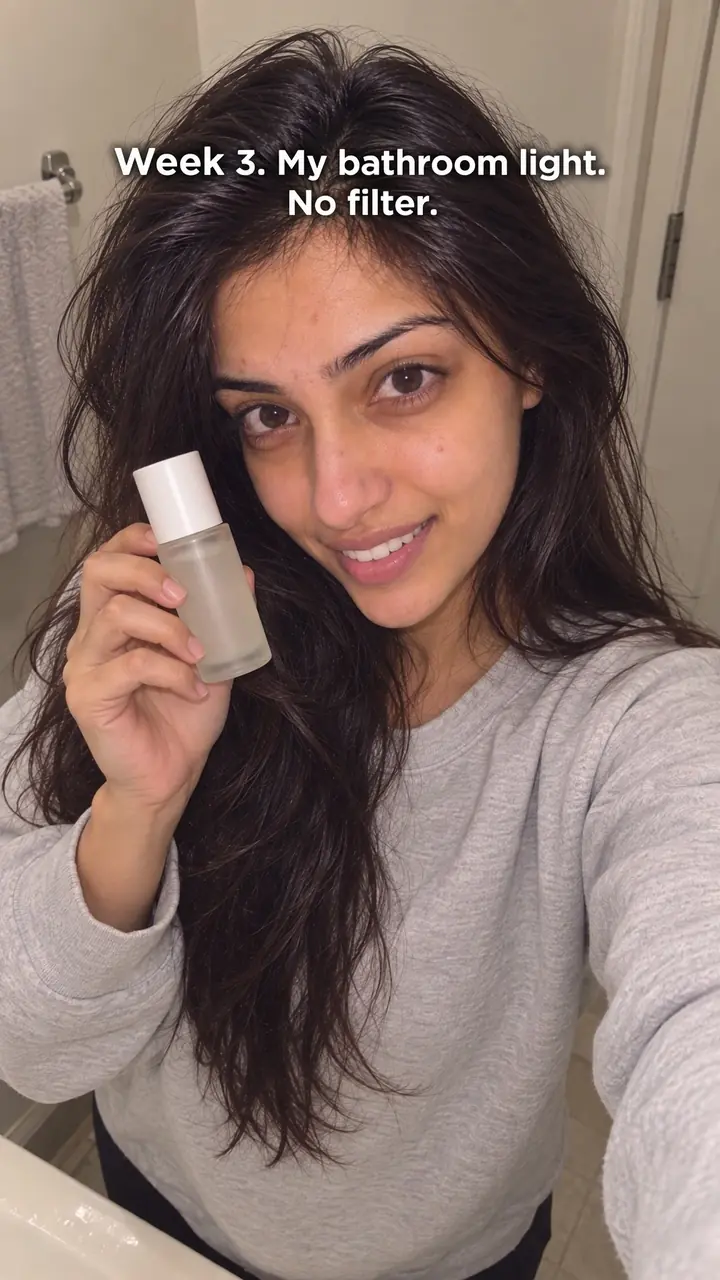
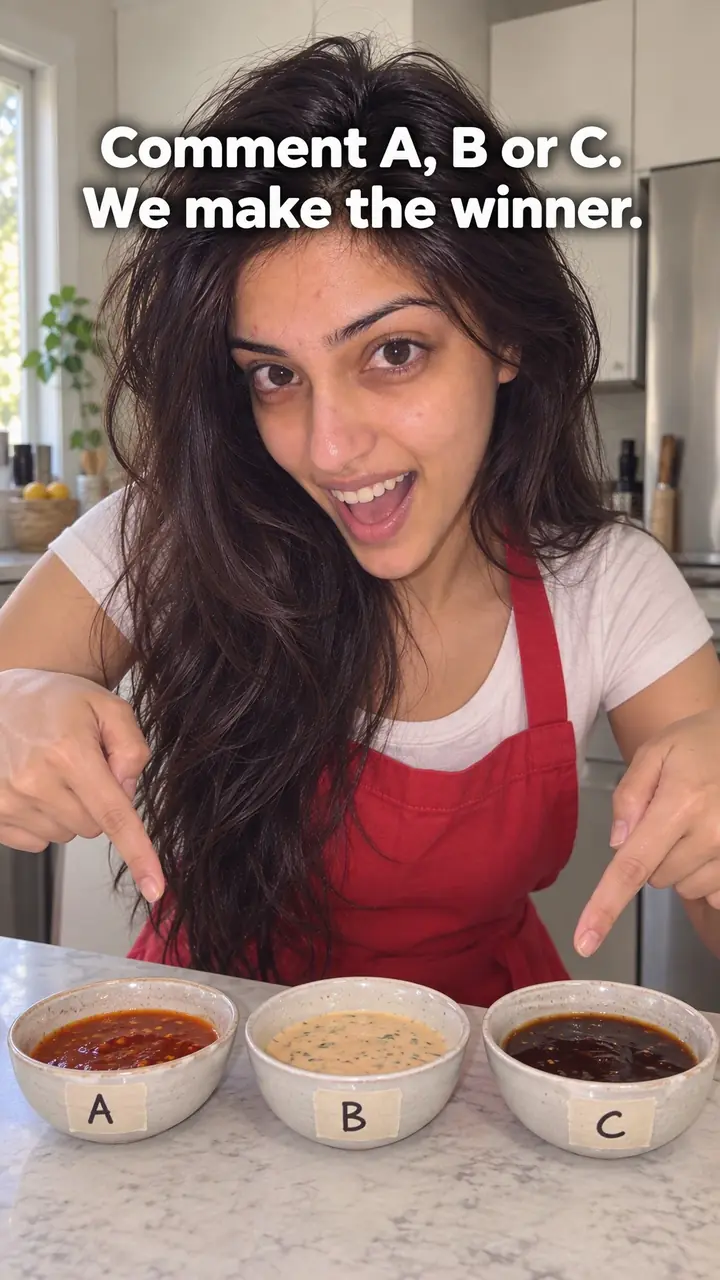
Audience Challenge Hook: Let Followers Decide
Also called: You decide, Interactive poll opener, Pick my next X, Crowdsource hook
A small candle brand has two discontinued scents and budget to restock only one. Guessing feels risky, so they film both jars side by side with "You choose" in big text. The caption asks for one word in the comments: [scent A] or [scent B]. On [day], they post the winning scent being poured and tag the people who voted for it.
That is the audience challenge hook. You hand your followers a real decision and show them the result. This guide covers what the hook is and why it works. It gives you a template to copy, examples across niches, variations and common mistakes. It also shows how product brands can use it around launches.
What is an audience challenge hook?
An audience challenge hook is an opening that hands a real decision to your followers, shows the options, and asks them to choose. You then share the result and act on it.
You open with two or more clear options on screen and ask followers to pick one. You give them one simple way to vote, such as a comment word, a poll sticker or a tap. You set a deadline. Then you post the result and show what you did next. Say you run a snack brand. You hold up two label designs and say, "You choose which one we print." The design with the most votes goes on the next batch. The choice must be real. If people name a flavour, pick a colour or bring back a scent, the winner should change what you make, post or sell. That follow-through turns a short vote into a reason to come back.
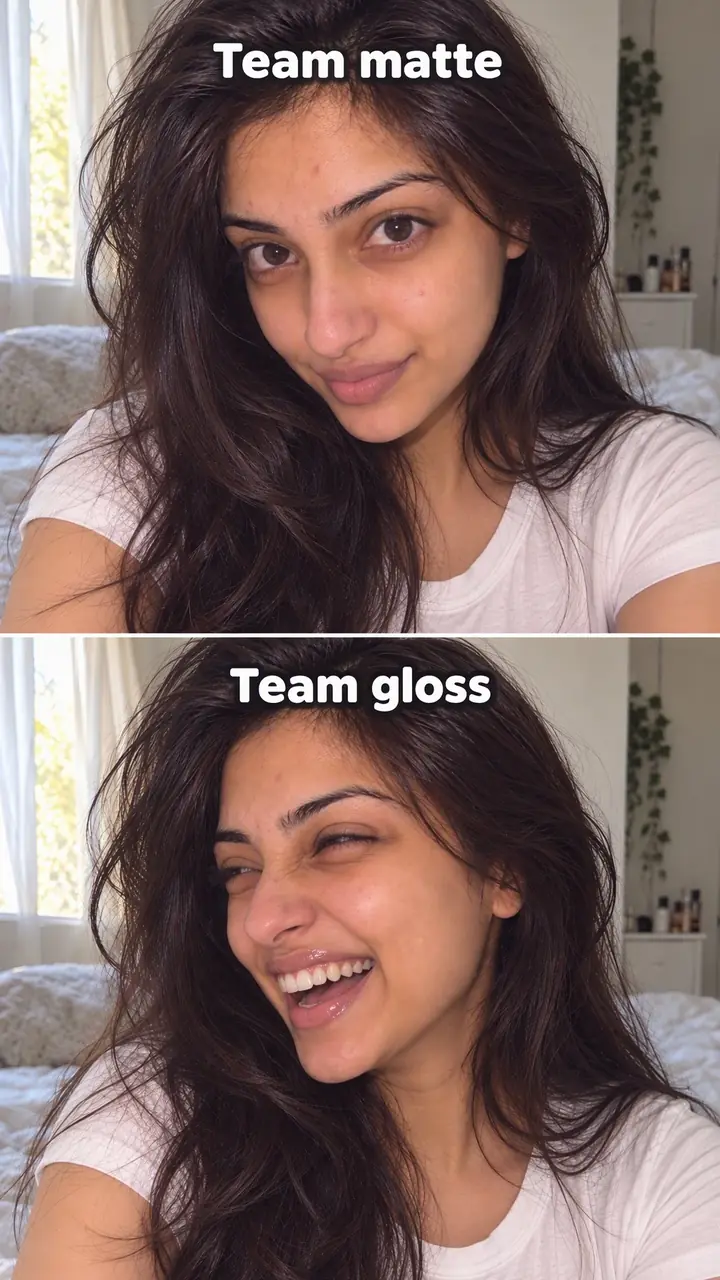
Audience challenge hook, in pictures
Why it works
- Having a say can create interest
- A real opportunity to influence a decision can make the outcome feel more personally relevant. This depends on whether viewers care about the choice and believe their input will be honoured.
- A pending result can give viewers a reason to return
- People who take part may want to learn which option won. A clear result date makes the follow-up easier to find, but does not guarantee a return visit.
- Clear choices can make participation easier
- Distinct options and a simple voting instruction can reduce the effort needed to respond. Open-ended naming prompts may require more thought but can still hand followers a meaningful decision.
The formula
- Frame 1: put every option on screen, large and side by side.
- On-screen text: "You choose." Say the same line out loud straight away.
- Name the stakes in one short sentence: what the winner becomes.
- Give one voting action and one closing time.
- Promise the reveal, then post it on that date.
[Options on screen] + "You choose: [option A] or [option B]. The winner becomes our [next product, drop or post]. Comment [word A] or [word B] before [day]. We'll show the winner on [reveal day]."How to use it
- Choose a decision you will honour
Pick a colour, flavour, scent, design, topic or release order. Make sure you can deliver any option that wins. If one option is not possible, remove it before you post.
- Keep the options few and distinct
Two or three options work best on a phone screen. Show them side by side. Give each one a short name people can type without spelling mistakes.
- Open on the options
On Reels and TikTok, start with the options in frame and "You choose" on screen. Say the line at once. Skip the brand intro and the back story. On a carousel, put the options on slide one and the voting rule on slide two.
- Make voting take one tap or one word
Use one route only. On Stories, use the poll sticker. On Reels and TikTok, ask for a comment word. If you offer three ways to vote, people often use none of them.
- Set a deadline and a reveal date
Say when voting closes and when you will share the result. Use a day and time you can actually meet. Pin a comment with the same details.
- Post the result and act on it
Post the winner even if turnout is low. Show the choice being made, packed, filmed or launched. Thank voters by name where you can. This post keeps your promise.
Examples
| Niche | Line | Why it works |
|---|---|---|
| DTC skincare | You choose our next packaging colour. [Colour A] or [colour B]? Comment one word before [day]. | Two tubes on screen make the choice visual. The one-word vote takes seconds. |
| DTC snacks | Name our new flavour. It tastes like [note] and [note]. Best name in the comments goes on the bag. | The taste notes guide the replies. A printed bag is a prize people can picture. |
| DTC home fragrance | Vote: which scent comes back? [Scent A] or [scent B]. Only one returns on [date]. | "Only one" makes each vote count. The return date sets up the reveal post. |
| DTC fashion | We can only make one of these. [Print A] or [print B]? You decide what we cut first. | A real limit explains why you are asking. The winner turns into a product people can buy. |
| DTC jewellery and accessories | Gold or silver for the [product] restock? Tap the poll. We order [number] of the winner. | The poll sticker fits Stories. The order quantity shows the vote has real weight. |
| DTC fitness gear | You pick the next band colour. [Colour A], [colour B] or [colour C]? Results on [day]. | Three clearly different colours stay easy to judge on a small screen. |
| Cooking creator | You choose tomorrow's dinner. [Dish A] or [dish B]? Most comments by [time] wins. | A next-day payoff gets people voting now and checking back tomorrow. |
| Creator education | Pick my next tutorial: [topic A] or [topic B]. I'll film the winner this week. | The reward comes soon, and each voter gets the video they asked for. |
| Music creator | Two covers, one release. [Cover A] or [cover B]? The winner goes out on [date]. | Fans shape a real release, which gives them a reason to share it later. |
Variations
- Straight vote
- Two or three finished options and one fast vote. It suits colours, scents, covers and designs on Reels and TikTok. Keep the labels on screen for the whole opening.
- Name it
- Followers suggest names for a flavour, product or series. Post a shortlist from the comments next, then run a final vote. You get two posts from one idea, and the process ends with a clear winner.
- Bring it back
- Line up past limited editions and let followers revive one. State the return date before voting opens, so the reveal doubles as a launch announcement.
- Story poll series
- Run a set of Stories polls across one product: colour first, then name, then launch day. Share each result before you ask the next question so voters follow the whole build.
Common mistakes
- You ignore the result after people vote.
- Fix → Plan the reveal post before you publish the vote. Film the winner being made, used or released, and post it on the date you promised.
- You offer too many options.
- Fix → Cut the list to two or three strong options. Show each one large enough to judge on a phone screen.
- The choice is fake.
- Fix → Only post a vote if the outcome can change your plan. If the decision is already fixed, ask for opinions honestly and call it feedback.
- You give no deadline.
- Fix → Put the closing time and reveal date in your voiceover, your on-screen text and a pinned comment. Remind people in Stories before voting ends.
- Voting takes too much effort.
- Fix → Ask for one word, one emoji you define, or one poll tap. Save longer ideas for a second post once the shortlist is set.
- The options look almost the same on screen.
- Fix → Change the angle, colour, label or setting so each option reads fast. Add a short name under each one.
When not to use it
- The decision is already fixed or you will not honour the result. Use Community debate to invite opinions without implying that followers control the outcome.
- You cannot feasibly deliver every offered option. Use Behind the scenes to explain the work and constraints rather than promising an outcome you may not deliver.
- The decision concerns safety, health or legal requirements. Use Objection handling to address a specific concern with verified information and appropriate expert input; do not put those requirements to a vote.
- You want viewers to compare options but are not offering them decision-making authority. Use Comparison and make clear that their responses are feedback, not a binding choice.
For brands
For DTC brands, this hook works best when a real product decision is still open and the options are cheap to produce either way. You get comments and a useful read on what buyers prefer from the same post. Keep the choice narrow, visual and tied to a date you can meet.
- Packaging colour: film [number] samples side by side under the same light. Ask for one-word votes. Then post the winning colour coming off the line or going into the box.
- Flavour or scent naming: share the notes first, collect names in the comments, and shortlist [number]. Run a final poll before labels go to print.
- Limited edition return: line up past editions and let followers bring back one. Open a waitlist for the winner on reveal day so the vote leads straight into a launch.
- Bundle builder: show two bundles with different contents and the same price. Ask which one buyers would actually use. Stock the winner as the default bundle.
- Drop order: show two finished designs and ask which should release first. Announce the second design's date in the reveal post so the losing side still has something to wait for.
Pairs well with
- Community debate
Use a debate to warm people up on a topic, such as matte or gloss. Then follow with an audience challenge that turns the winning side into a real product.
- Public experiment
Once followers choose, test or build the winner in public and report back. Voters stay with the story past the reveal.
- Comment response
Reply on video to a voter's comment to announce the result. It thanks one person and shows everyone else their votes were read.
- Hidden reveal
Use it for the result post. Hold back the winning option for a few seconds, then reveal it, so voters watch to the end.
FAQs
- What is a good hook for social media?
- A good hook is clear in the first seconds. The viewer knows what is happening and why they should stay. With this hook, you show the options, say "You choose", and tell people exactly how to vote.
- What is a catchy hook?
- A catchy hook gives the viewer something to do right away. Picking between two options works because it is fast and concrete. Make the options easy to tell apart and give them short labels people can type in a comment.
- Can you give me an example of a video hook?
- Try this template: "You choose our next [product] colour. Comment [word A] or [word B]. We'll announce the winner on [day] and show it being made." It covers the decision, the action and the follow-up in three short lines.
- What are some good video challenge ideas?
- Ask followers to choose a packaging colour, name a new flavour, vote on which scent returns, pick your next tutorial topic, or decide which design you make first. Keep each challenge to one decision. Close the vote, then post the outcome.
- How to hook audience attention?
- Start with the decision, not the background. Put the options in frame at once. Say who decides, how to vote and when you will reveal the result. Viewers get a reason to act now and a reason to come back.
- When should you use an audience challenge hook?
- Use it when you can act on the winner. It fits launches, new colours and flavours, limited editions and content choices. Skip it if the decision is already made or you can't deliver the winning option.
Key takeaways
- Hand over one real decision, not a vague request for opinions.
- Show a few distinct options and give people one simple way to vote.
- Set a closing time and a date for the result.
- Post the winner and show the action you took.
- Skip this hook if you can't honour the winning choice.