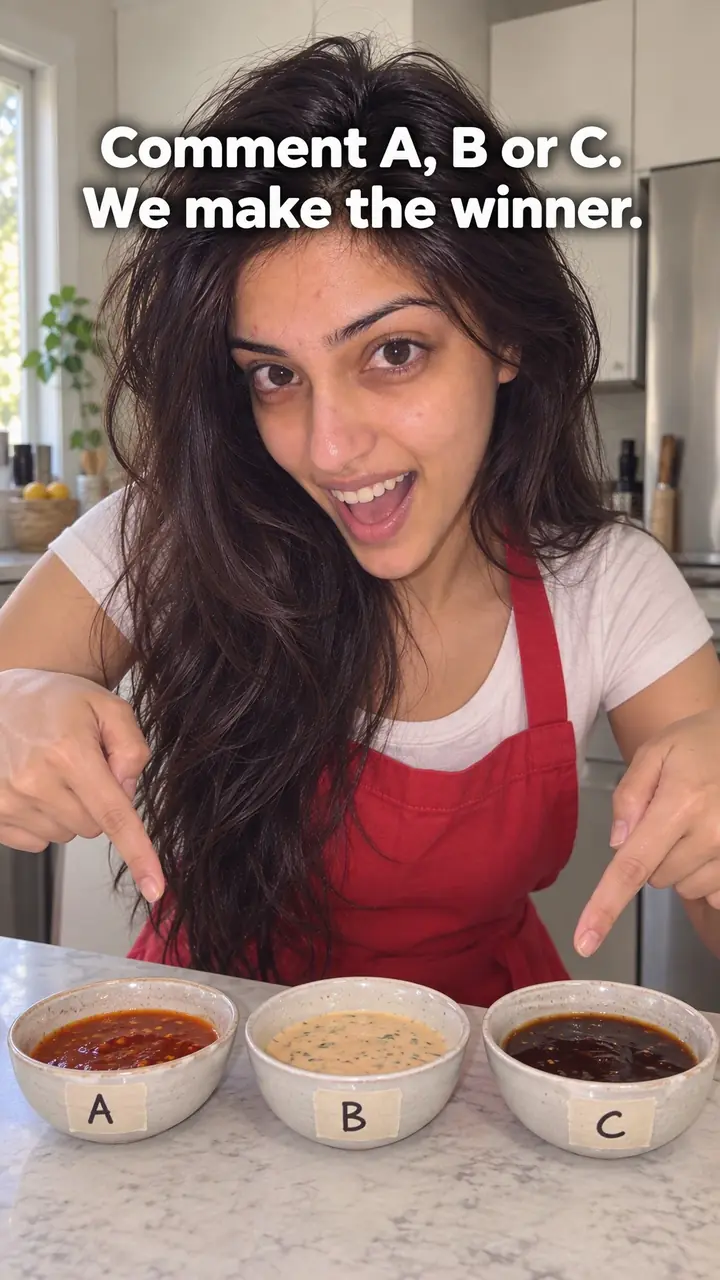
Duet or Remix Hook: Respond Beside the Original Video
Also called: Stitch opener, Green screen reaction, Co-sign/Critique, Creator response
A small drinkware brand finds a creator's video. She says their bottle leaked in her gym bag, and people are watching it. The brand could post a statement. Instead, it duets her clip. Her video plays on the left. On the right, the team packs the same bottle the same way, shakes the bag, and opens it on camera.
That is the duet or remix hook. You open inside a video people already care about, and you add the piece it was missing: a test, an answer, a fix or a thank-you. Use it when a creator tests your product, asks a question in your category or makes a claim you can check. The first frame gives you context. You still earn the watch with a clear, fair reply.
What is a duet or remix hook?
A duet or remix hook is a video opening that places your response beside another creator's video, so viewers see their clip and your reaction, answer or test in the first seconds.
Your response plays side by side with the original clip, or straight after it where the app allows. The viewer sees both in one frame. For example, a creator asks whether a sunscreen leaves a white cast, and the brand replies next to her clip by applying it on camera in daylight. Your first job is to make the link clear. Show their key moment, then add your reply. The reply can agree, correct, test, thank or add proof. It works best when your half shows something the original did not.
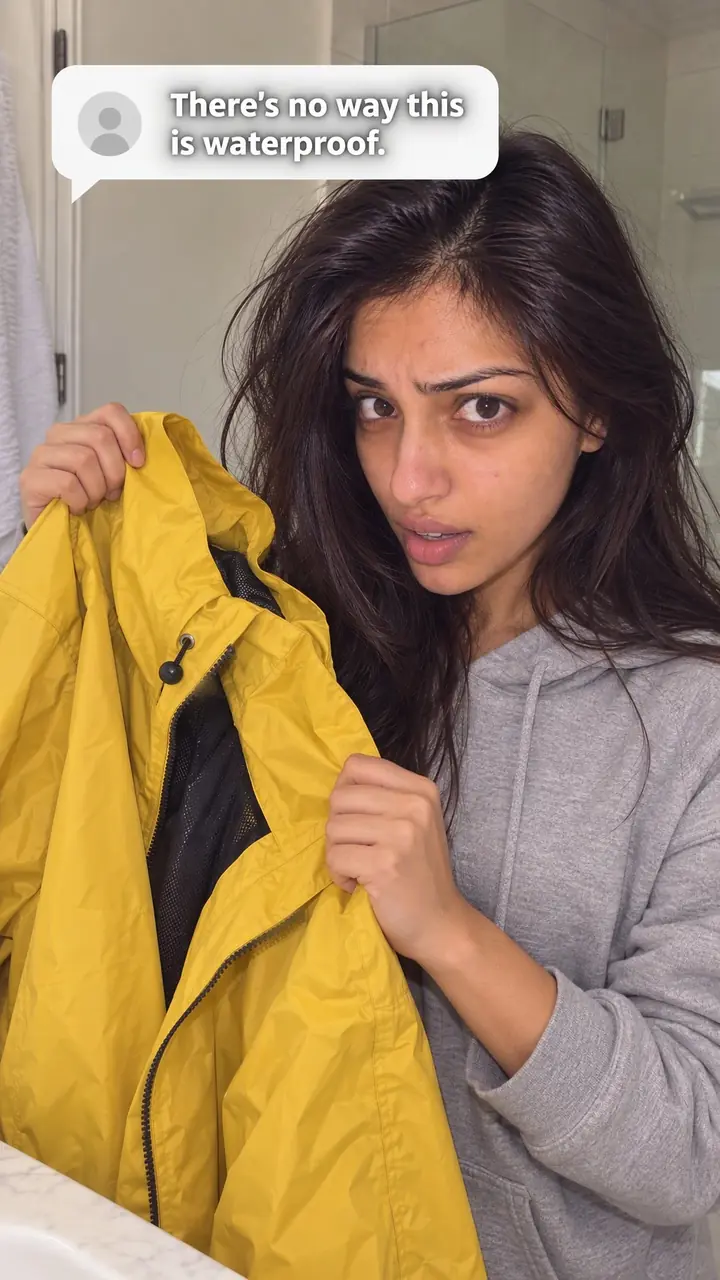
Duet or remix hook, in pictures
Why it works
- Shared context
- Showing the creator's relevant moment beside your response can help viewers understand what you are answering. Do not assume they have already seen or recognize the original.
- A reason to watch the reply
- A clear question or test can give viewers a reason to watch your answer. This may help sustain interest when the reply adds something relevant, but the format alone does not guarantee attention.
- Visible comparison
- Side-by-side footage can make similarities and differences easier to inspect. Its usefulness depends on fair editing and clear conditions; a creator's appearance does not establish endorsement or validate your result.
The formula
- Pick one creator clip with one clear claim, test or question about your product or category.
- Open on their key moment and let their audio play first.
- Put their key line on screen in under [number] words.
- Turn to your side and speak within the first seconds.
- Show one new thing: a repeat test, a label, a change or a result.
On screen: '[Creator handle] said: [their claim or question]'. Their audio plays. You: 'Fair question. We [tested it / checked it / changed it]. Here is [your proof or result].'How to use it
- Choose a clip with one clear point
Look for a review, test, question or claim about your product or category. One clear point beats a long video. Save the link and note the exact line you will answer.
- Check permission and platform settings
Make sure the duet or remix option is switched on. Read the creator's caption for any limits. If you plan to run the video as an ad or post it off the platform, ask for written permission first.
- Open on their best moment
Start on their face, product shot or result. Trim any wait at the start. The viewer should know whose video this is and what is at stake straight away.
- Show their key line as text
Add short on-screen text that sums up their point. Keep it fair. Do not crop out words that change the meaning, and keep their handle visible where the app shows it.
- Film your reply as a clear turn
Let their audio play first, then yours. Look at their side, pause or point to the detail. Speak plainly. Say what you agree with, what you tested or what you will show next.
- Add proof and close the loop
Show the test, label, result or fix. End with one simple next step, such as a question for viewers or a pointer to the full demo. Thank the creator by name in the caption.
Examples
| Niche | Line | Why it works |
|---|---|---|
| DTC drinkware | She said our bottle leaked in her gym bag. Same bag, same packing. Watch the seal. | It names her claim, repeats her exact test and promises proof the viewer can see. |
| DTC skincare | You asked if this sunscreen leaves a cast. Here's our lab result, then it on my skin in daylight. | It answers a category question with two kinds of proof, written and visual. |
| DTC fashion | You said our jeans ran small at the waist. You were right. Here's the new size chart, next to your try-on. | It agrees first, then shows a concrete change beside the original complaint. |
| DTC food | He rated our hot sauce [number] out of 10 for heat. Let's put it next to [common pepper] and check. | It takes a creator's score seriously and adds a fair reference point. |
| DTC home | She did the maths on our refill cost. Let's go line by line, on screen, beside her numbers. | It promises a calm, checkable answer to a specific claim. |
| DTC fitness gear | He tested our lifting strap for [number] days. Here's what day [number] looks like on our wear rig. | It extends the creator's test instead of repeating it. |
| DTC accessories | Thank you for the honest review of our wallet. You flagged the card slot. Here's what we changed. | It thanks the creator, names the issue and shows the result of their feedback. |
| Home cooking creator | This recipe says [number] minutes. I made it beside her, with a timer running. | A creator tests another creator's claim in real time, so the viewer watches both clocks. |
| Language teacher | He said this phrase means [meaning]. Close, but here's how a native speaker would say it. | It corrects kindly and gives the viewer something useful to take away. |
| Travel creator | She packed for [number] days in one carry-on. I tried her list for my trip. Here's what didn't fit. | It turns someone else's tip into a real-world test with an honest twist. |
Variations
- Test beside test
- Run your repeat of the creator's test next to theirs. Match the steps and timing as closely as you can. Show both results together at the end so the viewer can judge.
- Question, then proof
- Let the creator's question play, then answer with the product, label or lab sheet in your hands. Works best when the answer is short and visual.
- Thank and show the change
- Open on their praise or criticism. Thank them by name. Then show what you fixed, changed or clarified because of their video.
- Play-after remix
- Where the app lets your clip play after theirs, open on their full key moment, then cut to your reply. Use this when your answer needs the whole screen, like a close-up demo.
Common mistakes
- Opening on the creator's slow intro
- Fix → Start on their claim, test or result. If the key moment comes late, use the trim or layout tools the app gives you to begin there.
- Reacting with no new information
- Fix → Add one new thing: a test, a measurement, a correction or a next step. If you have nothing to add, do not post it.
- Cropping their words to change the meaning
- Fix → Quote their full point in text and speech. Keep their clip long enough for viewers to judge it fairly.
- Mocking or attacking the creator
- Fix → Agree where they are right. Answer the point, not the person. Thank them for testing or asking.
- Downloading and reposting their video as your own
- Fix → Use the in-app duet or remix tool and keep their credit visible. Get written permission before using their clip in ads, on your website or on other platforms.
When not to use it
- Skip it when the source clip is unavailable for your intended use or the creator has asked not to be reused. Use Objection handling (objection-handling-hook) to answer a buyer concern in your own words and footage, without reproducing the restricted clip.
- Skip it when the source concerns grief, illness or another sensitive personal experience and a brand response would be intrusive. If there is a separate, appropriate product question to answer, use How-to promise (how-to-promise-hook) with your own demonstration rather than using the personal story as an opening.
- Skip it when you have no relevant response to add or your test cannot fairly address the creator's claim. If your goal is a product comparison, use Side-by-side test (side-by-side-test-hook) with your own footage and clearly stated conditions.
- Skip it when the source is a written comment rather than another creator's video; use Comment response (comment-response-hook). If the main story is a documented complaint and its resolution, Customer complaint (customer-complaint-hook) may be clearer, although a customer's video can still qualify for a duet when the side-by-side response is appropriate.
For brands
For DTC brands, this hook turns a creator's review into a reply you shape, inside a conversation your buyers may already be watching. Treat every duet as public customer service. Stay calm and specific. Credit the creator, keep their point intact, and get written permission before the clip goes anywhere outside the app, including paid ads.
- Repeat a creator's test of your product on camera. A bottle leak test, a sunscreen cast check or a strap wear test all work. Match their steps and show your result next to theirs.
- Answer a category question with proof. A creator asks what a common ingredient does, and your formulator answers beside the clip with the label or a lab sheet you are allowed to share.
- Thank a creator who reviewed you, name one point they raised, and show the change you made to the product, packaging or instructions.
- Reply to a fair criticism without arguing. Show the fix, say the honest limit, or demonstrate the better way to use the product.
- Keep a running list of creator videos about your category. When a clip asks something your team can prove, plan a duet within [number] days while the conversation is still active.
Pairs well with
- Comment response
A comment gives you the words, a duet gives you the footage. Reply to a comment when the question is short. Duet when viewers need to see the original test or claim.
- Trend adaptation
Both join a conversation already in motion. Use a trend when the format is the draw. Use a duet when one creator's specific claim or review is the draw.
- Side-by-side test
When a duet sparks interest in a test, follow up with your own side-by-side test filmed in full, so viewers get the complete result in one place.
- Customer complaint
If a creator's criticism led to a fix, a follow-up customer complaint video can tell the full story of the problem and what you changed.
FAQs
- What does it mean to duet a video?
- It means you record a new video that plays alongside an existing one. On TikTok, the two clips usually sit side by side. On Instagram, a remix can play beside the original or right after it. In your half, you react, reply, demonstrate or continue the idea.
- What does remix mean on Instagram Reels?
- A remix lets you build a new Reel from an existing Reel. You can show the original beside yours, or play yours after it. Then you add your own footage, voice, text and stickers. The original creator is credited on the post.
- What's the difference between a duet and a stitch on TikTok?
- A duet plays both videos side by side for the whole clip. A stitch uses a short part of another video at the start, then cuts to your own footage. Use a duet when viewers should compare both sides as they play. Use a stitch when you only need one line to set up your reply.
- Why is duet not allowed on TikTok?
- The option is usually missing because the creator turned duets off. Private accounts, age limits, safety settings and music rights can also block it. You cannot change another creator's settings. Pick a different clip, ask for permission to use it another way, or answer the idea in your own video.
- Is duet still a thing on TikTok?
- Yes, on videos where the creator has left it on. Whether you see it can depend on the account, the clip, your region and your app version. If the option is missing, check the original post's settings before assuming the feature is gone.
- How do you duet your own video on TikTok without posting?
- The duet tool works on posted videos, so the source clip has to be posted first. A common approach is to post it with visibility set to only you, then duet it. Check your privacy settings before posting the duet, since your app version may handle this differently.
Key takeaways
- Open on the creator's strongest moment, with their audio first and your reply right after.
- Your reply must add proof, context or a fix. A reaction on its own is thin.
- Keep their meaning intact and credit them clearly.
- Check duet settings, and get written permission before any ad or off-platform use.
- Use it to join a conversation, not to win a fight.