Customer Complaint Hook: Show the Criticism, Then the Fix
Also called: 1-star review hook, We listened opener, Bad review response, Product V2 fix
A small drinkware brand reads the same review for the third month in a row: the lid leaks. The team redesigns the seal. Then they make a choice most brands avoid. The next video opens on that exact review, in big text, with one line of voiceover: "You were right." Then they flip the new bottle upside down and shake it.
That is the customer complaint hook. You put real criticism in the first frame, agree with it, and show what you changed. It works for product brands and for creators whose audience told them something hard. This guide gives you the formula, examples across niches, and the mistakes to avoid on Reels, TikTok and LinkedIn.
What is a customer complaint hook?
A customer complaint hook is a video opening that shows real criticism, in the customer's own words, then shows what you changed because of it. You lead with the problem, not praise, and you prove the fix on screen.
You start with the complaint itself: a review, comment or message, short and exact. Then you say what you did about it and show the result. Picture a podcast host whose listeners kept saying the audio was muddy. The video opens on that comment. The host says "Fair," plays the old clip, then the same line recorded on a new mic. This is not an apology video, and it is not a reply to one angry person. It is proof that feedback changed something real. Use it only when the change is done and ready to show.
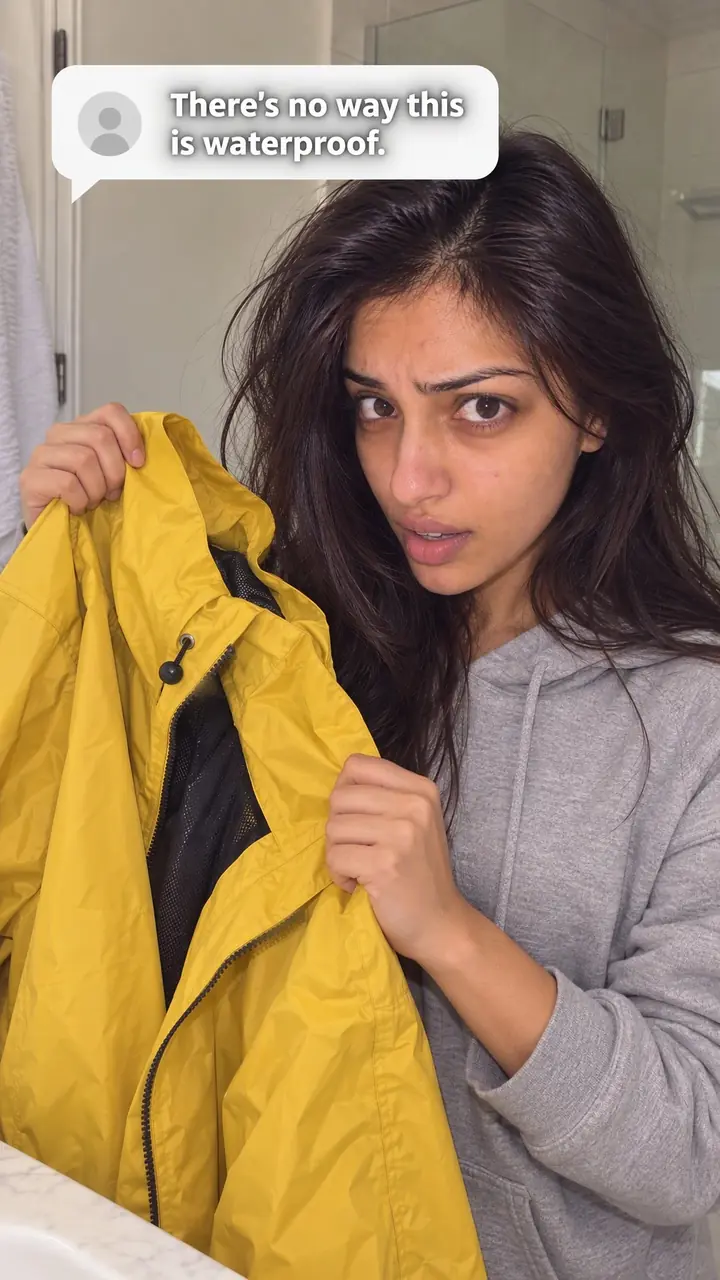
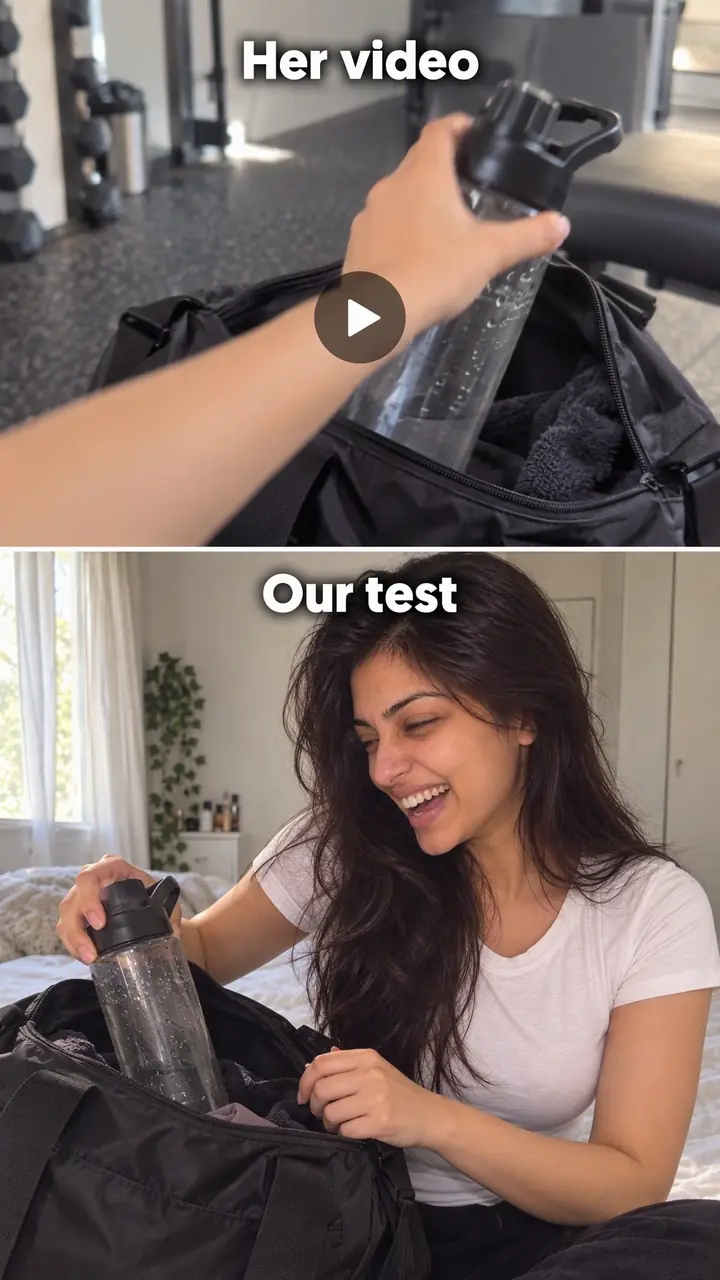
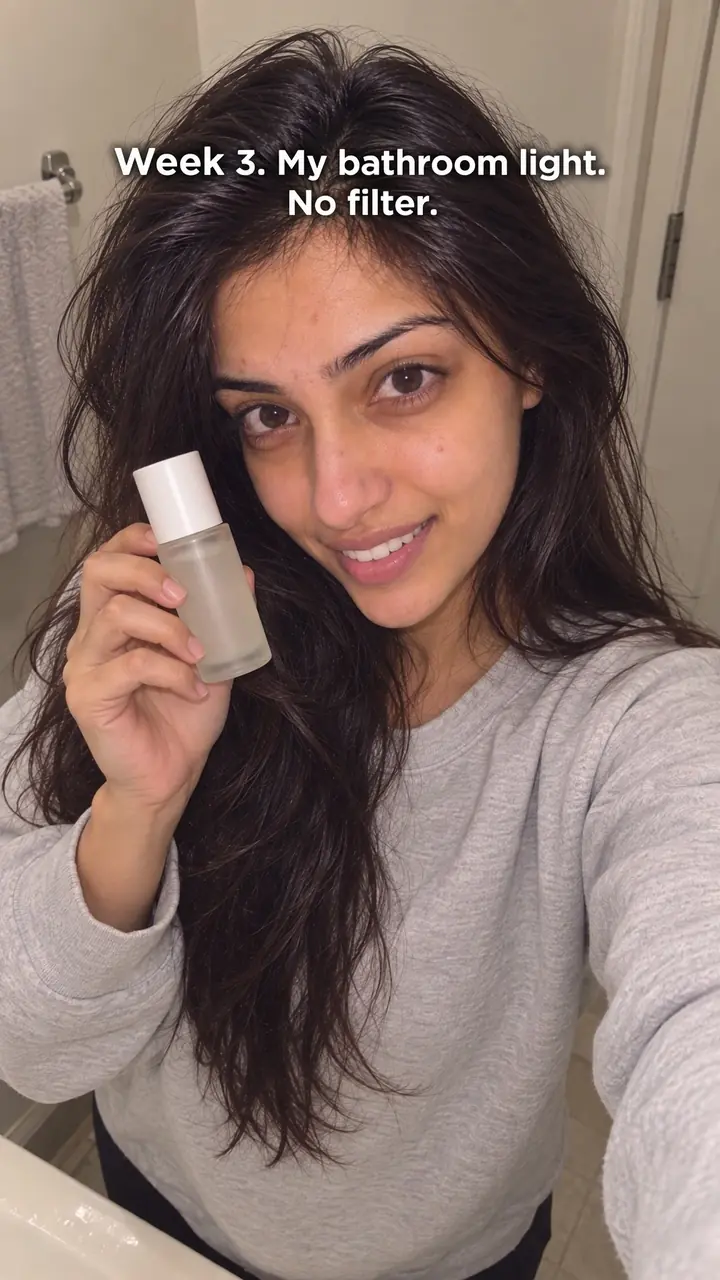
Customer complaint hook, in pictures
Why it works
- Criticism can create curiosity
- A real complaint may stand out from praise-led content and give viewers a reason to ask what changed. Attention still depends on relevance, clarity, and how quickly the video connects the complaint to the fix.
- Accountability can support trust
- Acknowledging a genuine problem and showing a completed change can make a brand seem more accountable. It does not guarantee trust, especially if the response minimizes the harm or leaves affected customers without help.
- Relevant evidence can make a change easier to judge
- A clear demonstration or documented process change can help viewers assess the response. Show comparable conditions where appropriate, and avoid implying that one successful test establishes long-term reliability or resolves every customer's experience.
The formula
- Frame 1: the real complaint, quoted, in large on-screen text.
- Seconds 1 to 2: agree out loud. "You were right." No excuses.
- Name the single change you made, as a specific part or process.
- Rerun the test that exposed the problem, in one clear shot.
- End by asking the people who complained to try it and tell you.
[On screen: "'Exact complaint in the customer's words.'"] Voice: "You were right." "So we changed [one specific thing]." [Show: the same test that failed before, now with the new version.] "If you were one of the [people / reviewers] who flagged this, try it and tell us."How to use it
- Pick one real, repeated complaint
Read reviews, comments, support emails and return notes. Pick a complaint that shows up more than once and points to one clear flaw. Save the exact wording. Remove names and private details before you film.
- Wait until the fix exists
Do not post while the fix is still an idea. Wait until you have the new size, seal, fabric, package or process in your hands. If you cannot show the change, you are not ready for this hook.
- Open on the complaint itself
Put the complaint in large text in the first frame. Read it out or say "You were right" at once. Skip the logo, the greeting and the brand story. On a carousel, the complaint is slide one. In an ad, it is the thumbnail.
- Name the exact change
Say what you changed in one short sentence. Name the part, not a vague promise. Say "We made the seal thicker," not "We improved quality." One complaint gets one fix. Save other changes for other posts.
- Prove it with the same test
Repeat the test that made the old version fail. Tip the bottle. Wash the fabric. Pack the bag. Film it in one clear shot, and do not bury the result under music or claims. On LinkedIn, a short clip plus a few plain lines works well.
- Close the loop in public
Thank the people who raised the issue. Ask them to test the new version and report back. Pin a comment explaining any replacement, exchange or refund you offer.
Examples
| Niche | Line | Why it works |
|---|---|---|
| Drinkware (DTC) | "'[The lid leaked all over my bag.]' You were right. New seal, upside down, [number] seconds of shaking." | It quotes the failure, agrees at once, and promises a test anyone can watch. |
| Fashion (DTC) | "A one-star review that changed this sweater: '[It pilled after one wash.]' This is wash [number] on the new yarn." | The low rating becomes the reason to watch, and the wash count sets up a visible check. |
| Beauty (DTC) | "'[The pump stopped working halfway.]' Fair. New pump. Count the presses with me." | A calm, short admission, then a repeated action the viewer can count for themselves. |
| Food (DTC) | "You told us '[the box arrived crushed].' So we rebuilt the box. Here it is, dropped from [height]." | It ties a delivery complaint to one packaging change and proves it with a hard-to-fake test. |
| Home (DTC) | "'[Assembly took my whole evening.]' Same piece, new instructions. Timer starts now." | A running clock turns a vague frustration into a result the viewer can check. |
| Accessories (DTC) | "Our most common complaint: '[My laptop doesn't fit.]' So we added [size]. Watch what fits now." | It names a pattern, not one person, and shows the new capacity instead of describing it. |
| Fitness gear (DTC) | "'[The band snapped on week two.]' That one stung. Here's the new band, stretched [number] times." | Honest emotion plus a stress test makes the fix feel earned, not announced. |
| Education creator | "Your top comment: '[Your videos are way too long.]' You were right. This one is [number] minutes." | It shows a creator can use the hook too. The video itself is the proof. |
| Podcast host | "'[I can barely hear you over the music.]' Fair. Old episode first, then the new mix." | A quick before-and-after clip lets listeners judge the fix in seconds. |
| Online fitness coach | "'[Your plans assume I own a gym.]' You were right. Here's the at-home version, [number] moves." | It turns audience criticism into a new offer and shows it straight away. |
Variations
- One-star opener
- Show the star rating and one sentence from the review as the whole opening. Cut straight to the new part and the test. Best when one review sums up what many people said.
- Most common complaint
- Open with the pattern. Say "Our most common complaint" and stack two or three short quotes on screen. Then show the single change that answers all of them.
- Old vs new, same test
- Split the screen: old version on the left, new on the right, the complaint as a caption on top. Run the test on both at once. Useful for ads, where the viewer may watch without sound.
- The follow-up report
- Post again after people have used the new version. Open on the original complaint, then show fresh reviews in their own words. This closes the story and invites the next round of feedback.
Common mistakes
- Posting before you have fixed the problem
- Fix → Wait until the new version is in your hands. Film the fix, test it on camera, and only then post the complaint.
- Softening or rewriting the complaint
- Fix → Keep the customer's real words, short and exact. Remove names and private details, but do not turn the complaint into an ad line.
- Arguing with the customer on camera
- Fix → Say "You were right" and move to the change. Keep any explanation to one sentence. Let the proof carry the video.
- Listing five fixes in one video
- Fix → Pick one complaint and one change. Make a separate video for each fix so the viewer can follow and judge each one.
- Claiming a fix without showing it
- Fix → Show the old version fail and the new version pass the same test. Let the viewer see the result instead of taking your word for it.
When not to use it
- The fix is still planned or being tested. Use Founder confession (founder-confession-hook) if the founder can accurately explain the mistake and current status, without presenting a promised change as completed.
- The complaint concerns an unchanged limitation or a buyer's doubt rather than a completed fix. Use Honest limitation (honest-limitation-hook) to explain who the product does not suit, or Objection handling (objection-handling-hook) to answer a supported question about price or value.
- The customer needs an individual answer and there is no completed change to show. Use Comment response (comment-response-hook) for a genuine public comment, protecting personal information and checking permissions where needed. A single complaint can still qualify for Customer complaint if it led to a real fix.
- The issue involves unresolved safety, health, or legal concerns. Prioritize appropriate customer support, disclosures, and professional review rather than a promotional hook. For unrelated promotional content, Behind the scenes (behind-the-scenes-hook) may be a better choice, but it must not distract from the issue or imply that it has been resolved.
For brands
For DTC brands, this hook turns your support inbox into a content plan. Every repeated complaint you fix is a ready-made video with a built-in test. Treat it as a launch format for improvements, not a damage-control format.
- Launch a redesign with it. Open on the review that started the change, show the old version fail, then the new one pass the same test.
- Fix a sizing problem in public. Turn "runs small" comments into a new size or fit guide, and film a real person using it.
- Run it as a paid ad. Use the complaint as the thumbnail text and keep the test in the first [number] seconds, with captions for silent viewing.
- Post a LinkedIn version for buyers and partners. Share the complaint, the decision behind the fix, and one short clip of the test.
- Build a recurring series, such as "You said it, we changed it," so customers know their feedback is read.
Pairs well with
- Founder confession
Follow the complaint video with the founder on camera explaining why the flaw happened and what the fix took. The complaint gives the customer's view; the confession adds the person responsible.
- Comment response
After the complaint video goes up, people will ask about replacements, timing and price. Answer the best questions on video to keep the trust building.
- Side-by-side test
Use it to stretch the proof section. Old version and new version in one identical test makes the change easy to judge.
- Real-world test
A few weeks later, report back on how the fix holds up in daily use. It answers the next doubt: does it last?
FAQs
- What does a hook mean in a video?
- A hook is the first thing you see, read or hear in a video. It gives you a reason to keep watching. With this hook, the reason is a real complaint and an open question: what did they change after hearing it?
- How do I hook my audience with a customer complaint?
- Start with tension, not background. Put the complaint in the first frame. Say "You were right" early. Hold the fix back for a few seconds, then show it, test it, and end on a clear result.
- Can you give me an example of a hook?
- Try this template: "'[The lid leaked in my bag.]' You were right. Here is the new seal." Show the complaint on screen, then fill the bottle, turn it over and shake it. Swap the bracketed words for your real complaint and fix.
- What is an example of a strong hook?
- A strong version is specific, honest and easy to prove. "Our most common complaint was [the strap slipped]. So we changed [the buckle]. Watch it under load." One problem, one change, one test the viewer can judge.
- What is a catchy hook?
- A catchy hook is short, clear and hard to ignore. Here, the complaint does that work for you, because real criticism sounds nothing like an ad. Keep it to one sentence, in large text, and do not soften the words.
- Can I use a complaint I have not fixed yet?
- No. This hook only works after the fix is real. Until then, own the issue with a founder confession or an honest limitation post. And always use a genuine complaint, never an invented one or one borrowed from someone else.
Key takeaways
- Open with the real complaint, in the customer's words, in the first frame.
- Use this hook only after the fix is real and ready to show.
- Prove the change with the same test that exposed the old problem.
- Keep it to one complaint and one fix per video.
- Thank the people who complained and invite them to judge the new version.